Operation 37
iv. Once set, access to the tools page has been password-protected.
After making the adjustments, press the Send button and the data will be saved in the
projector.
v. Press Exit to go back to the remote network operation page.
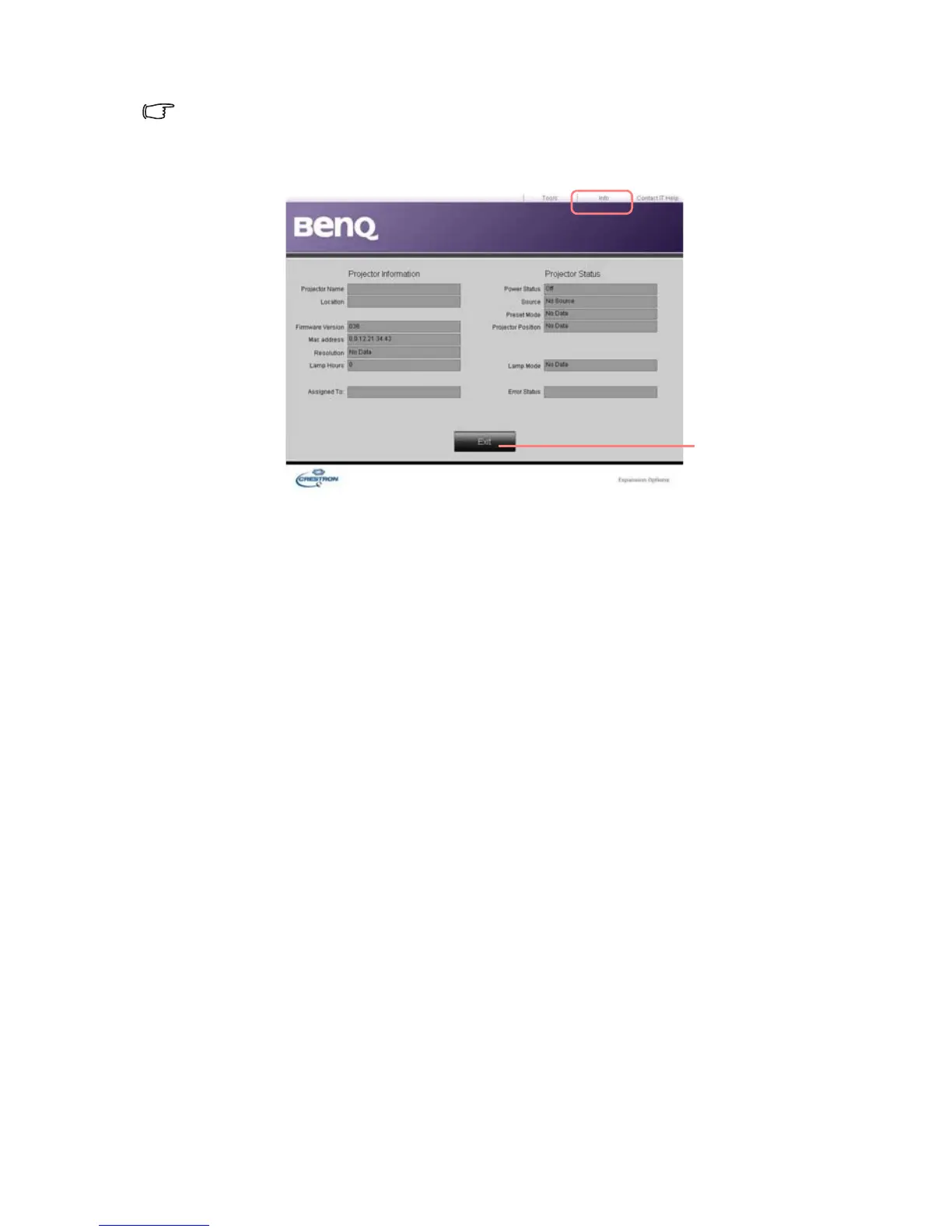
The info page displays the information and status of this projector.
6. For more information, visit http://www.crestron.com. If you are an IT administrator
and would like to manage multiple devices through one interface, you can download
Crestron Roomview at www.crestron.com/getroomview.
Press Exit to
go back to the
remote network
operation page.



 To Next Page