Connection 21
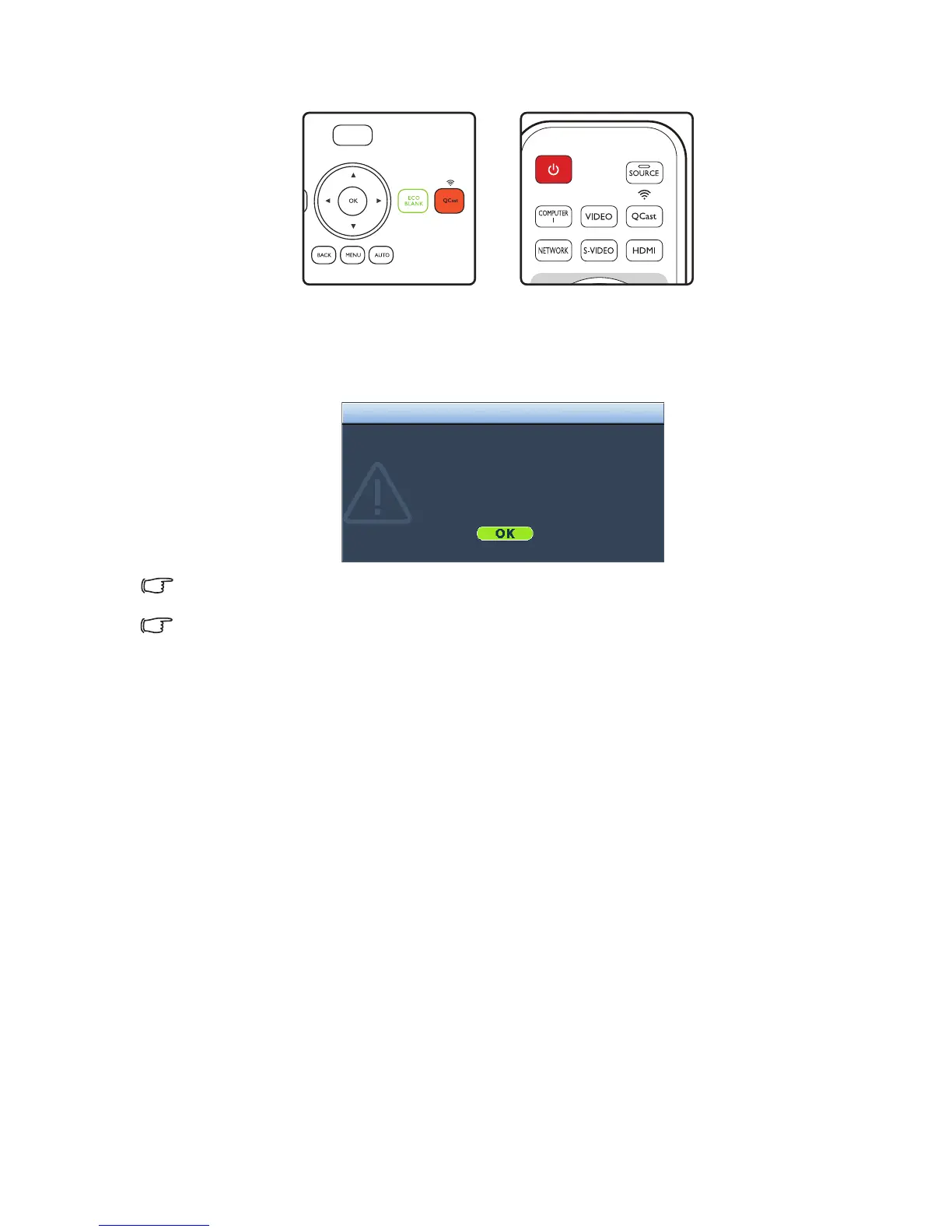
•Press QCast on the projector or remote control.
•Press SOURCE and select HDMI-2/MHL from the source selection bar.
4. You can start the wireless projection now.
If the wireless projection stops unexpectedly, press QCast to turn off the QCast dongle.
Pressing QCast on the projector or remote control to reboot the dongle.
The input source HDMI-2/MHL cannot be found when the projector automatically searches for the available
signals.
Compatibility with MHL dongles of other brands is not guaranteed.
The wifi dongle Qcast is turned off now.
(MHL power is off now)
Click the QCast button again to reboot the wifi dongle QCast.
Notice



 To Next Page