Operation
14
BenQ PB8220 User’s Guide
Source Selection
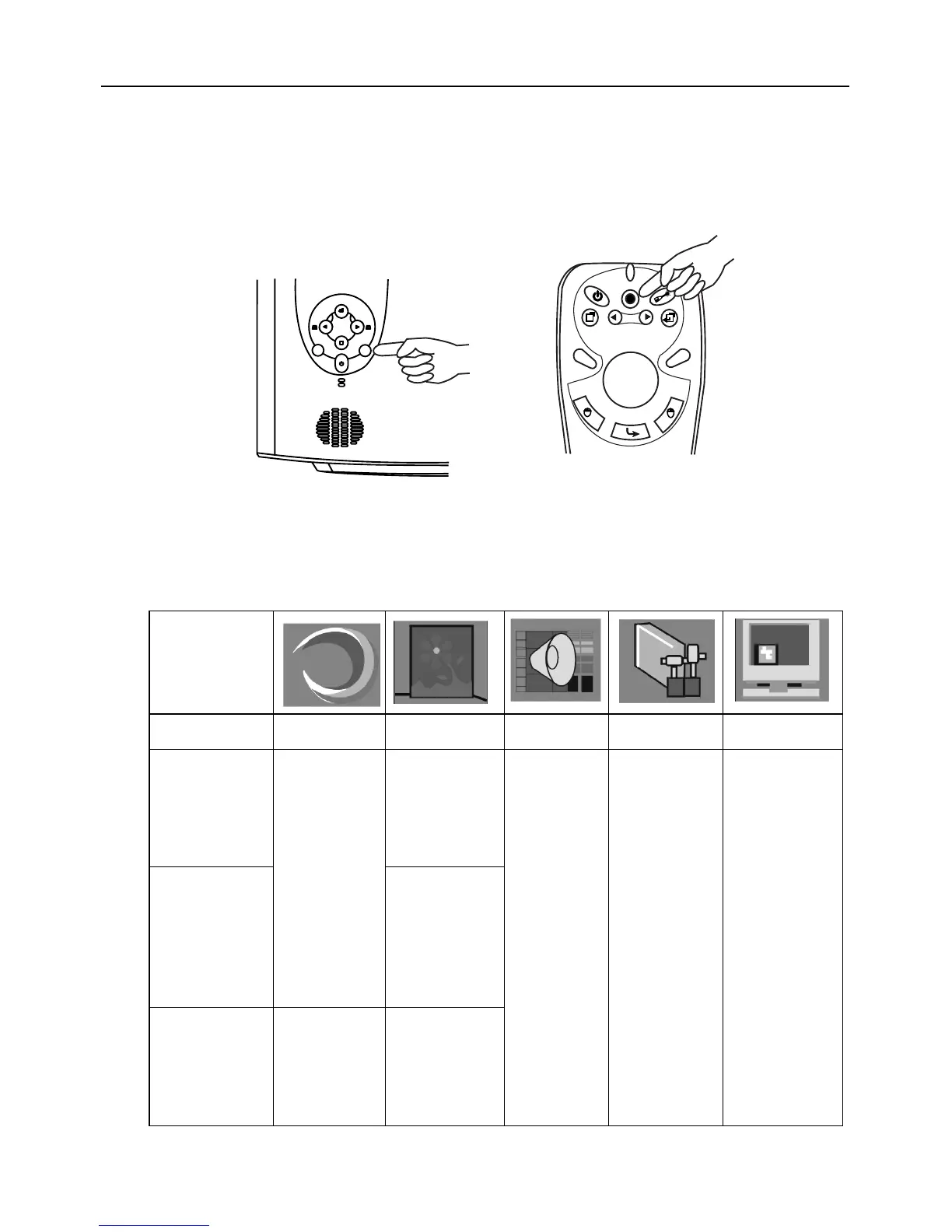
When several input sources are available, press the SOURCE key to make a selection
from the control panel of the projector or the remote control.
Menu System
Press Menu for the main menu, and then press 3or 4 to select a sub-menu. Press
Menu again to select items in the sub-menu.
Auto Source
Source
Projector
Remote control
Menu Bar
Sub-menu Display Image Source Control PIP
PC
Keystone
Brightness
Contrast
Phase
H. Size
Ratio
H-position
V-positio n
Color Temp
Information
Mirror
Source
Volume
Tre b le
Bass
Mute
Langauge
OSD
Setup
Default
Video Mode
Lamp Hour
Main page:
PIP Source
PIP Size
PIP Pos.
H. Position
V. Po s i t i on
More Options
Sub Page:
Brightness
Contrast
Color
Tint
Sharpness
System
Y/Pb/Pr
Ratio
H-position
V-positio n
Color
Tint
Color Temp
Video
Keystone
Brightness
Contrast
Color
Tint
Ratio
System
Sharpness
Color Temp
Information



 To Next Page