Operation
16
BenQ PB8220 User’s Guide
2. Image Menu
FUNCTION DESCRIPTION
Ratio
Users have 2 options for the image ratio.
1. 4:3 2. 16:9
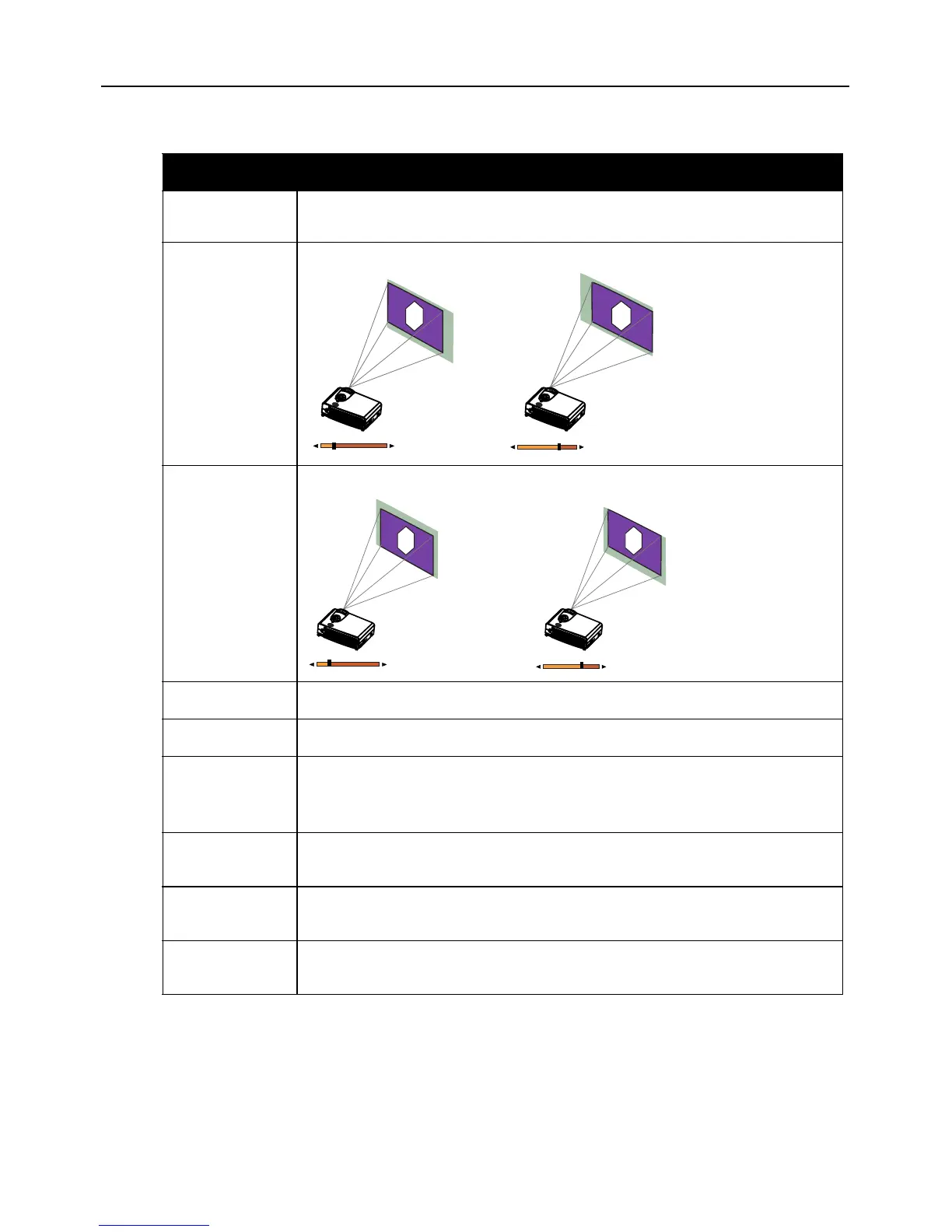
H-position
Adjusts the horizontal position of the projected image.
V- p o s i t i o n
Adjusts the vertical positon of the projected image.
Color Temp.
Adjusts the color temperature to fit your preference.
Information
Shows the current resolution.
System
System information will be shown:
1. Auto 2.NTSC 3. PAL 4.SECAM
*The default setting for System is Auto.
Sharpness
Adjusts the image to make it look sharper or softer.
*This function is not available when the input mode is PC or YPBPR.
Color
Increases or decreases the color range (R, G, B) of the image.
*This function is not available when the input mode is PC.
Tint
Adjusts the image to make it appear more red or blue.
*This function is not available when the input mode is PC.



 To Next Page