Operation
16
BenQ PB8230/ PB8220/ PB8120 User’s Guide
1. Display Menu
FUNCTION DESCRIPTION
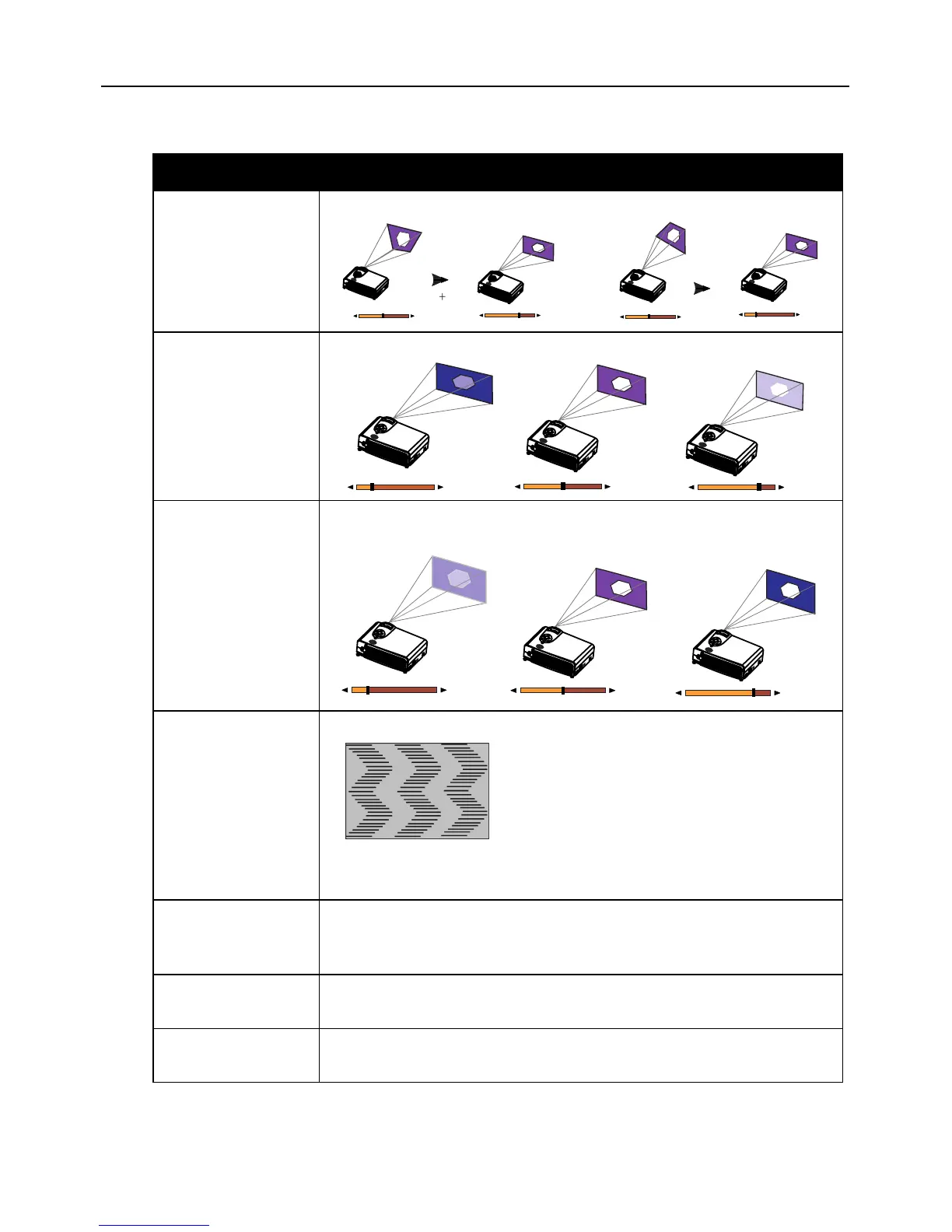
Keystone
Corrects any keystoning of the image.
Brightness
Adjusts the brightness of the image.
Contrast
Adjusts the degree of difference between dark and light in the
image.
Phase
Adjusts to avoid the occurrence of flicker.
*This function is not available when the input mode is Video or S-
Video.
H. Size
Adjusts to fit in the desired image size.
*This function is not available when the input mode is Video or S-
Video.
Color
Increases or decreases the color range (R, G, B) of the image.
*This function is not available when the input mode is PC.
Tint
Adjusts the image to make it appear more red or blue.
*This function is not available when the input mode is PC.
-



 To Next Page