Operation
17
BenQ PB8230/ PB8220/ PB8120 User’s Guide
2. Image Menu
FUNCTION DESCRIPTION
Ratio
Users have 3 options for the image ratio.
1. 4:3 2. 16:9 3. 1:1
*1:1 is available only when the input mode is PC.
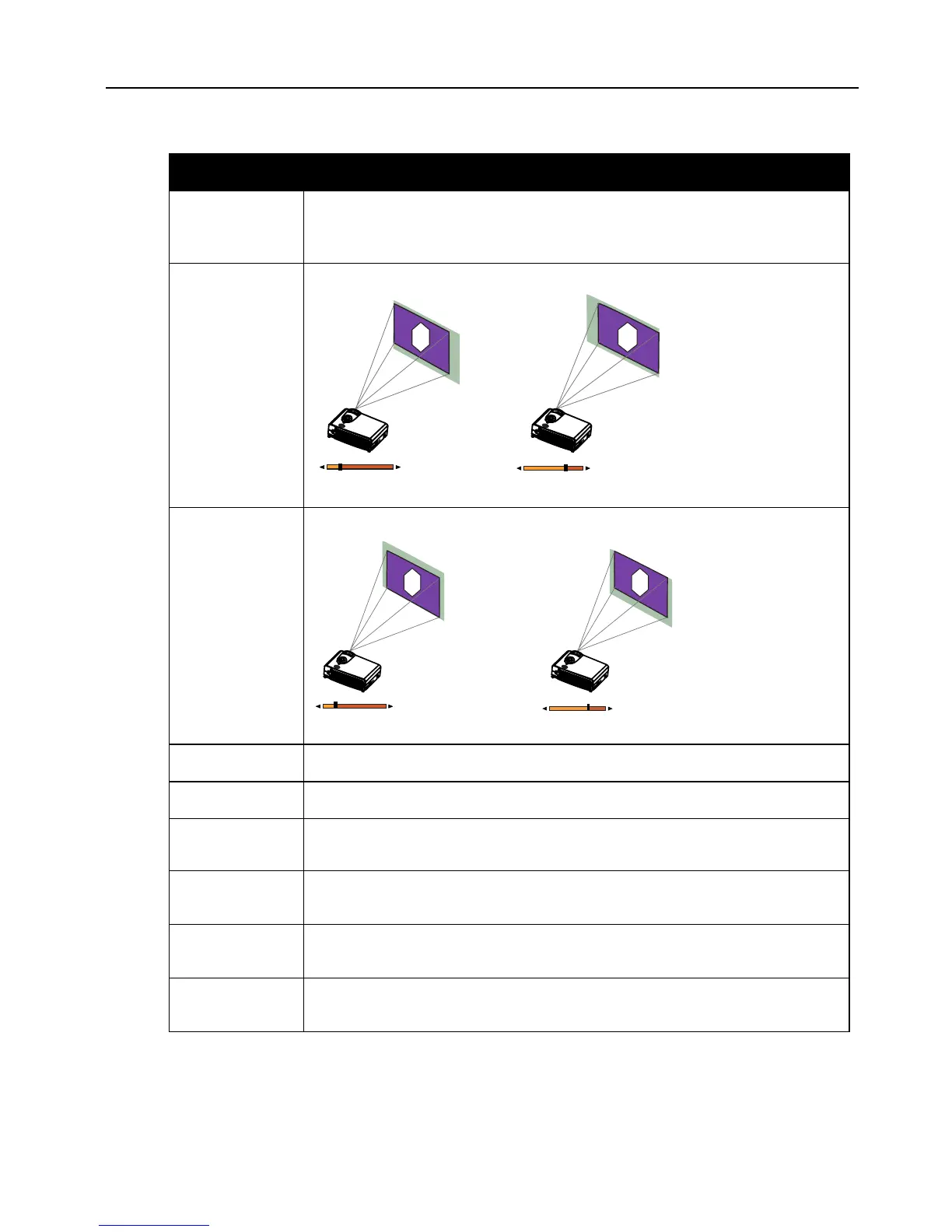
H-position
Adjusts the horizontal position of the projected image.
*This function is available only when the input mode is PC.
V-p o s i t i o n
Adjusts the vertical positon of the projected image.
*This function is available only when the input mode is PC.
Color Temp.
Adjusts the color temperature to fit your preference.
Information
Shows the current resolution.
System
System information will be shown:
1.NTSC 2. PAL 3.SECAM 4. YUV
Sharpness
Adjusts the image to make it look sharper or softer.
*This function is not available when the input mode is PC or YPBPR.
Color
Increases or decreases the color range (R, G, B) of the image.
*This function is not available when the input mode is PC.
Tint
Adjusts the image to make it appear more red or blue.
*This function is available only when the selected System is NTSC.


 To Next Page