Q7T4-FP71G LCD Monitor Service Guide
Alignment Procedure
2
Confidential
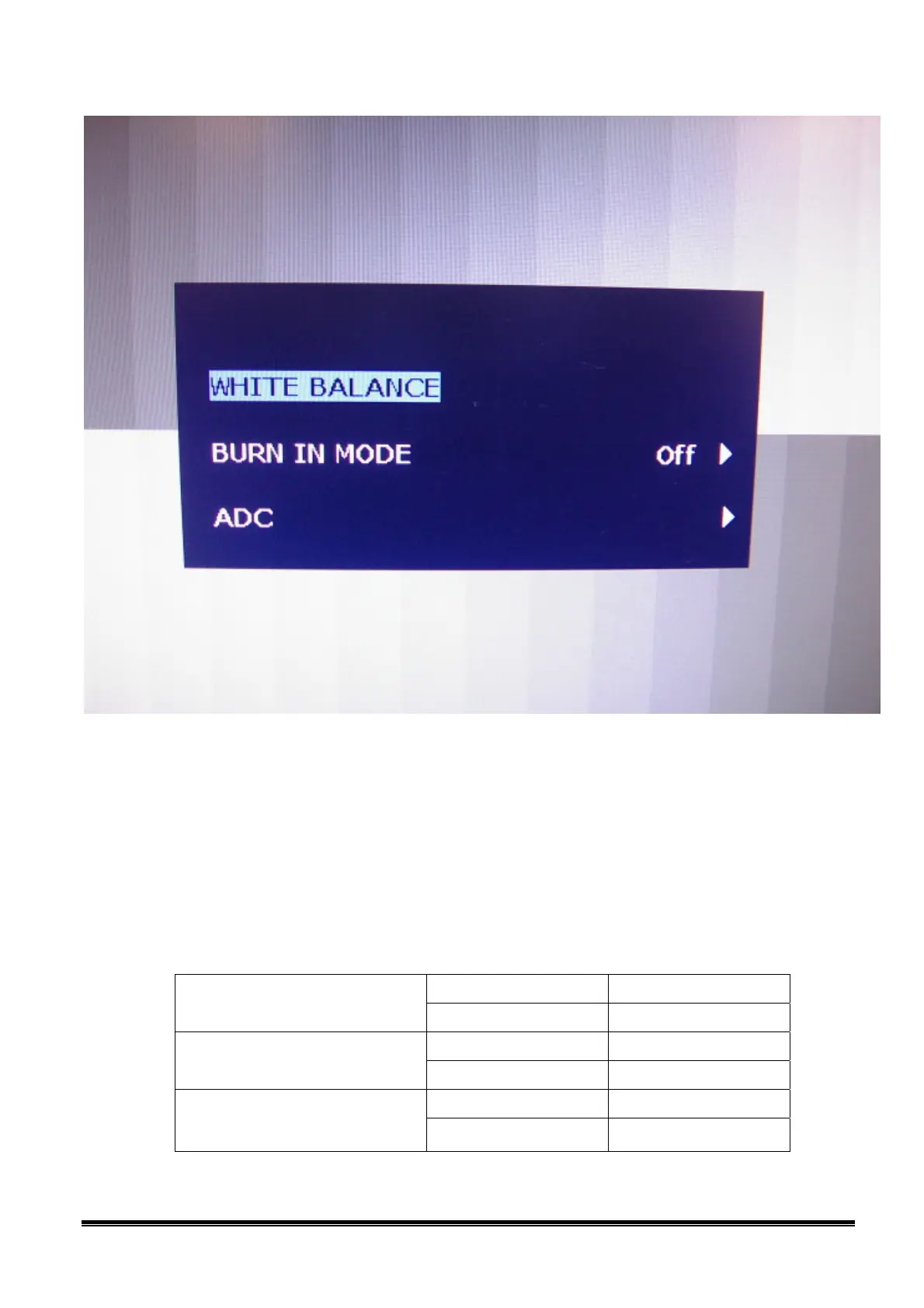
D. Color adjustment:
1. Setup input timing ICL-605, white pattern .
2. Confirm auto color adjustment had already done.
3. Measure color temperature by Minolta CA-110 (or equivalent equipment).
4. Check the color temperature Bluish, Reddish & Normal. The color temperature specification
as follows:
X+- 0.283+(-) 0.03 White Balance
(Bluish, 9300K set on OSD)
Y+- 0.297+(-) 0.03
X+- 0. 326+(-) 0.03 White Balance
(Reddish, 5800K set on OSD)
Y+- 0. 342+(-) 0.03
X+- 0.313+(-) 0.03 White Balance
(sRGB, 6500K set on OSD)
Y+- 0. 329 +(-) 0.03



 To Next Page
 Loading...