4
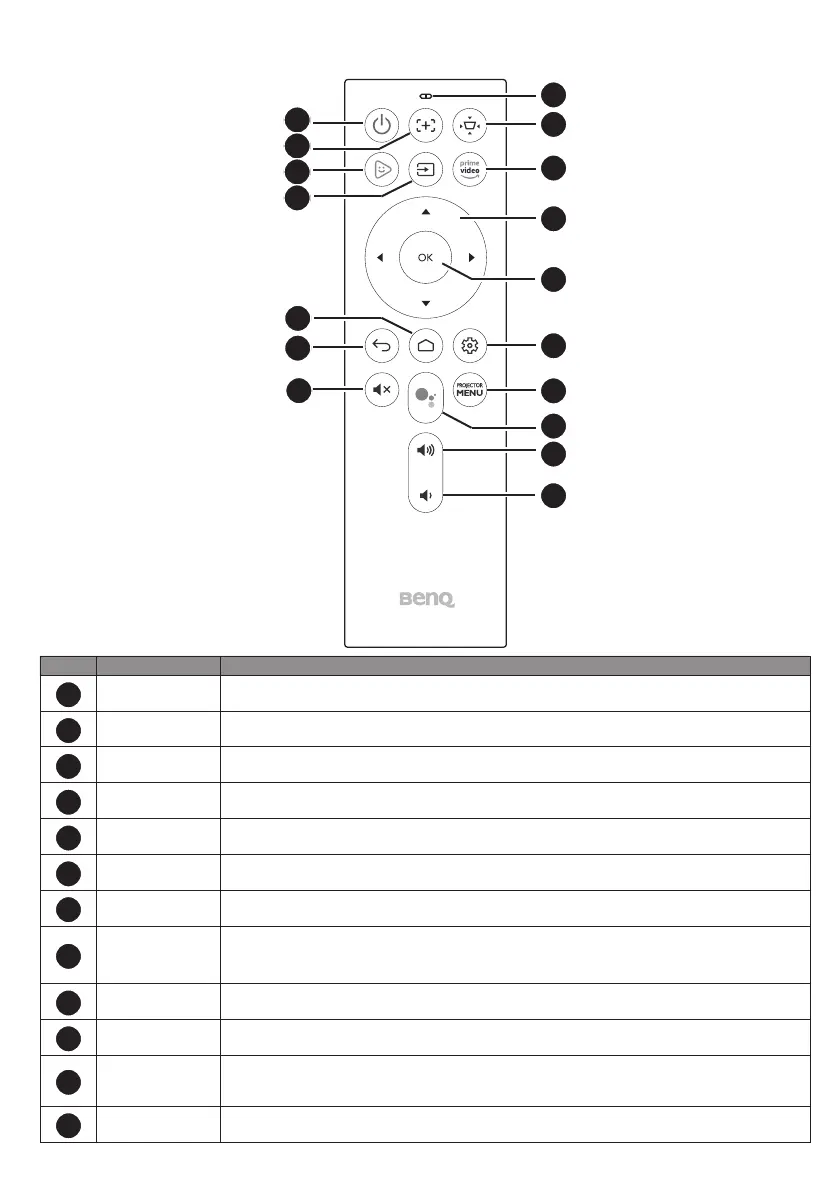
Remote control
1
2
3
4
5
6
7
8
9
10
11
12
13
14
15
16
17
No. Item Descriptions
1
Power
Toggles the projector between standby mode and on (after initial power up from the
keypad).
2
Auto focus (Available on compatible projectors only)Enables auto focus function.
3
FamiLand
Accesses BenQ FamiLand kid channel. See “BenQ FamiLand” on page 8 for more
information.
4
Input Selects an input source.
5
Home Returns to the home screen.
6
Back Returns to the previous menu.
7
Mute Toggles the projector’s audio on or off.
8
LED indicator
Lights up when power is supplied.
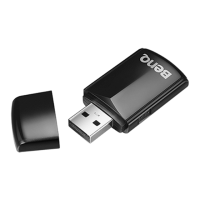
• Lights up blue when the remote control and QS01 are properly paired and ready for use.
• Lights up red when the remote control and QS01 are not paired.
9
Keystone Displays the keystone correction menu.
10
Amazon Prime
video
Accesses Amazon Prime video. A registered account is required.
11
Arrow keys
Moves through the menu items or toggle through the available options.
When the On-Screen Display (OSD) menu is activated, these keys are used as directional
arrows to select the desired menu items and to make adjustments.
12
OK Conrms the selection.


 To Next Page