5
No. Item Descriptions
13
Android options Accesses the Android options.
14
Projector menu Brings up the projector’s main menu.
15
Google Assistant Enables Google Voice Search / Google Assistant. A Google account is required.
16
Volume up Increases the volume.
17
Volume down Decreases the volume.
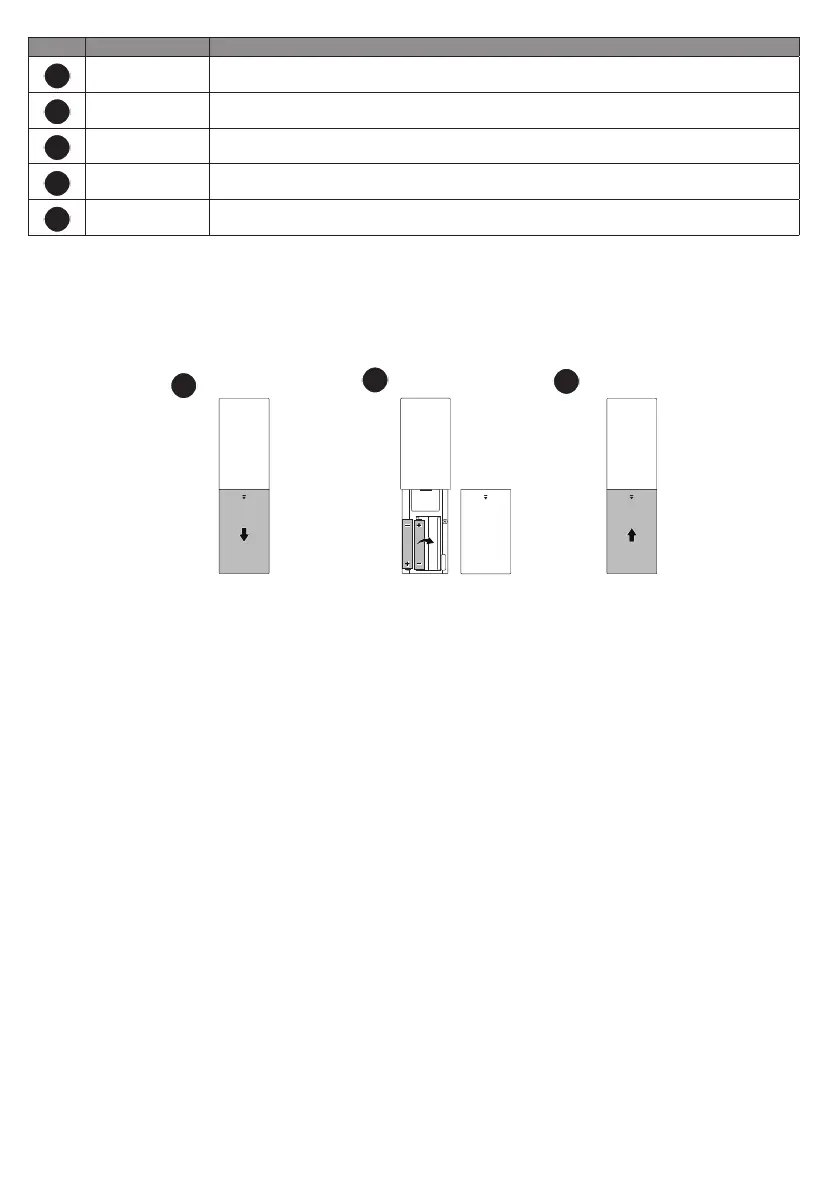
Placing the remote control batteries
1. Slide to open the battery cover.
2. Insert the provided batteries to the battery compartment as illustrated. Make sure that the positive and negative
ends are positioned correctly.
3. Replace the battery cover.
1
3
2
Remote control effective range
Effective angle: within 30 degrees
Effective range: within 8 meters (~ 26 feet)
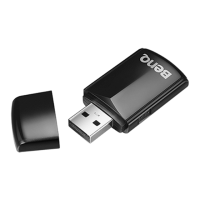
Make sure that there are no obstacles between the remote control and the IR sensor(s) on the dongle or projector
that might obstruct the infra-red beam.


 To Next Page