Operation66
Menu operation
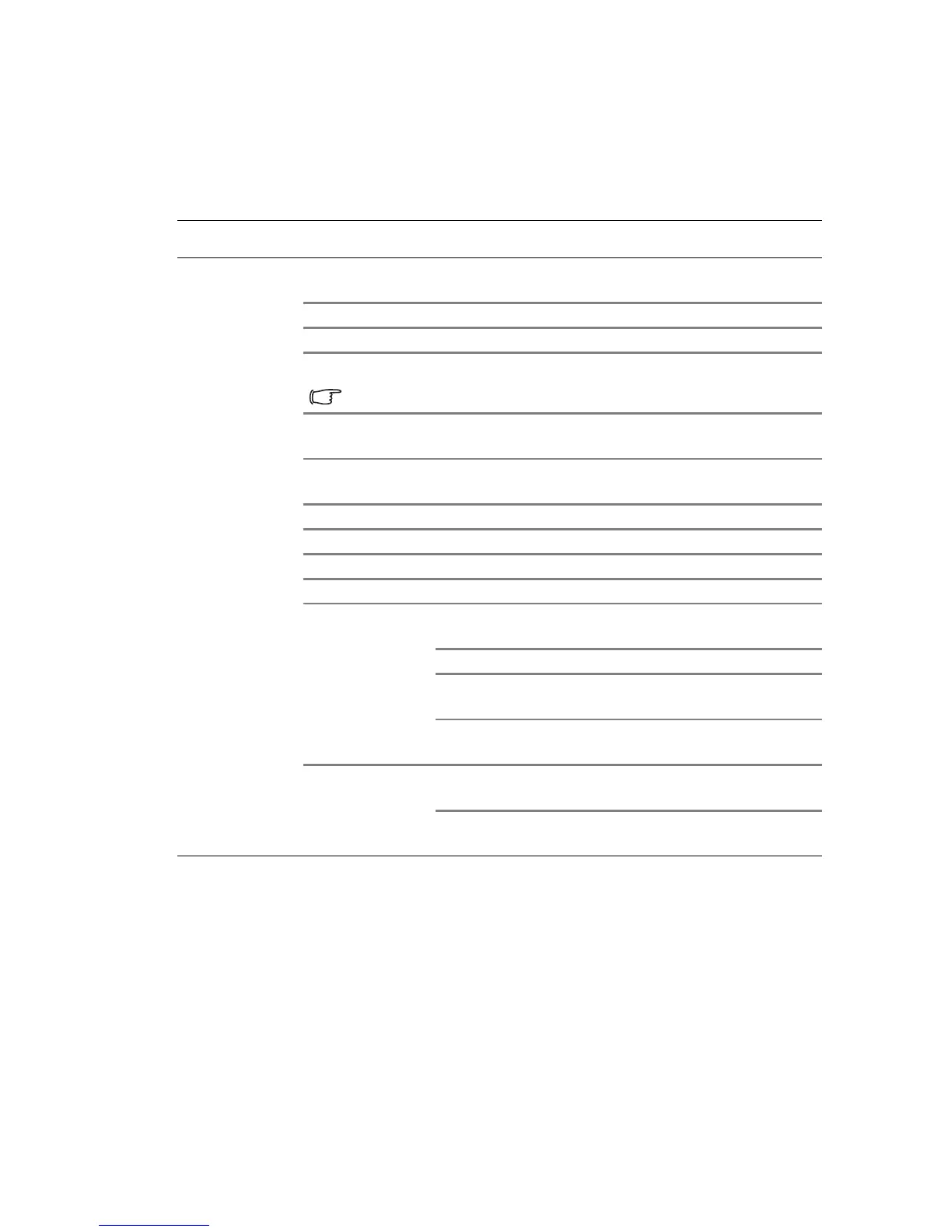
Menu system
Please note that the on-screen display (OSD) menus vary according to the signal type
selected.
Main menu Sub-menu Options
1.
Display
Wall color
Off/Light Yellow/Pink/Light Green/
Blue/Blackboard
Aspect Ratio Auto/Real/4:3/16:9/16:10
Keystone (available in SH915)
2D Keystone (available in SW916)
Due to for 3D content the 2D keystone will be change to 1D V-keystone only.
Corner Fit (available in SW916)
Top Left/Top Right/Bottom Left/
Bottom Right
Surface Fit (available in SW916)
Horizontal Surface Fit/Vertical
Surface Fit
Position
Phase
H.size
Digital zoom PC:1.0X~2.0X; Video: 1.0X~1.8X
3D
3D mode
Auto/Off/Frame sequential/Frame
packing/Top bottom/Side by side
3D Sync Invert Disable/Invert
Save 3D Setting
3D Settings 1/3D Settings 2/3D
Settings 3
Apply 3D Setting
3D Settings 1/3D Settings 2/3D
Settings 3
Te a c h i n g Te m p l a t e
Blackboard
Off/Letter Formation/Worksheet/
Coordinate Chart
Whiteboard
Off/Letter Formation/Worksheet/
Coordinate Chart



 To Next Page