50
Using the projector
English
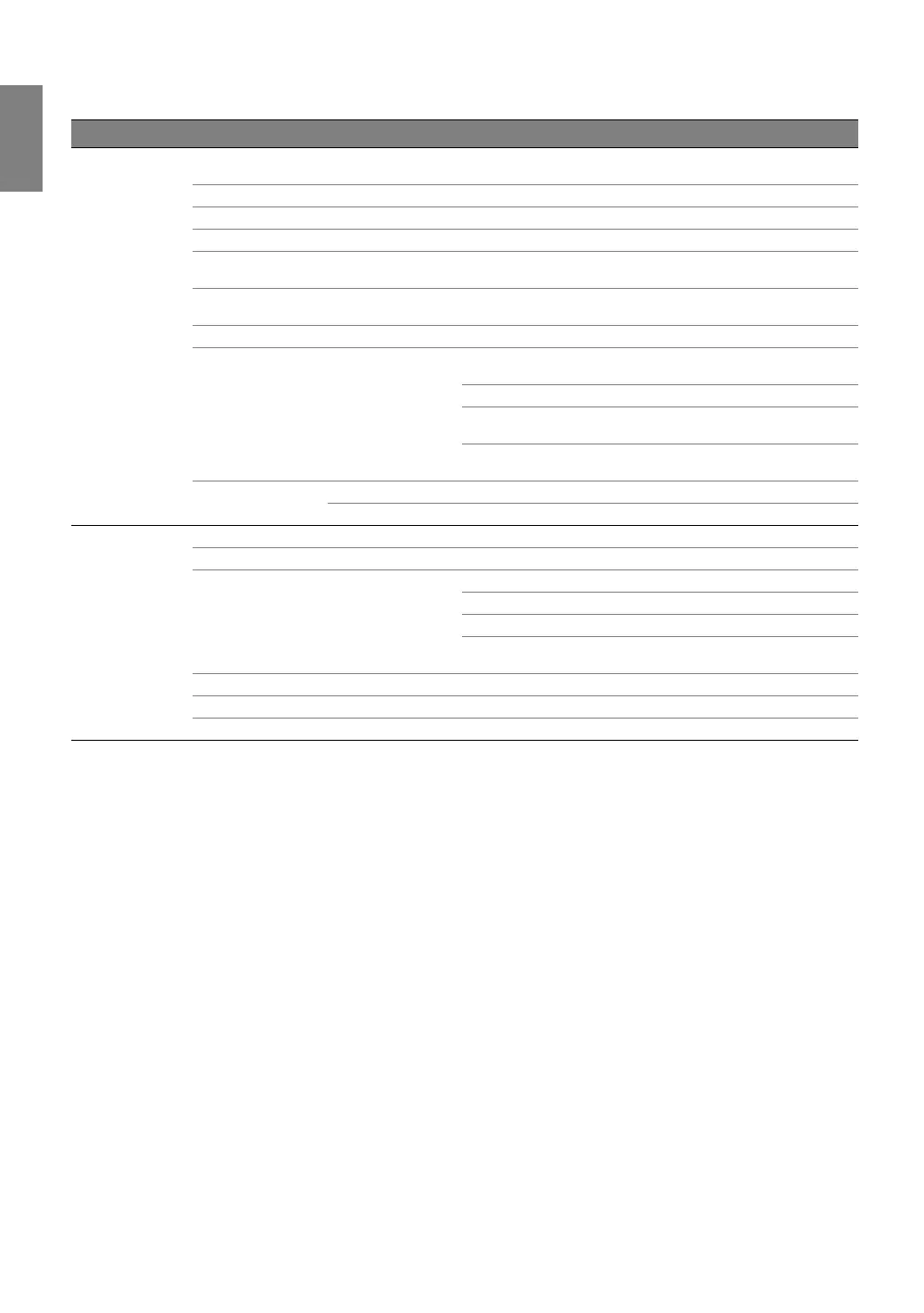
Main menu Sub-menu Options
Display
Wall Color
Off/Light Yellow/Pink/Light Green/Blue/
Blackboard
Aspect Ratio Auto/Real/4:3/16:9/16:10
Overscan Adjustment 0/1/2/3
2D Keystone
Corner Fit
Top Left/Top Right/Bottom Left/
Bottom Right
Digital Zoom
PC: 1.0X ~ 2.0X
Video: 1.0X ~ 1.8X
Digital Shrink 0.75X ~ 1.0X
3D
3D Mode
Auto/Off/Frame Sequential/Frame
Packing/Top-Bottom/Side-by-Side
3D Sync Invert Disable/Invert
Save 3D Settings
3D Settings 1/3D Settings 2/
3D Settings 3
Apply 3D Settings
3D Settings 1/3D Settings 2/
3D Settings 3/Off
Teaching Template
Blackboard Off/Letter Formation/Worksheet/Coordinate Chart
Whiteboard Off/Letter Formation/Worksheet/Coordinate Chart
Source
Quick Search On/Off
HDMI Setting HDMI Format Auto/Full/Limit
Audio Settings
Mute On/Off
Volume 0 ~ 5 ~ 10
Microphone Volume 0 ~ 5 ~ 10
Power On/Off Ring
To n e
On/Off
Position H: -10 ~ 0 ~ 10/ V: -10 ~ 0 ~ 10
Phase 0 ~ Auto ~ 31
H. Size -15 ~ 0 ~ 15



 To Next Page