31 Getting the most from your BenQ monitor
For models with G-SYNC module, adjust the brightness during 3D playback under G-SYNC
mode > Picture > NVIDIA® 3D LightBoost™. See Switching between Classic and G-SYNC
modes (for models with G-SYNC module only) on page 40 for details on mode switch.
Safety information for watching 3D content
• You may experience eye strain after watching 3D content for certain period of time. Take off
the 3D glasses and take a rest to relieve the eye strain.
• If you experience headaches, dizziness, or nausea, stop watching 3D content immediately. You
might need to consult a doctor if the symptoms last.
• Watching 3D content for a long period of time may increase health risks. For small children,
the elderly, the pregnant women or people who have high blood pressure or other health
concerns, consult a doctor before watching 3D content.
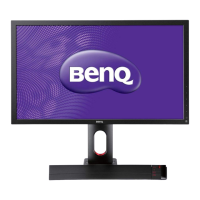
IR sensor is embedded in the front bezel of your XL2420TX and is not visible to you.
Downloaded from ManualMonitor.com Manuals



 To Next Page
 Loading...