33 How to adjust your monitor
The S Switch
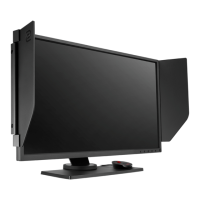
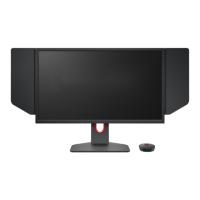
Apart from the control keys, S Switch also provides a quick way to control and access the OSD
menus.
• You need to connect the S Switch to your monitor prior to use. Follow the instructions in Connect the
S Switch to the monitor. on page 16.
• For models with G-SYNC module, S Switch works in
Classic mode only.
No. Name Function
1. Wheel • For Increase/Decrease adjustment.
• Scrolls Up/Down in a menu.
• Selects menu item by pressing once.
2. Return button Returns to the previous menu.
3. Gamer 1
button
• Press to switch to Gamer 1 (Picture Mode).
• Press and hold for 5 seconds to save the customized display settings
for Gamer 1.
4. Gamer 2
button
• Press to switch to
Gamer 2 (Picture Mode).
• Press and hold for 5 seconds to save the customized display settings
for Gamer 2.
5. Gamer 3
button
• Press to switch to Gamer 3 (Picture Mode).
• Press and hold for 5 seconds to save the customized display settings
for
Gamer 3.
S Switch is designed for BenQ LCD Monitor XL20 series exclusively. Do not connect it to other devices with
USB ports.
Downloaded from ManualMonitor.com Manuals


 To Next Page
 Loading...