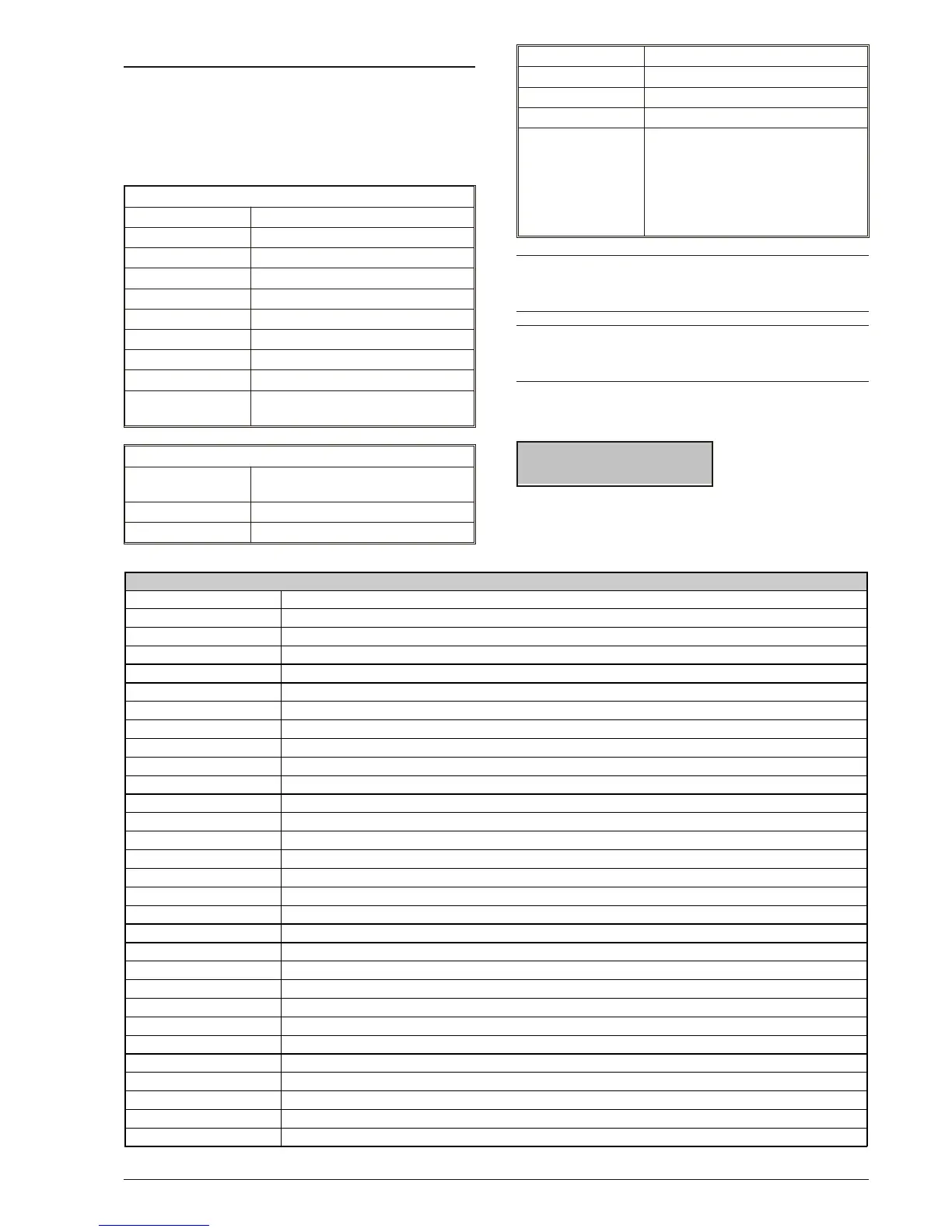
Basic Commands
You can con trol eight ba sic com mands from standby
sta tus by typing-in your code and pres sing the re spec ti -
ve keys (re fer to the fol lo wing Ta ble). Access to ALL
com mands — ex cept ‘View Tro u ble’ — re qui re entry a
va lid User Code PIN.
Keypad set normally
Enter COMMAND
<Code> ON Arm
<Code> OFF Disarm
<Code> A A Mode Arm
<Code> B B Mode Arm
<Code> C C Mode Arm
<Code> D D Mode Arm
<Code> ENTER Access User Menu
ONLY ENTER "View trouble" mode
ONLY ESC
List "By-passed zones"/"By-
passed zone"
Keypad set as EN50131
Key sequence (from
standby status)
COMMAND
<Code> ON Arm
<Code> OFF Disarm
<Code> A A Mode Arm
<Code> B B Mode Arm
<Code> C C Mode Arm
<Code> D D Mode Arm
<Code> ENTER
View Area status if there are no
malfunctions, otherwise View
malfunctions.
From the View area status or
malfunctions screen, press
ENTER again to access the
User menu.
+
‘View Tro u ble’ mode is ava i la ble on LCD Key pads
at all ti mes, and can be ac ces sed wit ho ut en te ring
a Code.
+
Com mands will af fect only the Par ti tions com mon
to both the User code and Key pad con cer ned
(com mon Par ti tions).
Inva lid com mands will be si gnal led by a buzz and the
fol lo wing mes sa ge:
17:05 26/08/2005
Invalid code!
in va lid com mands may be due to the User code or the
Key pad (e.g. the User code is Di sa bled on the Key pad
Par ti tions).
8 KYO320
TABLE 5 - "VIEW TROUBLE" MODE
Message Description
Tr oub. _pow. syst .
The Control panel battery or at least one Power Station is not functioning properly
Low_battery
The Control panel battery or at least one Power Station battery is low
AC_Ma i n s _failure
The Mains power to the Control panel or to at least one Power station has failed
Bat t . _di sc. pw. s.
At least one Power Station has disconnected its Battery
Faul t _chr g. pw. s.
At least one Power Station has Battery-charger trouble
Swt ch. di sc. pw. s.
At least one Power Station has disconnected its Battery-charger
Ou t _shor t __pw. s.
At least one Power Station has one Output in short-circuit
Tel . _line_t r oub.
Line down
Fus e_B1
Shortcuts/blown fuse on terminals +N1 and +A1 (1.85A-250V)
Fus e_B2
Shortcuts/blown fuse on terminals +N2 and +A2 (1.85A-250V) KYO320 only
Fus e_B3
Shortcuts/blown fuse on terminals +N3 and +A3 (1.85A-250V) KYO320 only
Fus e_B4
Shortcuts/blown fuse on terminals +B4 (1.85A-250V) KYO320 only
Fus e_B5
Shortcuts/blown fuse on terminals +B5 (1.85A-250V) KYO320 only
Fus e_+F
Shortcuts/blown fuse on the power line +F (1.85A-250V)
Fus e_BPI _1
Shortcuts/blown fuse on BPI line1 (1.85A-250V)
Fus e_BPI _2
Shortcuts/blown fuse on BPI line2 (1.85A-250V)
Fus e_KEYBUS
Shortcuts/blown fuse on the Key Bus (500 mA-250V)
St op _al . j ump. i n
STOP ALARM jumper is connected
Low_battery_WLS
Low Battery on one or more Wireless devices
War n. l i t hi umbat t
The RAM battery must be replaced
Call Installer
Service is due — Call your Installer
Cal l Cent r . St at .
Central Station intervention is due — Call your Central Station
Daylight Saving
The Control panel Clock has been turned forward/back
WLS Devi ce l ost
Connection problems with a Wireless device (Missing or Trouble present)
Cl ock St opped
The Control panel Clock has stopped
Vox _boar d_lost
Connection problems with the Vox Board (Missing or Trouble)
St ar t _pr ogr am.
Programming session via PC (on-site or via Modem) started during Disarmed status
Inactivity
The zone"Inactivity Time" has expired
Di scl osed PI N
A PIN (DUPLICATED at random) has been DISCLOSED to another User









 To Next Page