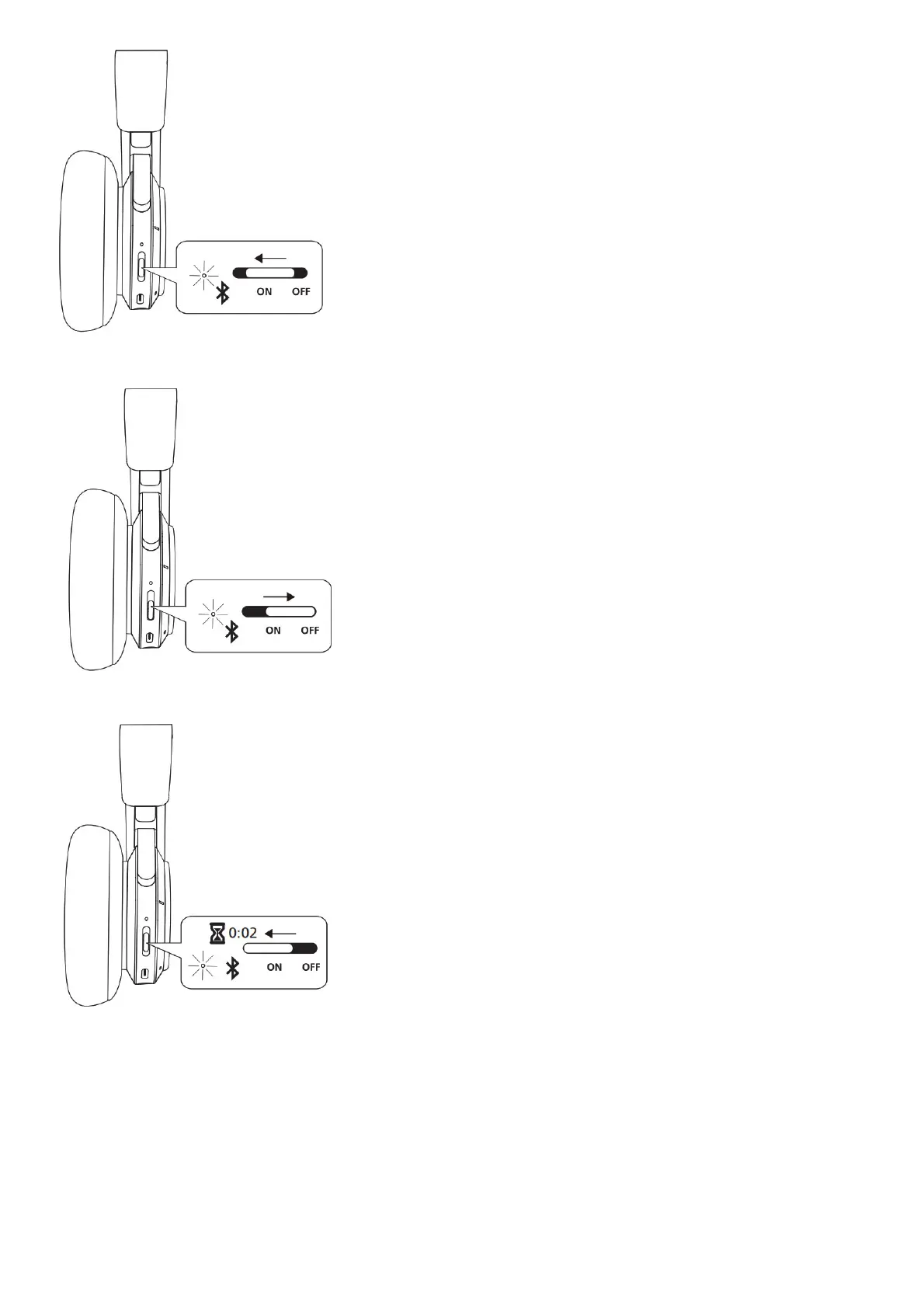
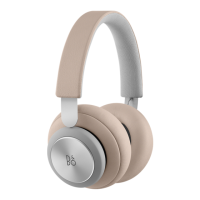
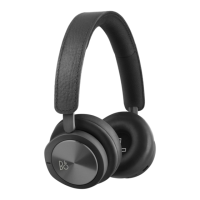
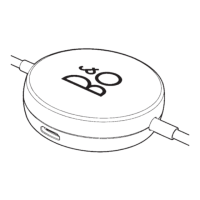
Move the switch to the ON position to turn on the headphones. To turn off, move the switch to the OFF position. The headphones will automatically turn off when not in use for 15 mins.
Beoplay H9 remembers previously connected devices. When turned on, it will attempt to reconnect to previously paired devices.
Activate Bluetooth ® pairing
Move the switch to the top position and hold for 2 sec. to initiate Bluetooth pairing. Release the switch when a sound is heard and the indicator starts flashing blue. Select Beoplay H9 in the
Bluetooth settings on your device.



 To Next Page