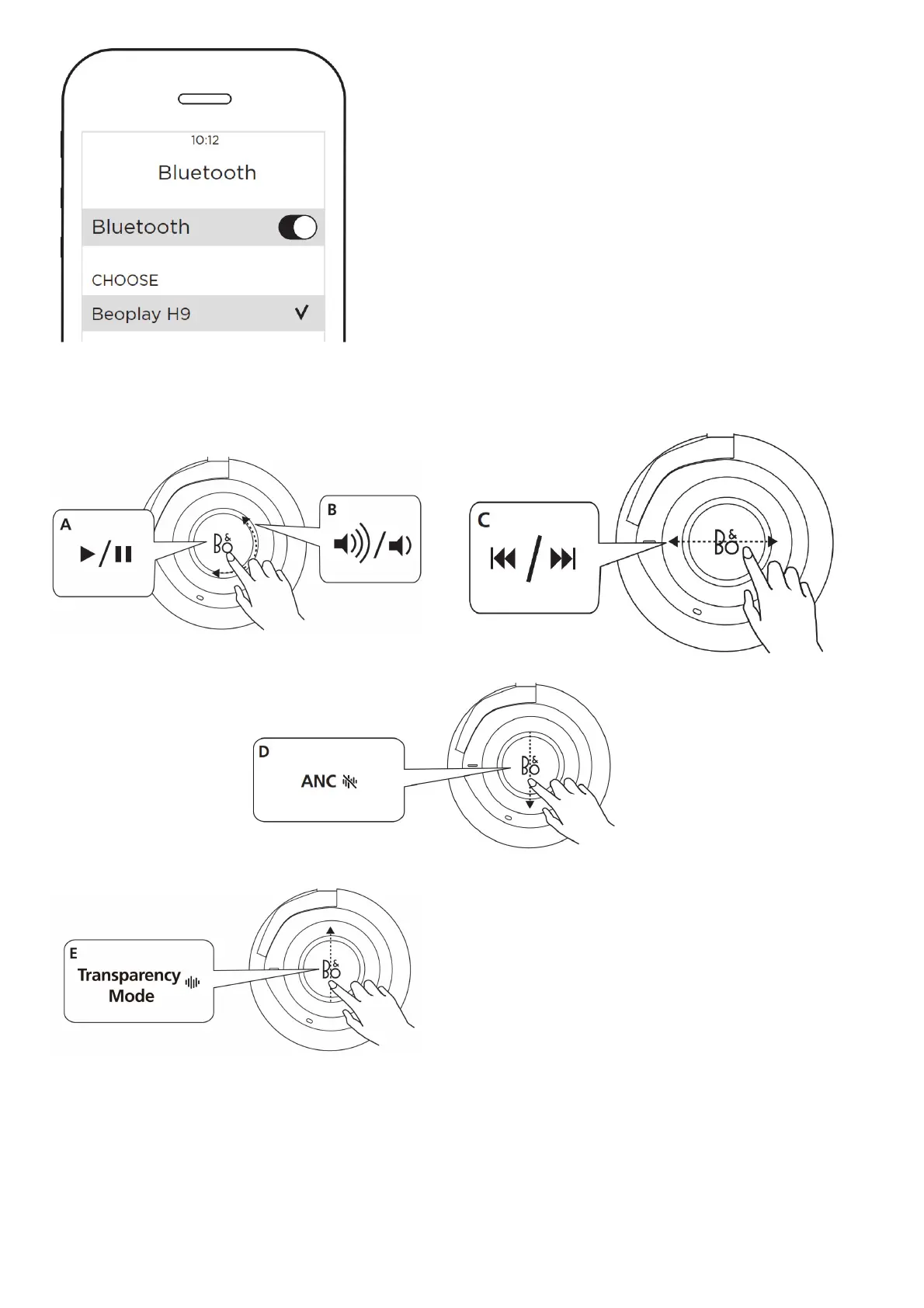
Music operation – wireless
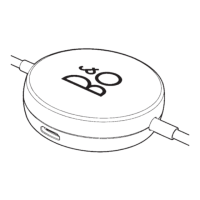
A Tap to play or pause. B Circle clockwise or counter-clockwise for volume adjustment. C Swipe forward or backward for next or previous.
…Music operation – wireless and cabled
Use the touchpad to control ANC in wireless or cabled mode. ANC is ON when the headphones are turned on and the indicator light turns white. Swipe from top to bottom to turn off ANC.
Swipe again from top to bottom to turn on ANC.
Use the touchpad to control Transparency in wireless or cabled mode. Transparency is OFF when the headphones are turned on. Swipe from bottom to top to turn on Transparency Mode
and the indicator light will turn orange. Swipe again from bottom to top to turn off Transparency Mode.
Call operation – wireless



 To Next Page