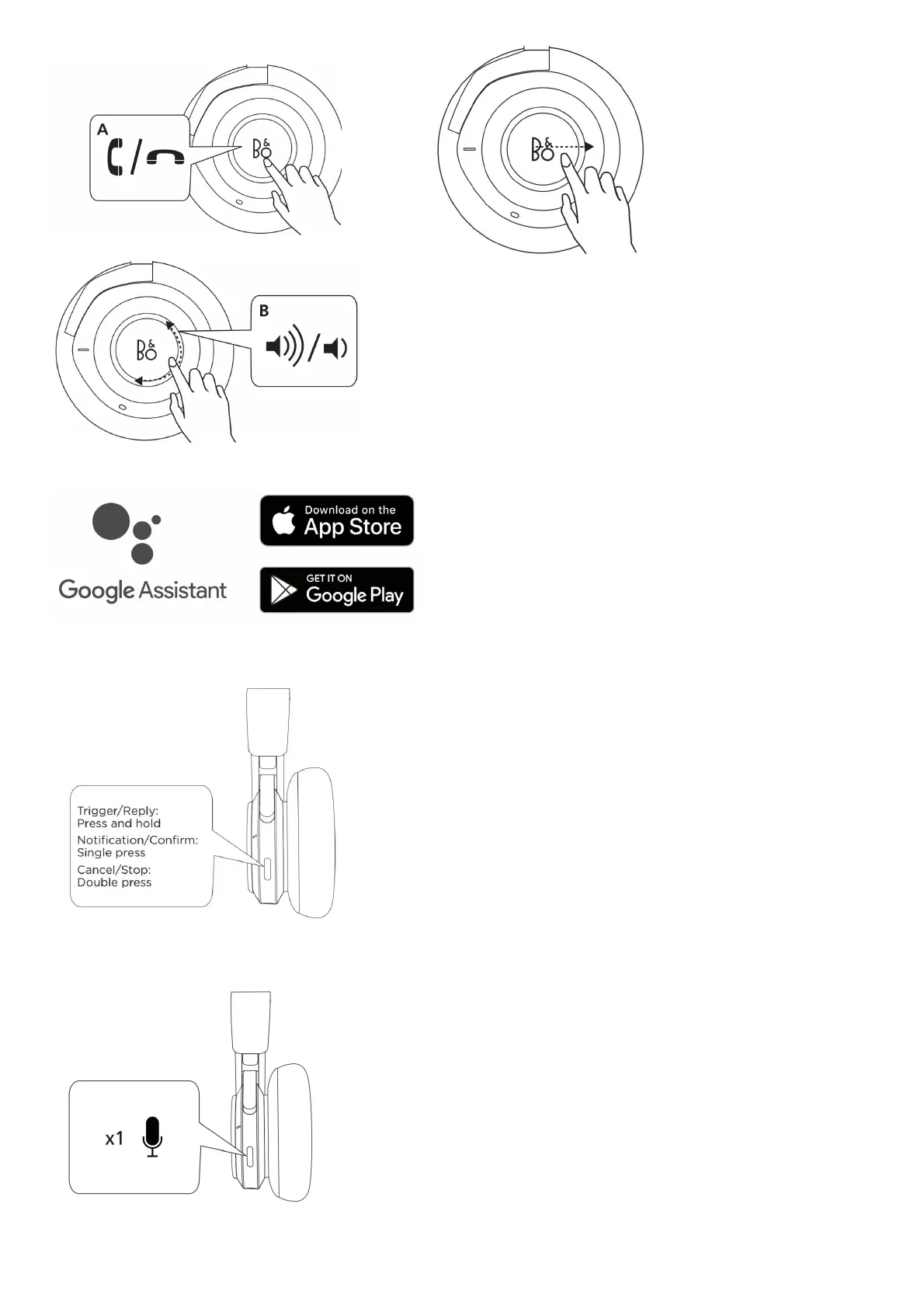
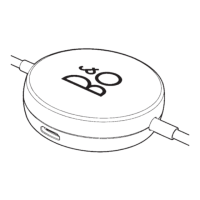
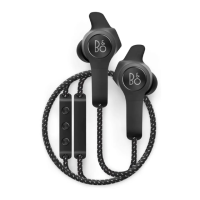
A Tap to answer calls. Double-tap to end the call. B Circle clockwise or counter-
clockwise for volume adjustment.
When a call is active, swipe forward to transfer it from the headphones to the
smartphone.
Set up your Google Assistant
For Android devices, the Google Assistant is open for setup when Bluetooth pairing is initiated. For iOS devices, use the Google Assistant app for setup.
Use your Google Assistant
Press and hold the button to trigger or reply to your Google Assistant. Single press the button to get your notifications. Double press the button to stop your Google Assistant.
Voice Activation
Single press the button to activate the default voice assistant on your device. Enable the function using the Bang & Olufsen app first before voice activation.
Use with cable



 To Next Page