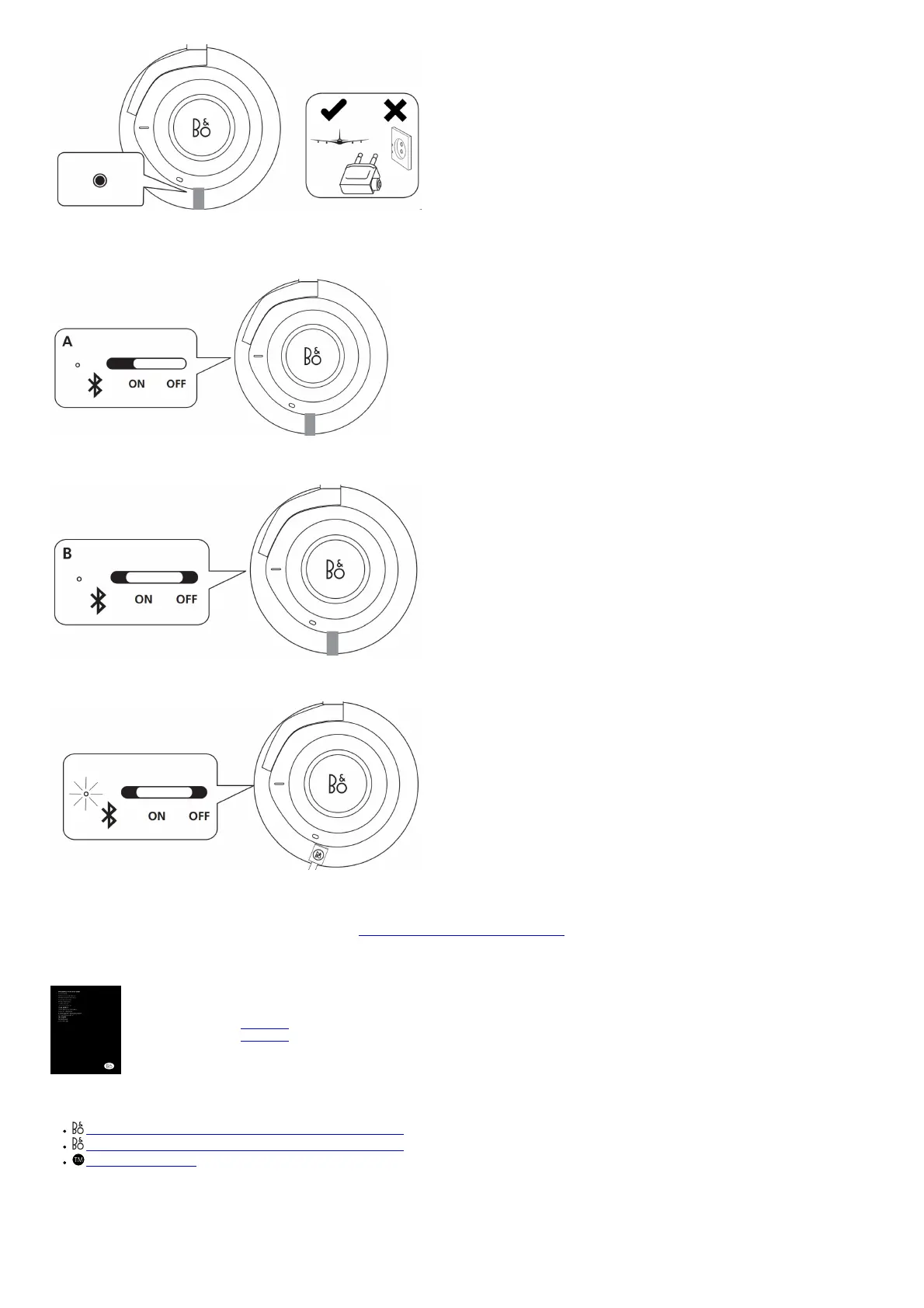
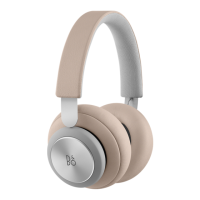
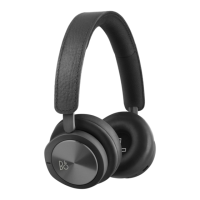
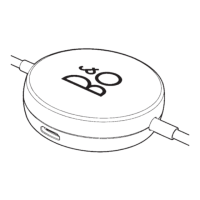
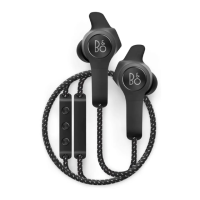
Plugin the enclosed mini-jack cable to use the headphones if you are not allowed to use Bluetooth or if the battery is discharged.
Active Noise Cancellation (ANC) operation – cabled
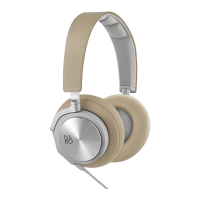
A When the cable is plugged in, move the switch to the bottom position to deactivate ANC.
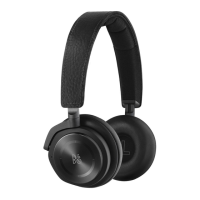
B Move the switch to the middle position to activate ANC.
Charge battery
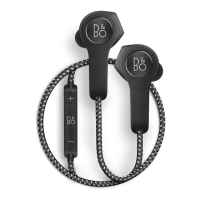
When the indicator turns red, the battery power is below 10%. Charge the headphones using the USB
cable. You can use the headphones while they are charging. When the battery is fully charged, the indicator turns constant green.
REGISTER ONLINE
www.bang-olufsen.com/support/beoplay-h9
File Downloads
B O User Guide
B O, Beoplay, H9 3rd Gen
Download [optimized]
Download
References
Bang & Olufsen - High-end Headphones, Speakers, and Televisions
Bang & Olufsen - High-end Headphones, Speakers, and Televisions
Bluetooth ® Trademark
Related Manuals
1. Beoplay H9 [3rd Gen] User Manual User Manual Beoplay H9 [3rd Gen] 1. Download app Use...
2. Beoplay H9 User Guide Beoplay H9 User Guide Configuring your H9 Use the BEOPLAY...
3. Beoplay H9 Quick Start Guide Beoplay H9 Quick Start Guide – Download [optimized]Beoplay H9 Quick...
4. Lenovo ThinkPad [T14 Gen 1, T15 Gen 1, P14s Gen 1, P15s Gen 1] User Manual Lenovo ThinkPad T14 Gen 1, T15 Gen 1, P14s Gen...



 To Next Page