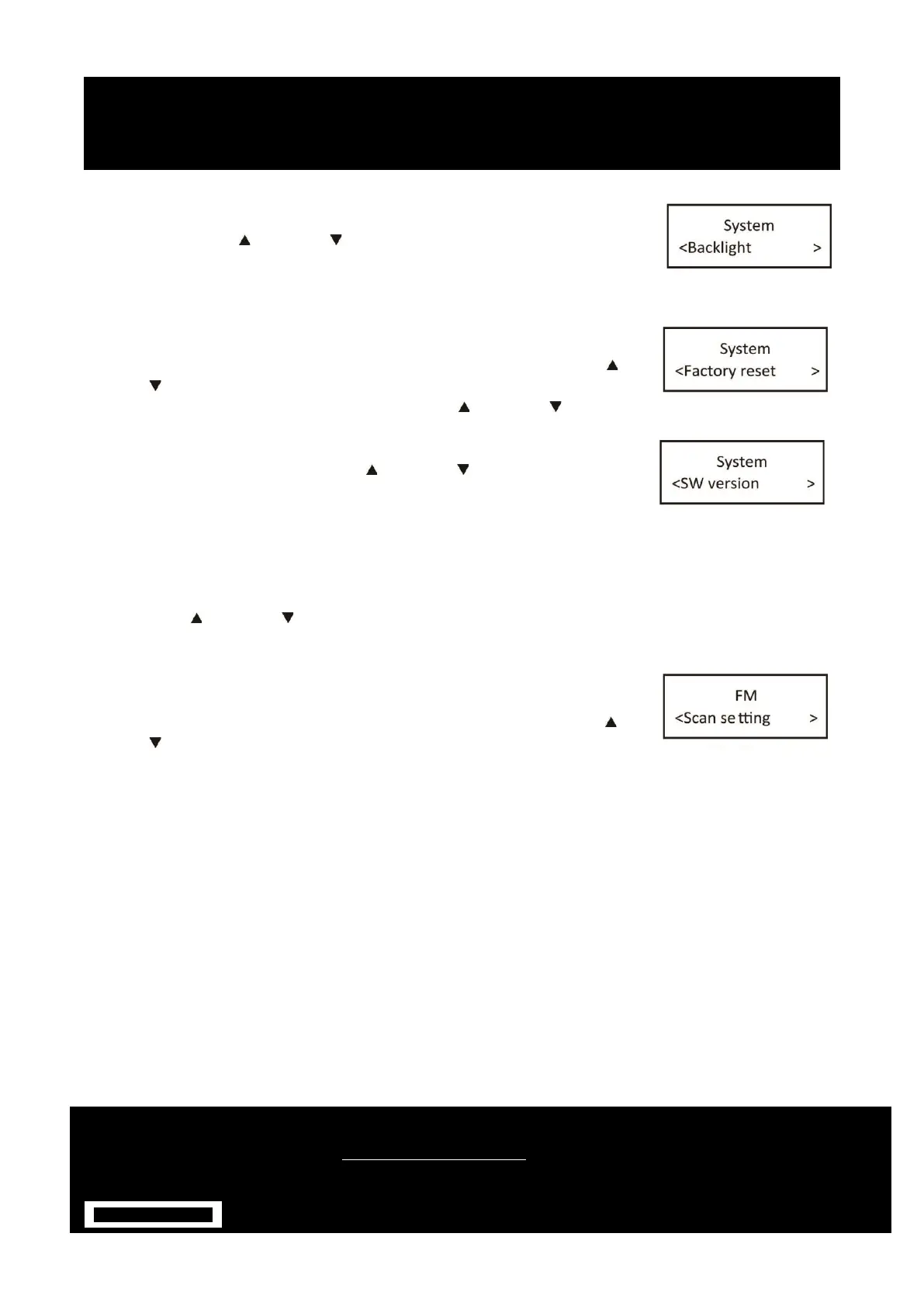
5.1. Backlight – this radio display has a backlight which can be adjustable. You can
select the time out of the display backlight of your radio. Under the system
menu, press the Next / Previous Button to select
“Back light” through the list of menus, Push the SELECT button to confirm to
‘High’, ‘Medium’ or ‘Low’.
5.3. Factory Reset – this function clears all user defined settings, replacing them
with the original default values, so time/date, preferences/settings, DAB station
list and preset stations are all lost. Under the system menu, press the Next /
Previous Button to select “Factory Reset” through the list of menus, Push the
SELECT button to confirm to fig.9. Then, use the Next / Previous Button to
choose <Yes> and Push the SELECT button to start the factory reset.
5.4. Software version – this is used to display the current software version.
Under the system menu, press the Next / Previous Button select “Software
version” through the list of menu fig.10, Push the SELECT button to confirm.
Then, the existing SW version will be showed.
FM MODE – CHOOSING MENU OPTIONS
1. If the DAB Digital Radio is in FM mode, press and hold MENU/ INFO button to enter the menu list to fig.15.
Press the Next / Previous Button to select option through the list of menus. Then, stop at your
preferred option and Push the SELECT button to confirm. The menu options are: scan setting, audio setting,
system.
2. Scan setting – by default, FM scans stop at any available station (All stations).
This may result in poor quality audio from weak stations.
Options: Strong stations only / All stations Under menu list, press the Next /
Previous button to select a particular option in “Scan setting”, then Push the
SELECT button to confirm the change to new setting to fig.11.
PRESET BUTTON
Preset 20 DAB stations and 20 FM favourite stations


 To Next Page