The Main Screen
The main screen is displayed during the
controller’s regular operation and is used as a
start point for the programming process as
described in the following paragraphs.
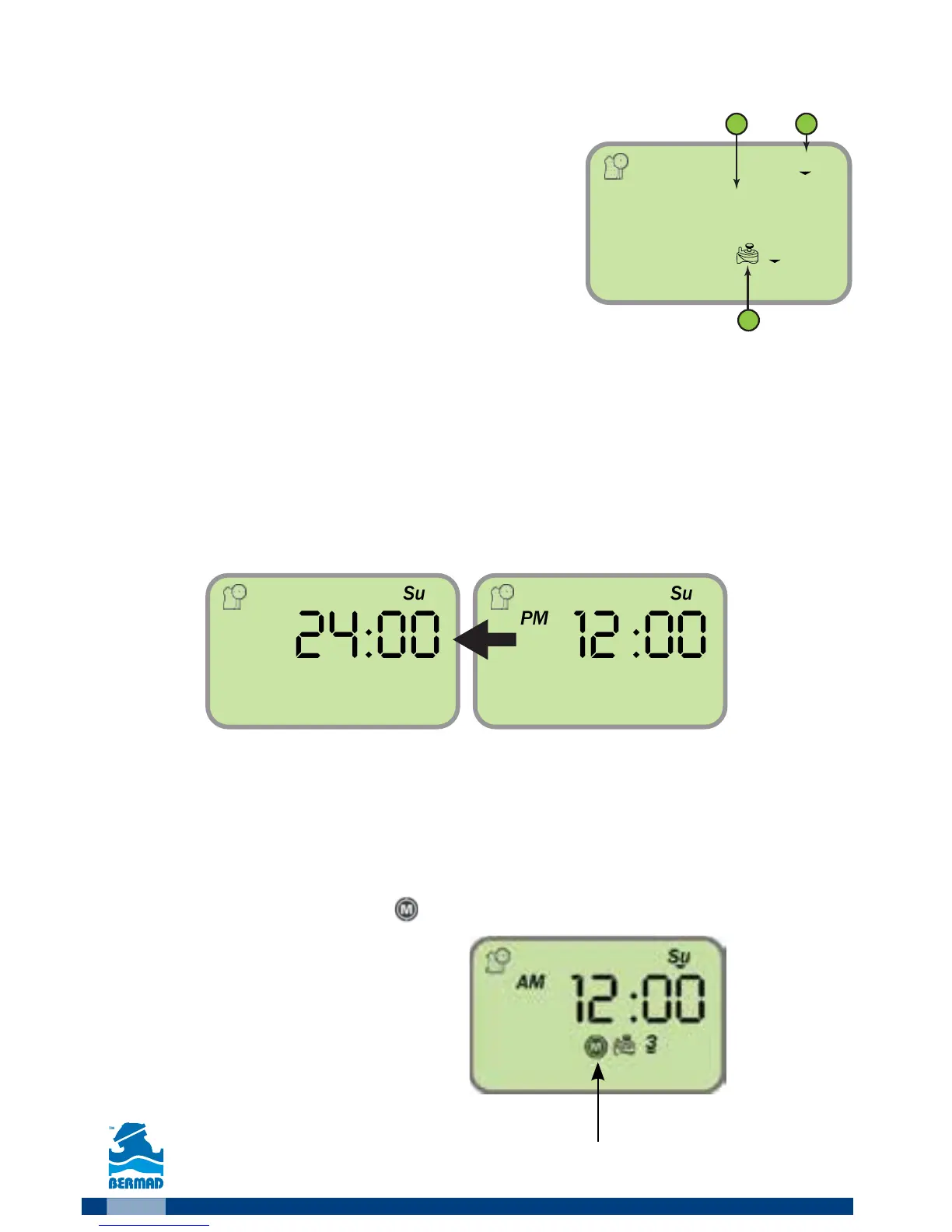
The main screen displays the following:
●
Day of the week (3).
●
System Time (2)
●
Information about the irrigating valves (1) or to be irrigating today.
Setting the Time format
In order to change the time format from the main screen:
1. At the main screen press the
button for three seconds until the Time/Date
icon switches the time format. (The AM/PM label disappears at the 24h format).
Main Valve Definition
Whenever the main valve is defined as active, its icon will appear on the screen.
The main valve will open automatically with the opening of any valve.
To define the main valve as active, at the main screen press the
button for 3
seconds until the main valve icon appears on the screen.
Main valve



 To Next Page