4. Setting Irrigation Programs
This chapter describes the programming process of automatic irrigation
programs:
The BIC controller allows different irrigation program per each system
valve.
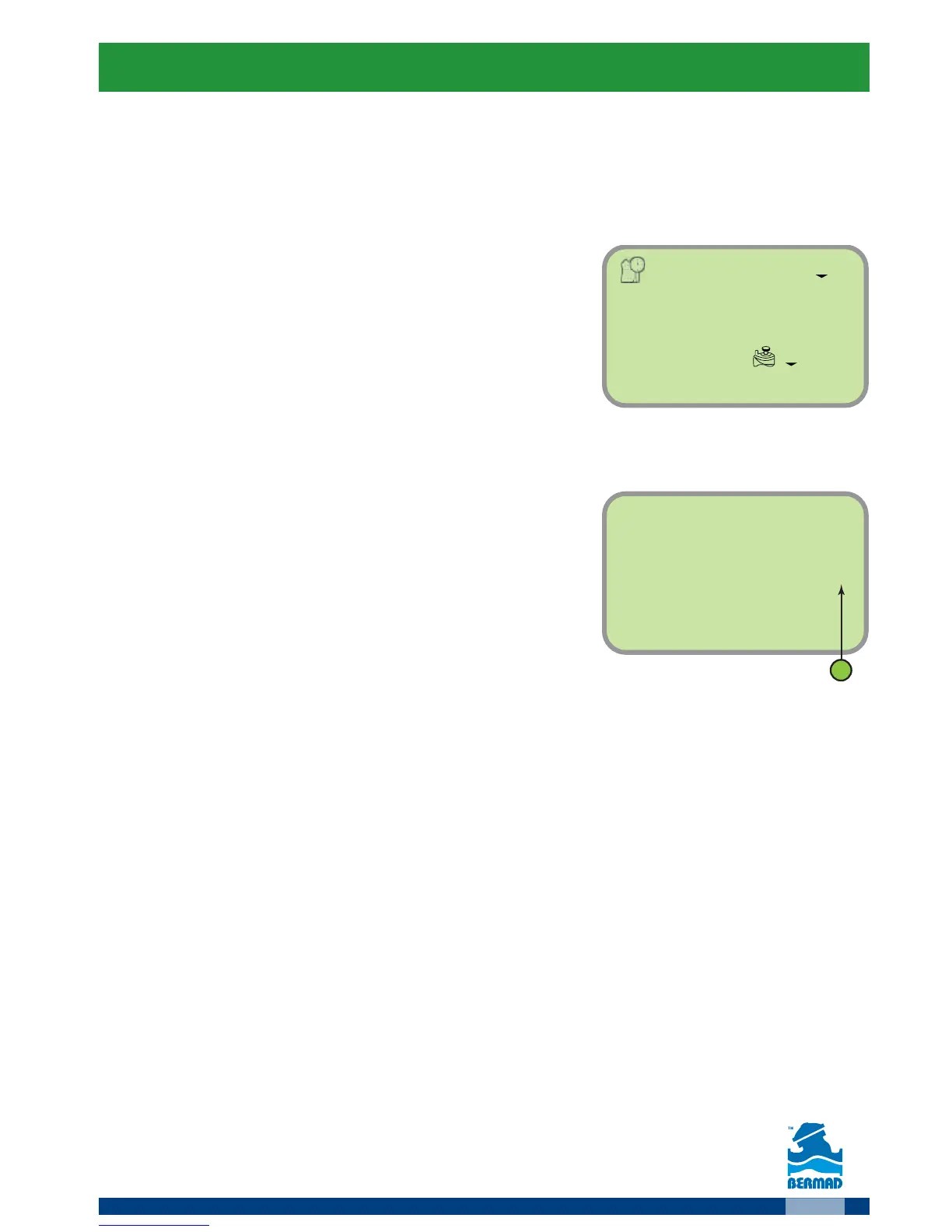
The Main Screen
Make sure that the main screen is displayed
The system time appears in the middle of the
screen and the day of the week is displayed
on the screen’s upper part.
Selecting a Valve
For selecting the valve to be programmed:
1. At the main screen press the
button
The number of the valve appears
(umber 1 on the figure).
2. Press the
button, the valve number starts flashing.
3. Use the
and buttons to select the relevant valve number.
4. Press the
button to confirm your selection.
5. Press the
button to move to the next step “setting the irrigation days”.



 To Next Page