1
DAY
EVERY
3
5. Irrigating by Days Interval
For setting irrigation in pre-defined days interval:
The System’s Main Screen
Make sure that the main screen is displayed
The system time appears in the middle of the
screen and the day of the week is displayed on
the screen’s upper part.
Selecting a Valve
1. At the main screen press the button.
The number of the valve appears.
2. Use the
and buttons to select the valve
to be programmed.
3. Press
button to move to the next step.
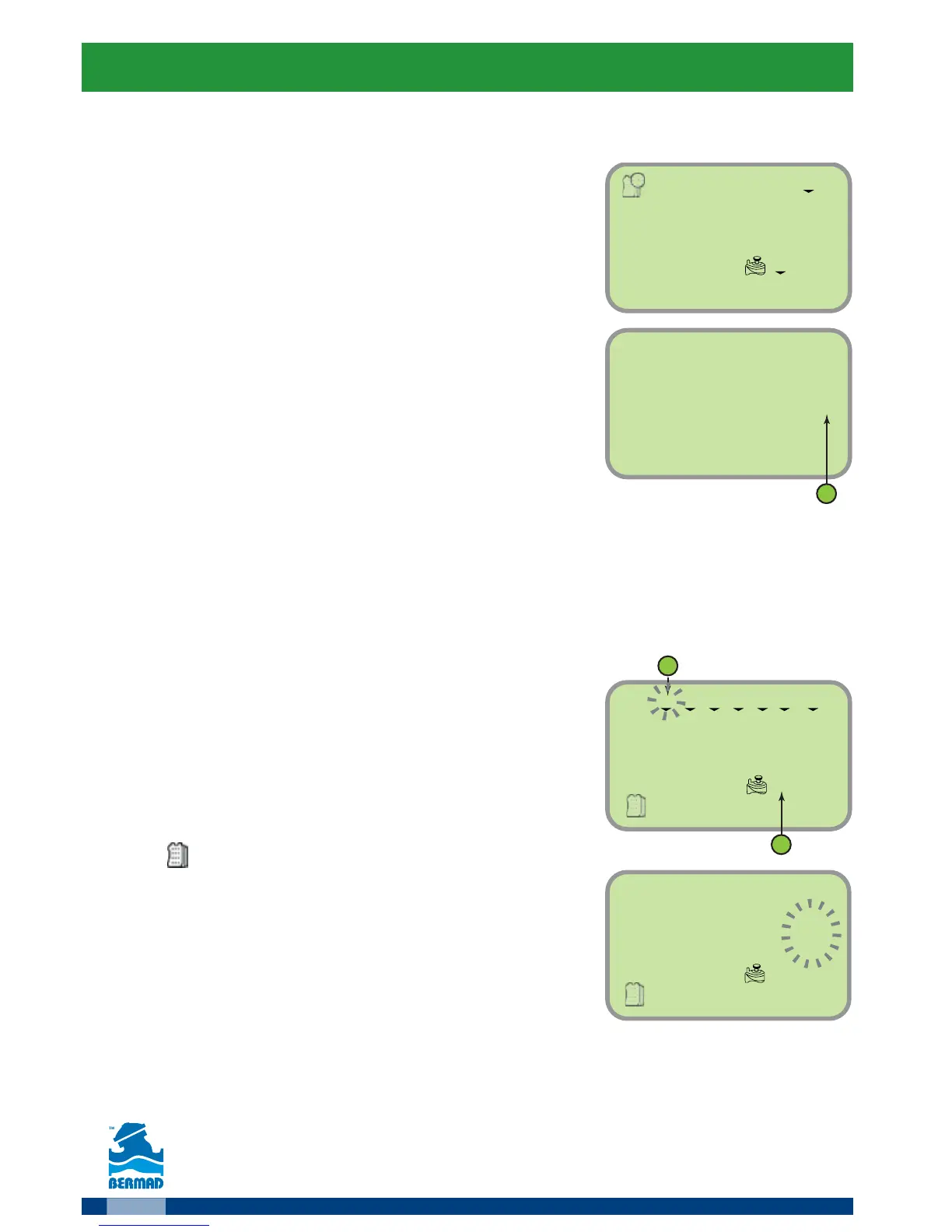
Setting the Irrigation Days
The screen displays the days of the week and the valve to be programmed
number (1).
Remark: The label OFF indicates that no
program is assigned to this valve.
1. Press the
button, the first day of the week
(Monday) starts flashing (2)
2. Press the
button to move to irrigation
by days’ interval.
The
icon appears and the number of days
starts flashing.
3.
Use the and buttons to set the required interval.
4.
Press the
button to end the programming process.
5. Press the button to move to the
“Start time’s settings” (see page 12).
6. Press the
button again to move to the
“Set the irrigation duration settings” (see page 13).



 To Next Page