7
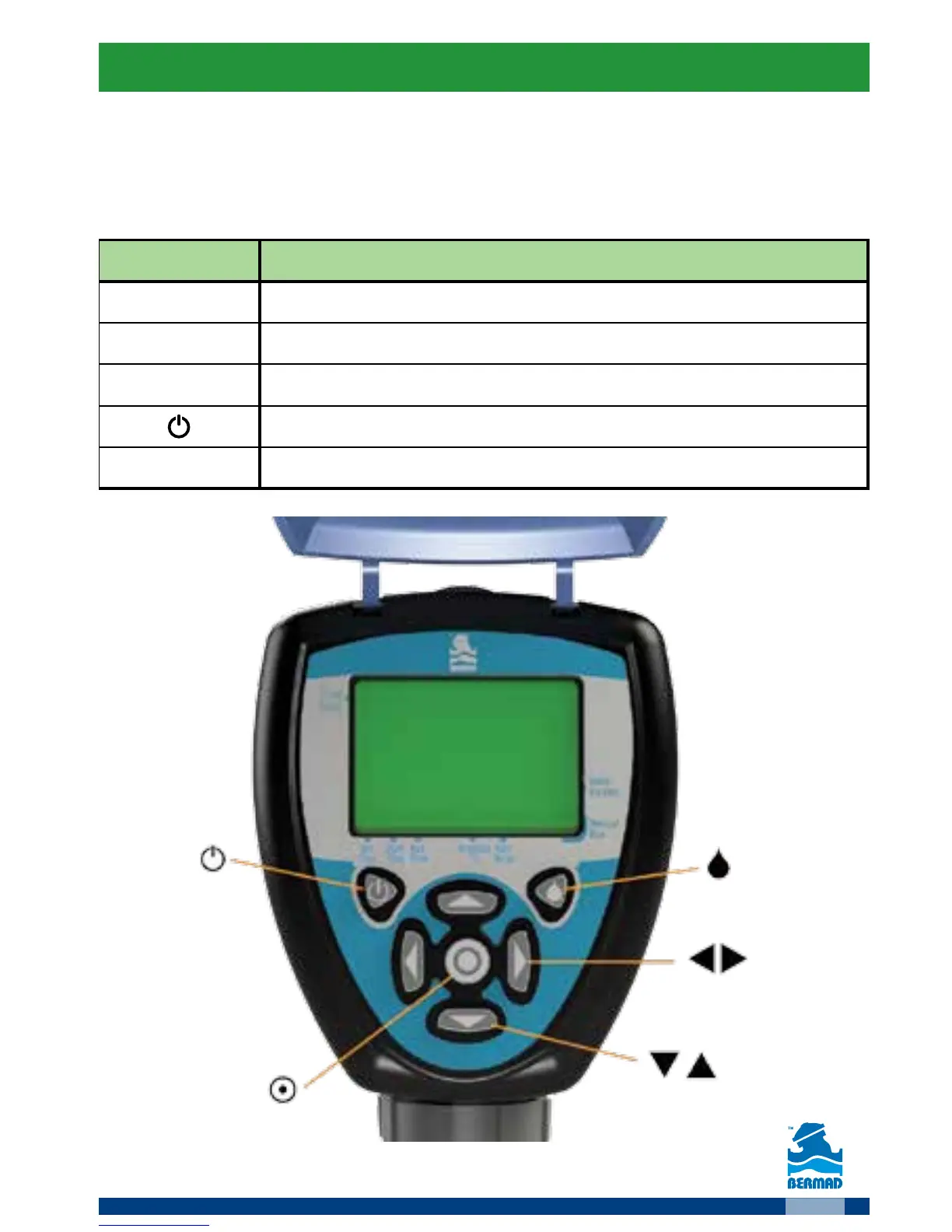
Button Description
ENTER/EXIT Adjustment Mode
Left/Right
Increase/Decrease the selected value
Run ON/OFF Program
Start/Stop manual irrigation
Keypad
The Keypad is used for programming and operating the controller. The
following Icons appear at the various sections of this user manual, they
represent the various actual keys of the controller’s keypad.
2. LCD Display and Keypad



 To Next Page