On
123456
3
:05
123456
0
1
2
8. Manual Irrigation
It is possible to operate a valve for a preset time separated from its
regular irrigation program.
Selecting the Valve:
For manual operation of one of the valves:
1. From any screen press the
button.
●
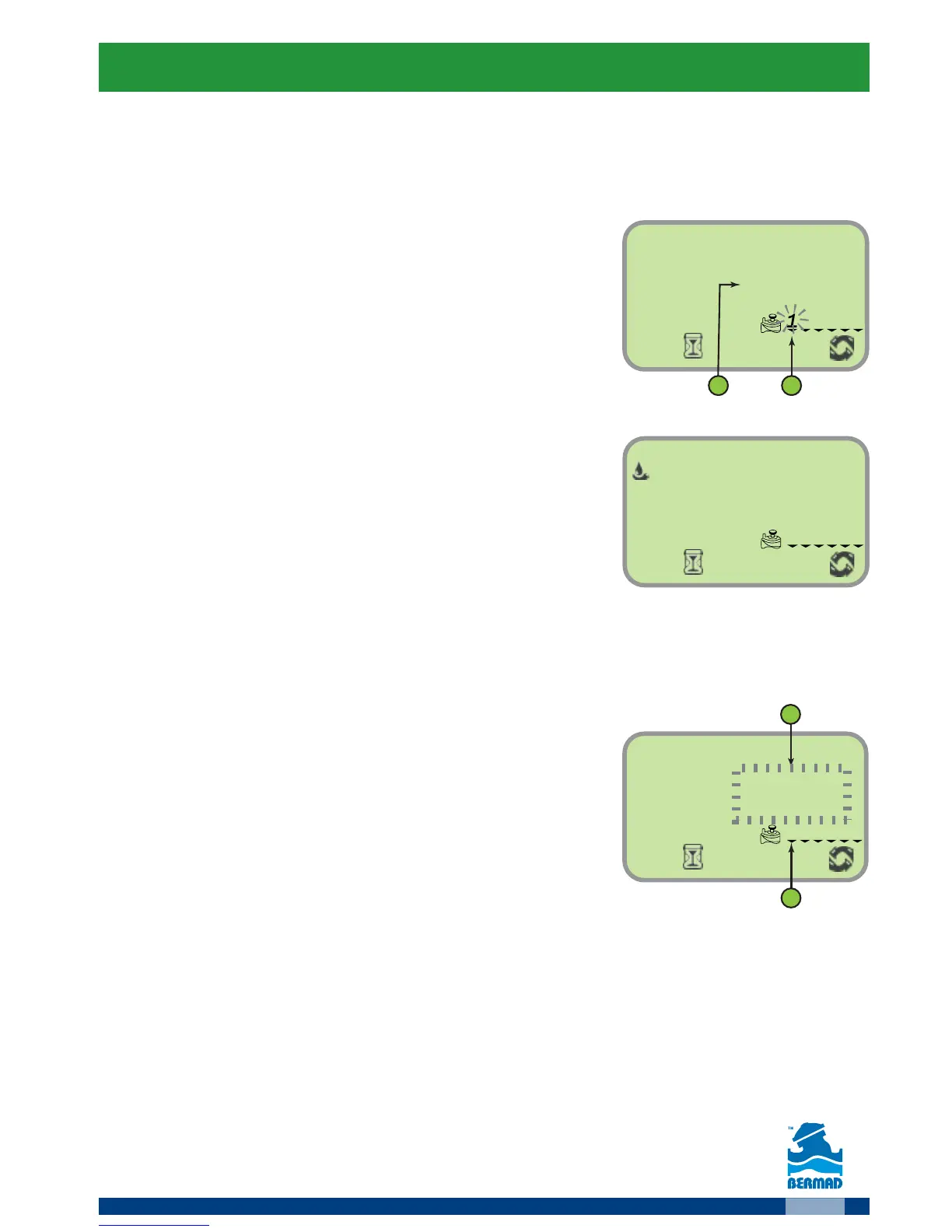
The screen displays the list of the controller’s
valve and the time for the manual operation (2).
●
The selected valve starts flashing.
2. Use the
and buttons to select the
desired valve.
Operating the Valve
Press the button to operate the selected
valve.
The valve opens. The label ON and the valve number appear for short
time.
Setting/monitoring the irrigation duration
When the valve is ON:
●
The time left for the manual operation is
flashing (2).
●
The arrow under the opened valve is flushing (1).
1. As needed use the
and buttons to
change the irrigation duration.
2. Press the
button to end the manual irrigation.
The controller displays the label OFF and after 5 seconds returns to
the main screen.



 To Next Page