Configuring Controllers | Logging In |
33
Omega | Installation and Operation Guide | Rev A | Doc P/N: PIEAE21-OMEGA
Logging In
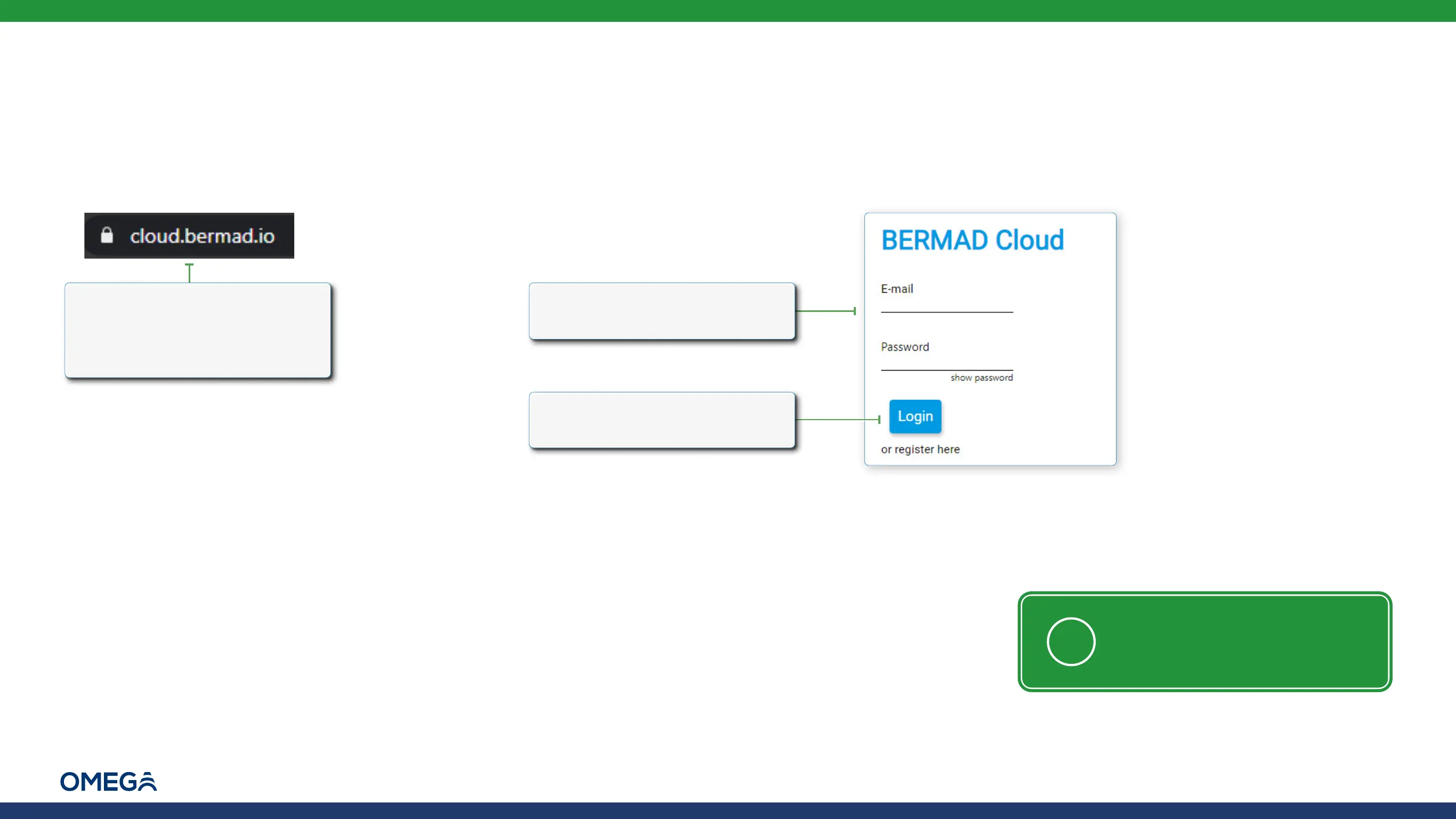
Perform the following steps to log in to BERMAD Cloud:
2.
Type the user credentials
(e-mail address and password)
3.
Click Login. The project
dashboard window opens
1.
Type cloud.bermad.io in
the Internet browser address
bar. The BERMAD Cloud login
window is displayed
NOTE: A user must first register
before being able to log in (see
Registering)



 To Next Page