Monitoring Controllers | Logs |
74
Omega | Installation and Operation Guide | Rev A | Doc P/N: PIEAE21-OMEGA
Logs
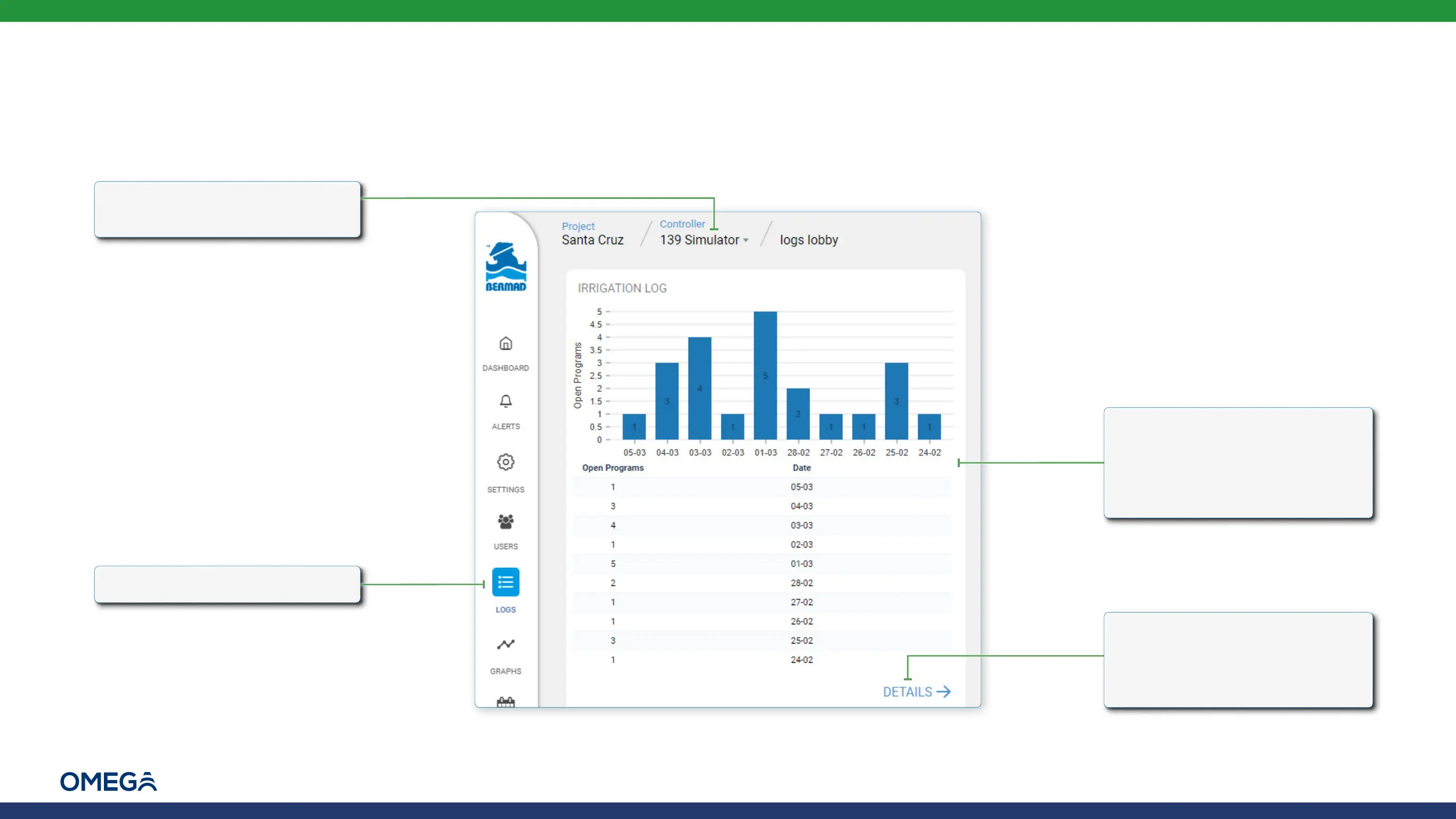
To view a log of irrigation sessions, perform the following steps:
2.
Click the Logs icon
1.
Verify that the relevant
controller is selected
3.
Click Details to open a new
window with a detailed record
of daily irrigation sessions (see
Irrigation Log Daily Details)
The graph and table display
how many irrigation sessions
occurred on each day, based on
the irrigation cycle defined (see
Defining Cycle Type)


 To Next Page