Configuring Controllers | Managing Projects and Controllers |
41
Omega | Installation and Operation Guide | Rev A | Doc P/N: PIEAE21-OMEGA
Adding a Device
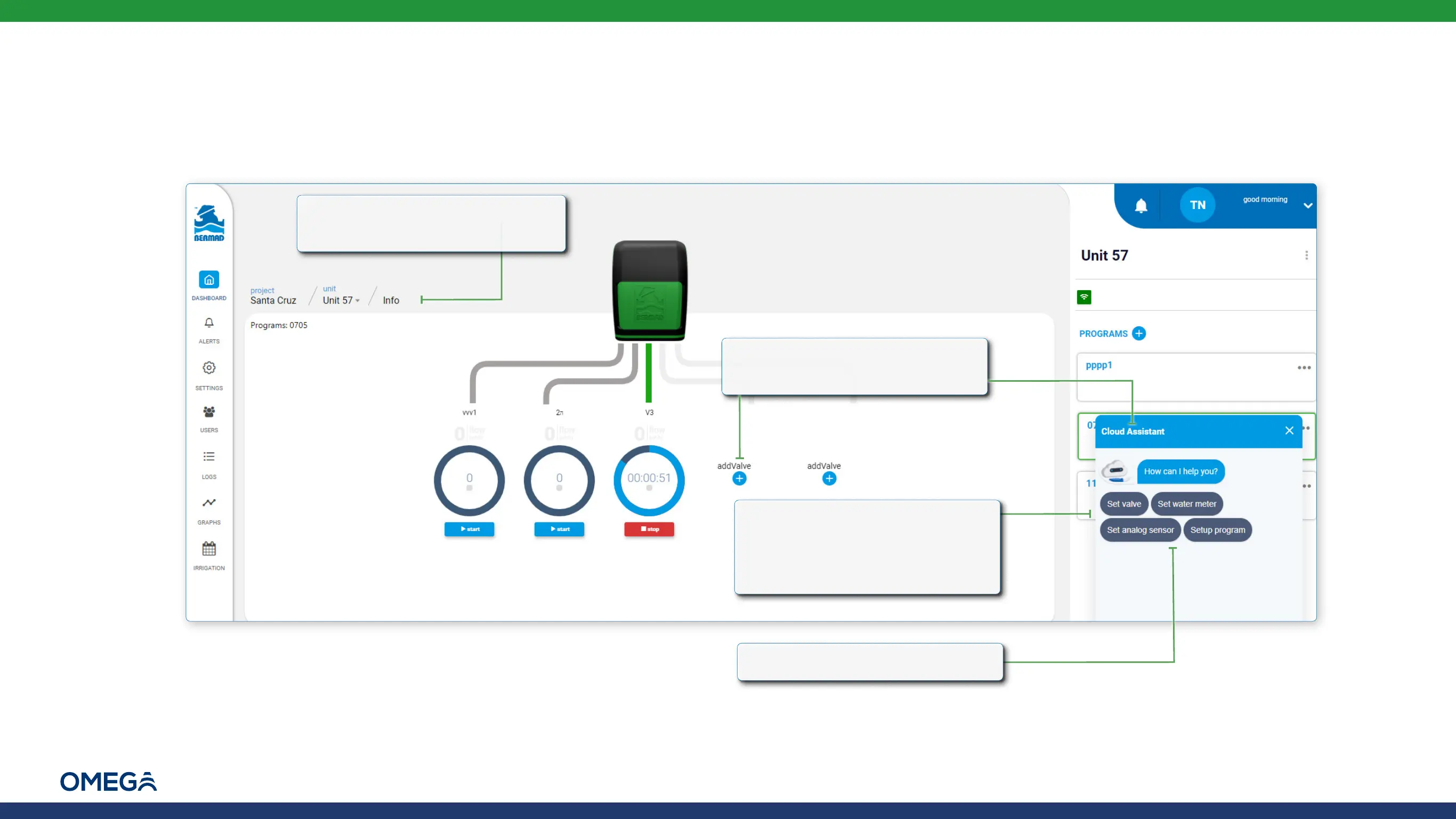
Perform the following steps to add a device to the selected controller:
1.
Verify that the relevant
controller is selected
3.
The Cloud Assistant displays
various device options and
guides the user through the
new device definition process
4.
Click the device to be added
2.
Click the Add Valve icon or
open Cloud Assistant
Tim Niceman


 To Next Page