Configuring Controllers | Additional Device Settings |
63
Omega | Installation and Operation Guide | Rev A | Doc P/N: PIEAE21-OMEGA
Water Budget
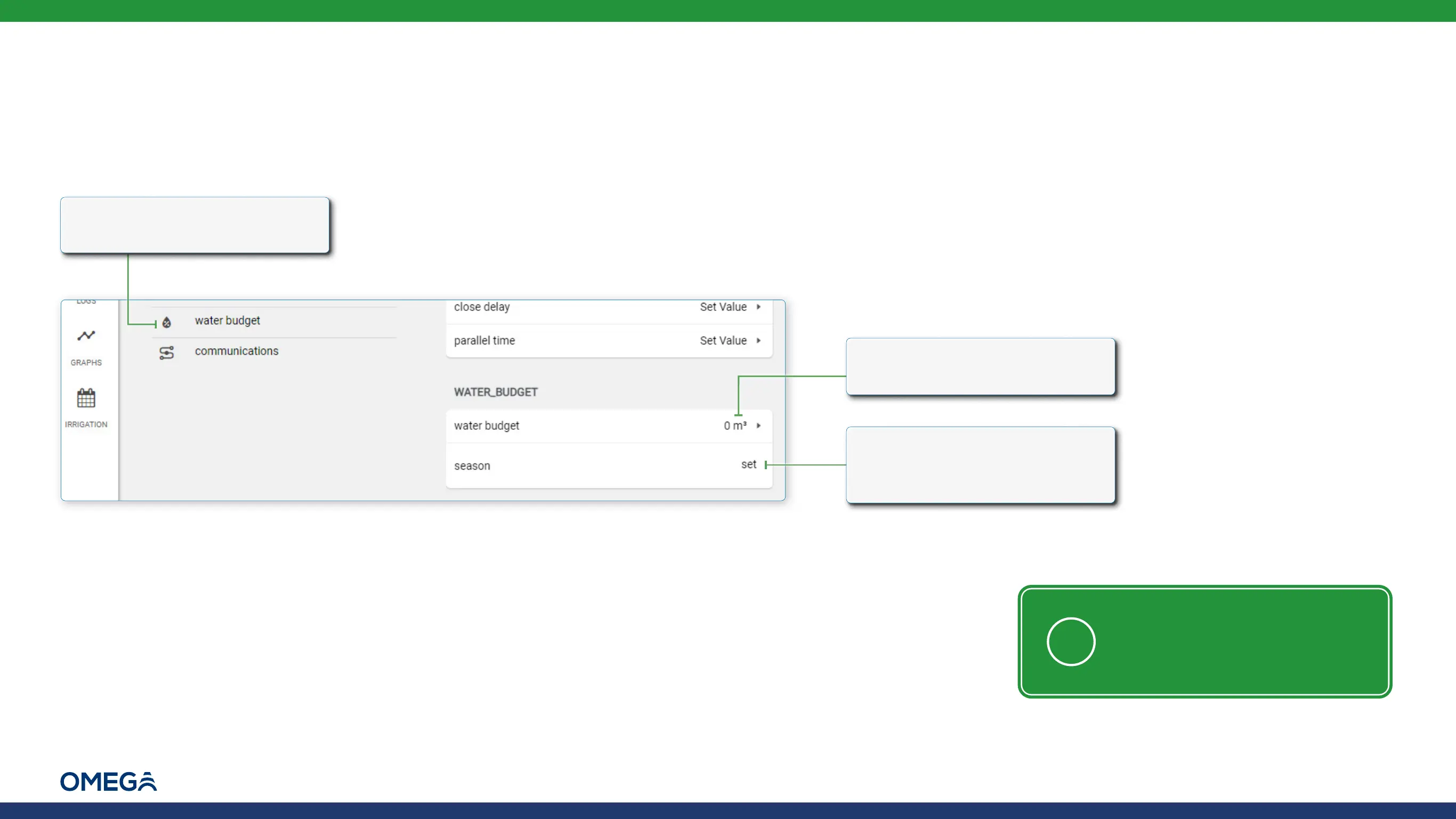
To set a water budget for a given period, perform the following steps:
1.
Enter controller settings and
select water budget
2.
Click to select the volume of
water
3.
Click to display a calendar
and select the season start
and end dates
NOTE: Water volume budget
and irrigation season dates
present water consumption
progress during the entire
irrigation period



 To Next Page