My BERNINA
6
BERNINA SEWING MACHINE WORKBOOK
1. Attach Reverse Pattern Sole #1.
2. Select the Straight Stitch #1.
3. Touch the Needle Up/Down Button on the machine.
Each push of the button will set the Needle to stop in
the Up position or in the Down position as noted on the
screen.
• This setting remains until changed, even if the
machine is turned off.
4. To lower or raise the needle, press and hold the Needle
Up/Down button. The needle will raise and lower. This
does not affect the Needle Up/Down setting.
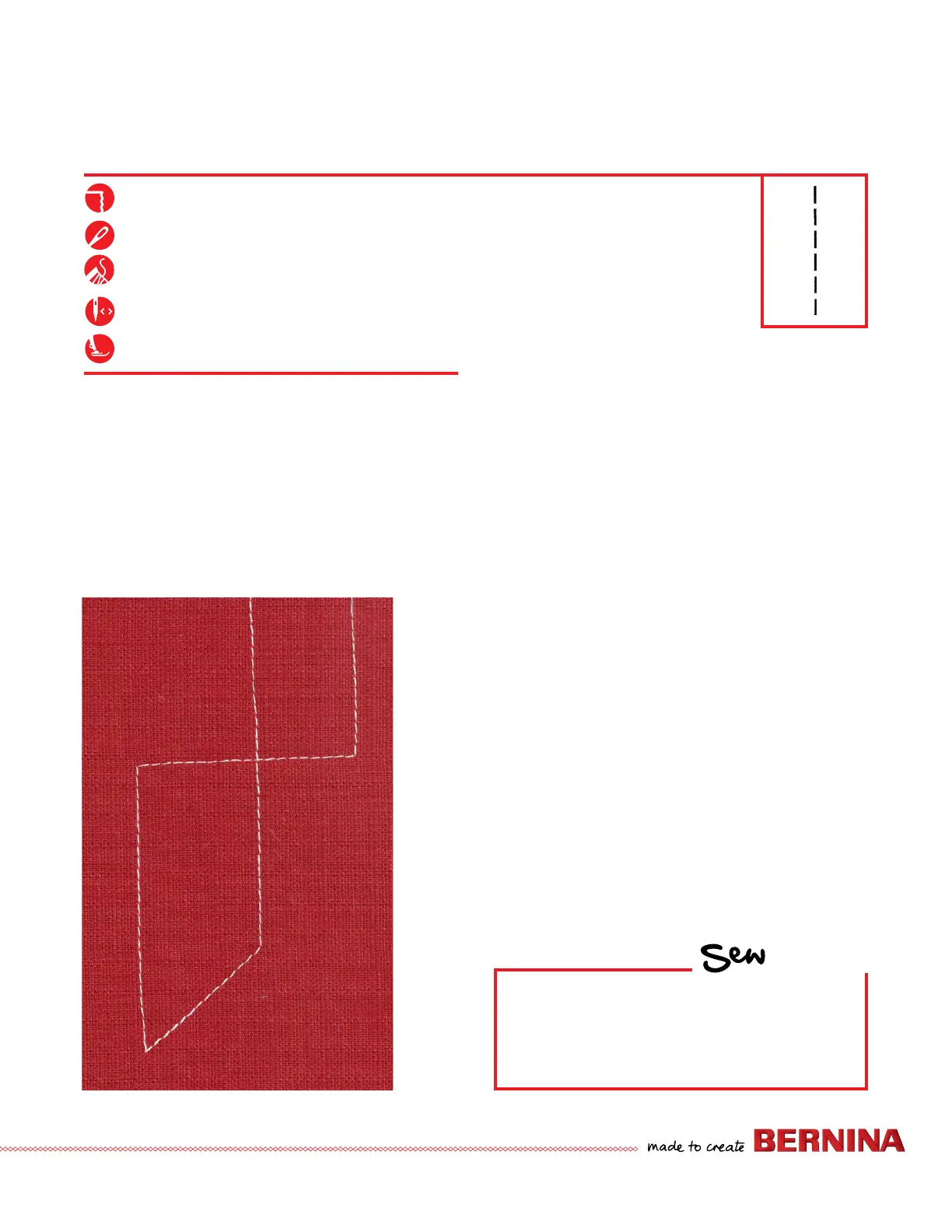
5. Sew a line of stitching and stop in the middle of the
fabric.
6. Raise the Take Up Lever and pivot to form at least 2 right
angle corners and 2 additional corners.
• When pivoting, use the FHS (Free Hand System -
optional accessory for B 335 only) to raise the presser
foot.
NEEDLE STOP UP/DOWN-FREE HAND SYSTEM
Firm woven fabric, 4” x 6”, two pieces
80/12 Universal
Polyester or cotton embroidery thread
Center
Reverse Pattern Sole #1
NOTE: The BERNINA foot control is an optional accessory
for the B 335, 325, and 215. A tap of the toe will make
the needle take one full revolution. A heel tap will raise or
lower the needle.
The Free Hand System is an optional accessory for the B 335
only.
HOW
Do you know how to:
• Raise and lower the needle without using
the handwheel?
• Set the needle to always stop in the
down position?


 To Next Page