EN
33
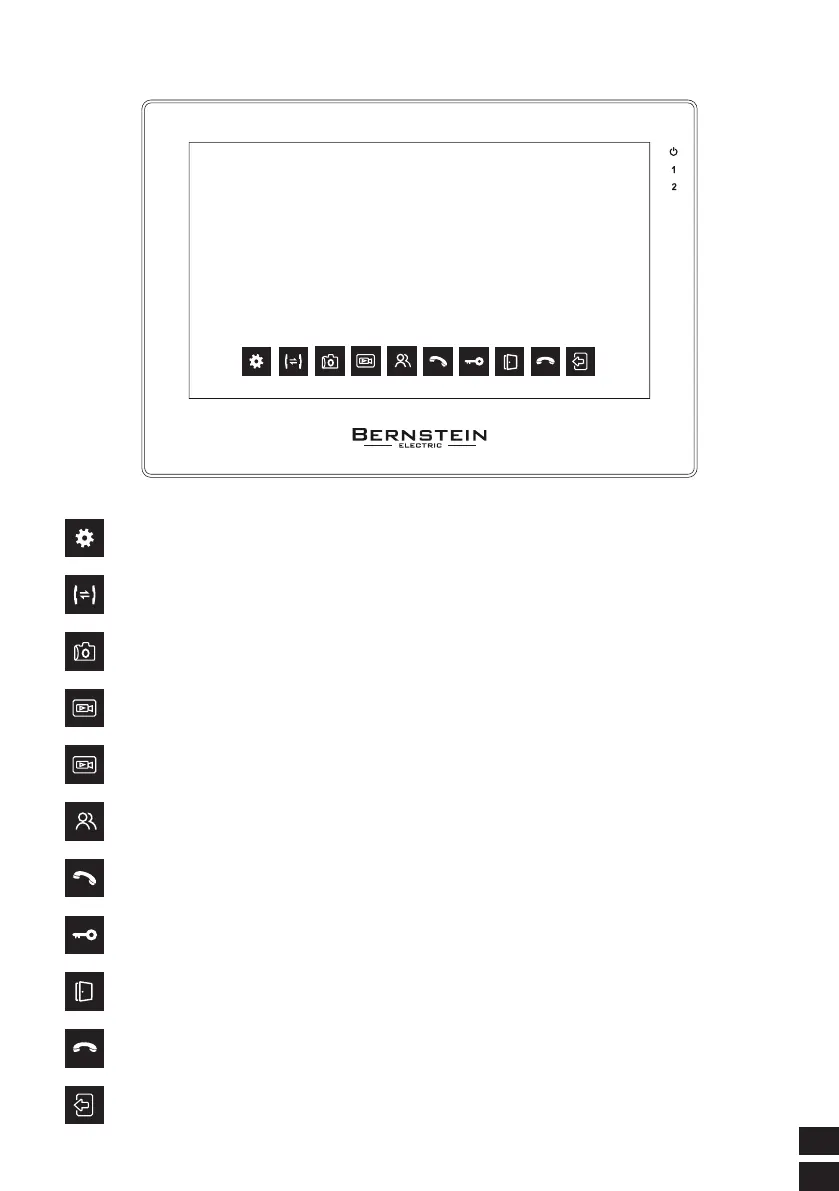
2. MONITOR FUNCTION DESCRIPTION
Press the call button to transfer to other monitor
Press the call button to transfer to other monitor
Use the manual capturefeature, click to take a photo of the current photo
Start recording manually.
Stop recording manually.
The current channel can be switched, and the switching sequence
is: DOOR1--DOOR2--CAM1--CAM2
Click to talk to the current channel
This unlock function must be opened under the current channel of the call or
monitor.
Independent unlock button, in any case, press this button to open
the electric lock on the indoor unit interface
Click this button to end the call
Click this button to return to 4 Channels



 To Next Page