34
EN
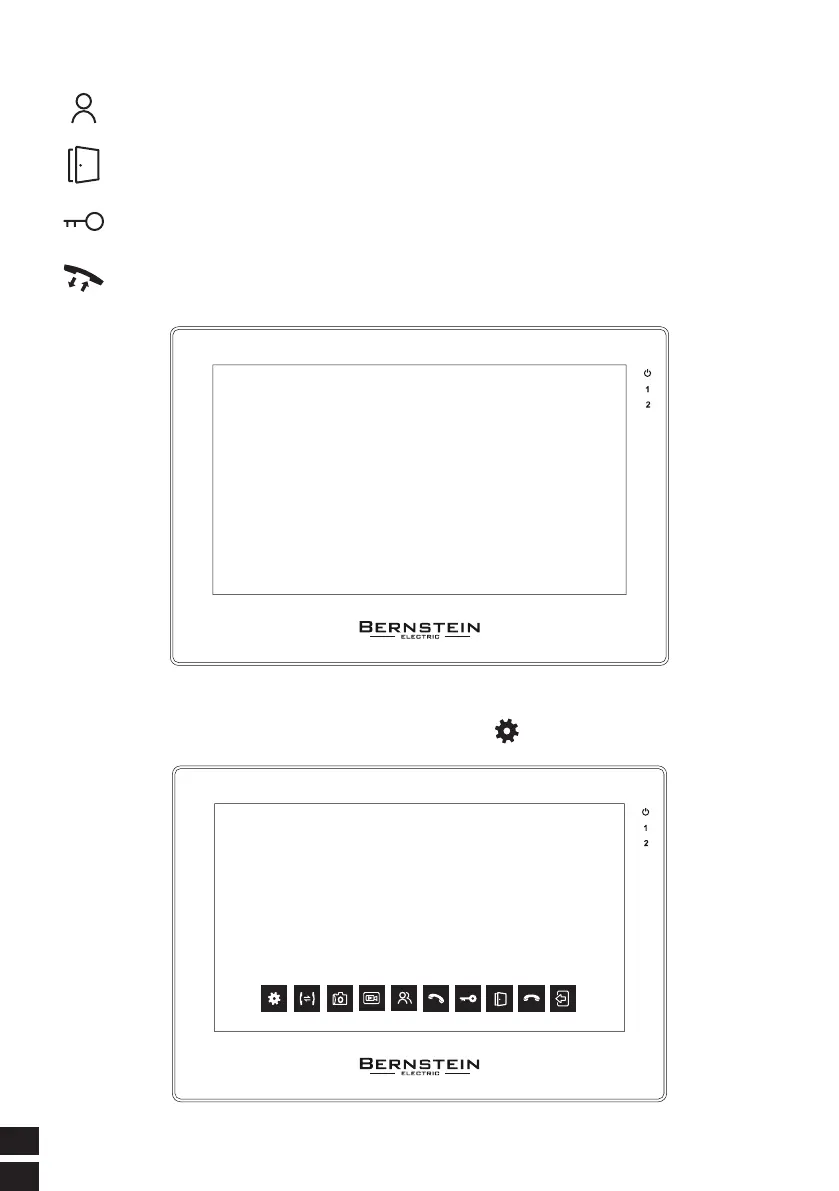
2.1. TOUCH PAD ICON FUNCTION OPERATION INSTRUCTIONS
The current channel can be switched, and the switching sequence
is: DOOR1--DOOR2--CAM1--CAM2
Independentunlock button, in any case, press this button to open the electric lock
on the indoor monitor
During calling or monitoring unlock the door
This button is a composite button, the first click is answer the calling, the
second click is end the call
2.2. SYSTEM SETTINGS
Click the Settings button on the screen to enter the menu mode.



 To Next Page