EN
39
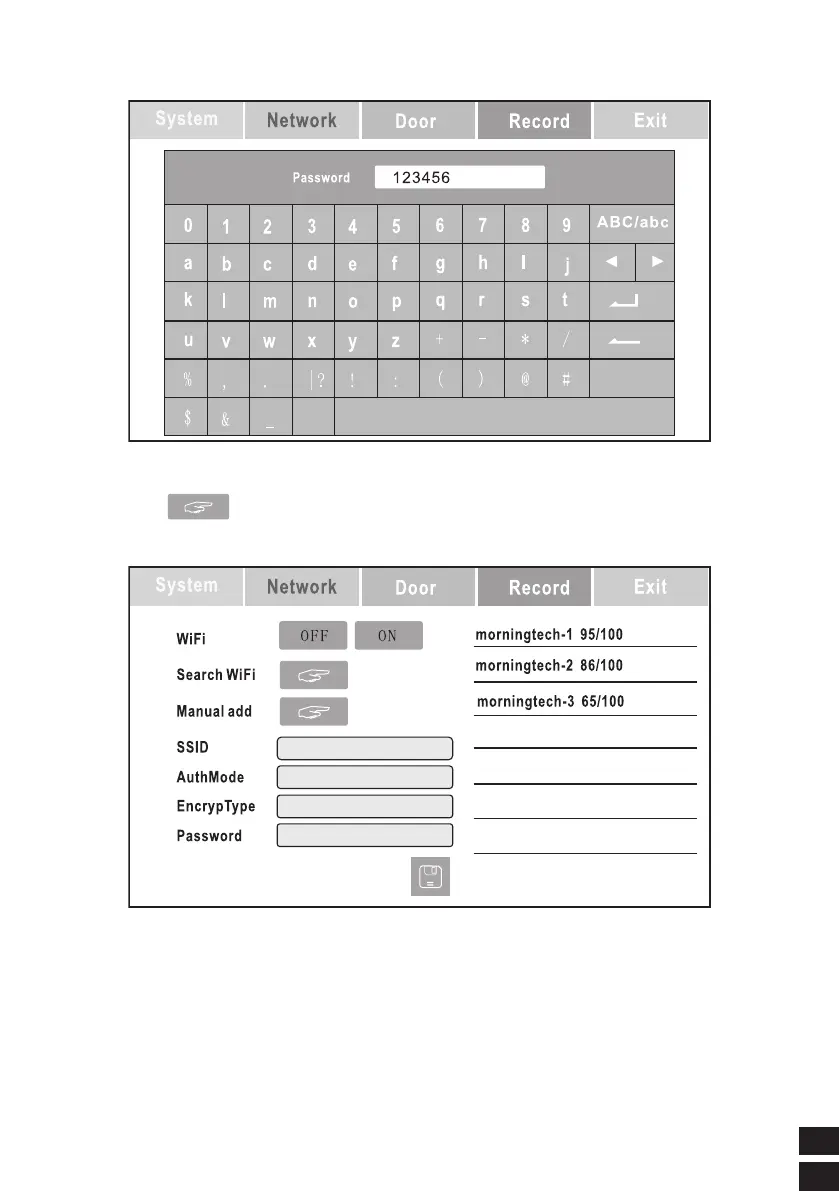
Use the keyboard to enter the WIFI password
* The indoor monitor will restart after the modified parameters are saved.
Manual add
Use manual to add WIFI, pop up the following picture
Fillin the WIFI parameters by list and press Save to confifirm.
Note: Not recommend to use manual input if you are not familiar with your wifi
parameters. It is dificult to ensure network quality and not achieve smooth
video eects.



 To Next Page