EasyManua.ls Logo

Better BT-532C - Page 13

Better BT-532C
56 pages
Print Icon
To Next Page IconTo Next Page
To Previous Page IconTo Previous Page
Loading...
BT-532C User manual
13
Descrip
tion
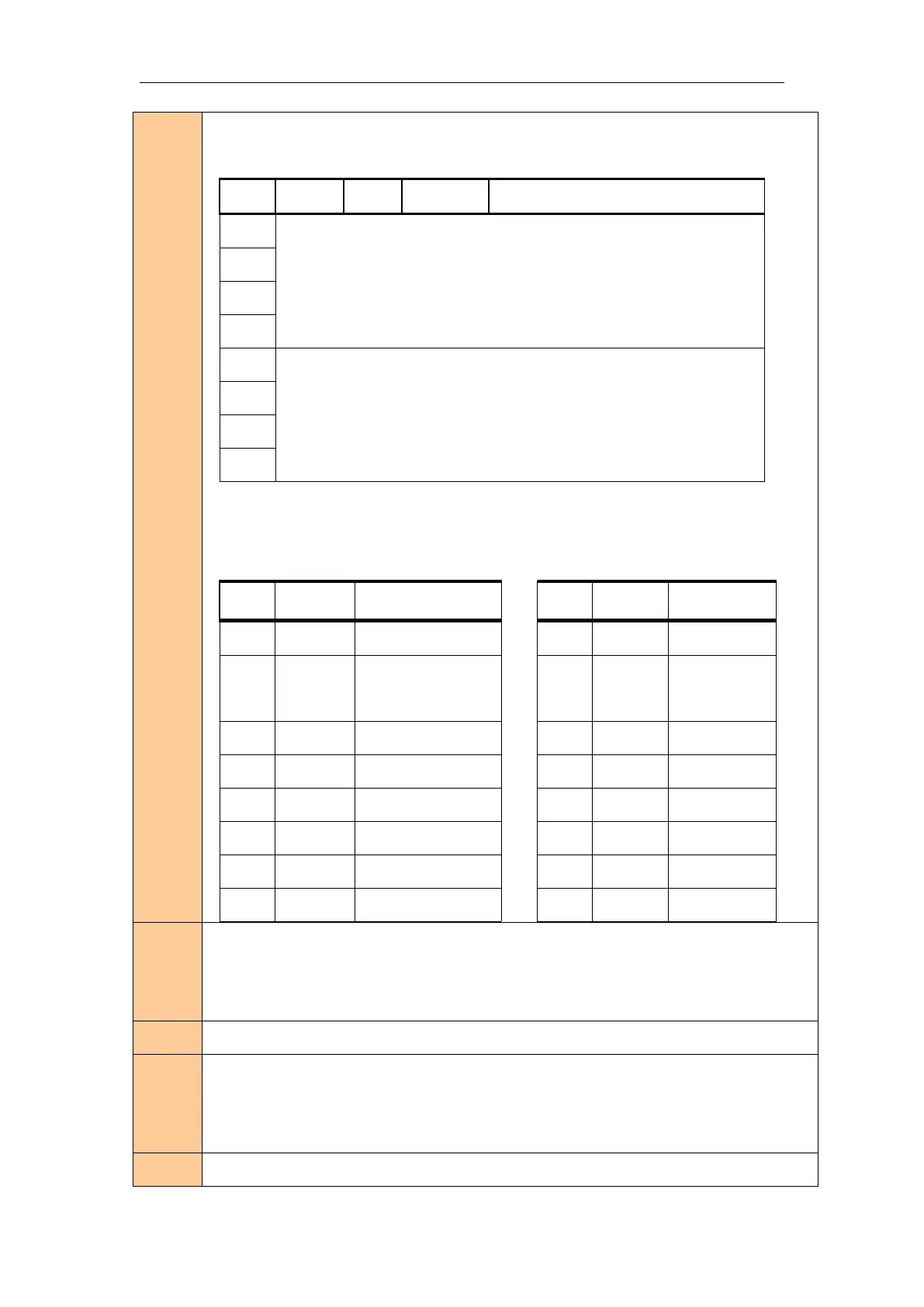
Selects the character height using bits 0 to 2 and selects the character width using bits 4 to
7, as follows:
Bit
Off/On
Hex
Decimal
Function
0
Character height selection. See Table 2.
1
2
3
4
Character width selection. See Table 1.
5
6
7
Table 1 Table 2
Character Width Selection Character Height Selection
Hex
Decimal
Width
Hex
Decimal
Width
00
0
1(normal)
00
0
1(normal)
10
16
2(double-width)
01
1
2(double-
height)
20
32
3
02
2
3
30
48
4
03
3
4
40
64
5
04
4
5
50
80
6
05
5
6
60
96
7
06
6
7
70
112
8
07
7
8
Parame
ter
range
N/A
Default
n = 0
Support
ing
model
All
Notes
This command is effective for all characters (alphanumeric and Kanji), except for HRI

Related product manuals