39
Reset the device to factory settings
1. To delete all saved measured values and settings, select
the user memory.
Press >. The display shows .
2. Press and hold < and > for approx. 15 seconds.
appears in the display. All data stored on the device is
deleted; the device is reset to factory settings.
The device switches o automatically.
Transfer of measured values
Transfer via Bluetooth
®
• Download the free beurer HealthManager Pro / beurer
HealthManager app from the Apple App Store or Google
Play.
Click here for the
beurer HealthManager Pro app
*
• Activate Bluetooth
®
in your smartphone’s settings.
• Start the app.
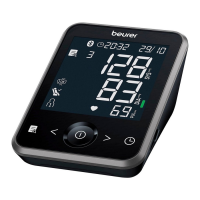
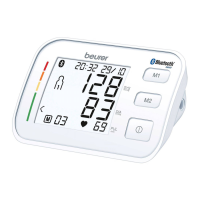
• Select BM 64 in the app and follow the instructions.
• A PIN code is displayed on the device when connecting
for the first time. Enter the PIN code on the smartphone.
After successfully entering the code, the device will be
connected to your smartphone.
List of system requirements and compatible
devices
* This product satisfies the requirements of the applicable European
directives.
7. CLEANING AND MAINTENANCE
• Clean the device and cu carefully using only a slightly
damp cloth.
• Do not use any cleaning solutions or solvents.
• Under no circumstances hold the device or cu under
water, as this can cause liquid to enter and damage the
device and cu.
• If you store the device and cu, do not place heavy ob-
jects on the device and cu. The cu line should not be
bent sharply.
• Remove the batteries if the device is not going to be used
for a long period of time.
8. ACCESSORIES AND
REPLACEMENT PARTS
Accessories and replacement parts are available on the
homepage www.beurer.de, under “Service”. Please state the
corresponding order number.


 To Next Page
 Loading...