28
7. Cleaning and storage
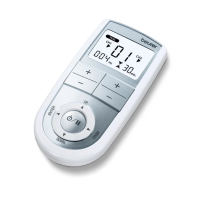
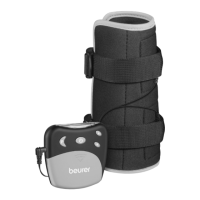
Cleaning the control unit
Important
Beforebeginningthecleaningprocess,disconnectthe
connectioncablefromthecontrolunitandthecuand
remove the batteries.
Cleanthecontrolunitafterusewithasoft,slightlydamp
cloth.Ifitisverydirty,youcanalsomoistentheclothwith
amildsoapysolution.Donotuseanychemicalorabrasive
cleaning agents. Ensure that no water gets inside the control
unit.
Cleaning the wrist cu
Important
1.Beforebeginningthecleaningprocess,disconnectthe
connection cable from the cu.
2.Cleanthecu carefully in lukewarm,soapywater.Donot
usehotwater.Afterwards,rinseitthoroughlywithwater
so that no soap remains on the cu.
3. Then carefully pat the cu dry with a towel and leave it
to dry.
Warning
•
If the cuisdamaged,itmustbereplaced.
•
Before putting the cuonagain,rstcleanthebodyparts
to be treated.
Storage
•
Switchothecontrolunitanddisconnecttheconnec-
tion cable.
•
Remove the cu.
•
Disconnecttheconnectioncablefromthecu.
•
Putthecontrolunit,thecu and the connection cable in
their original packaging.
•
Storetheoriginalpackaginginacool,dryplacethatis
inaccessible to children.
•
Remove the batteries from the device if you will not be
usingitforaprolongedperiodoftime.Leakingbatteries
may damage the device.
8. Disposal
Forenvironmentalreasons,donotdisposeofthe
device in the household waste at the end of its ser-
vice life.
Dispose of the device at a suitable localcollection or
recyclingpointinyourcountry.Disposeofthedevicein
accordancewithECDirective–WEEE(WasteElectricaland
ElectronicEquipment).
Ifyouhaveanyquestions,pleasecontactthelocalauthor-
ities responsible for waste disposal.
Theempty,completelyatbatteriesmustbedisposedof
throughspeciallydesignatedcollectionboxes,recycling


 To Next Page