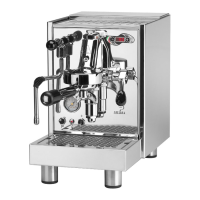
5) Open the steam tap (fig. 01; pos. 9) (approxi-
mately 2 / 3 seconds) in order to purge and
clean also inside the steam nozzle.
Warning:
Do not touch the steam nozzle directly as it is hot.
5.5 Drawing hot water
1) Place the water container under the dispenser
(fig.01; pos. 3).
2) Turn on the knob (fig.01; pos.10) to get the
required quantity of water.
Warning:
Do not touch the water distributor tap directly as
it is hot.
5.6 Turning off the machine
1) Turn the main switch (Fig. 01; pos. 1) to posi-
tion “OFF” and check that the light
has turned off. (Fig. 01; pos. 11)
2) Turn off the intercepting water tap (R version).
5.7 Programming doses
(DE VERSION)
(Fig.05)
To programme each single dose, proceed as
follows: keep the programming key pressed down
for about 5 seconds the key
until the LED light flashes.
Select the desired dose by pressing the
corresponding key
(LED turns on); press the key again one the desired
dose has been reached (LED turns off): the dose
has in this way been programmed.
Notes:
- The LED lights on the keypad flash intermittently:
low water level in tank.
- The LED lights on the keypad flash rapidly: low
water level in boiler.
- The LED light of the selected button flashes:
coffee ground too finely.
5.7.1 “PRE-BREWING” program-
ming
(DE VERSION)
(Fig.05)
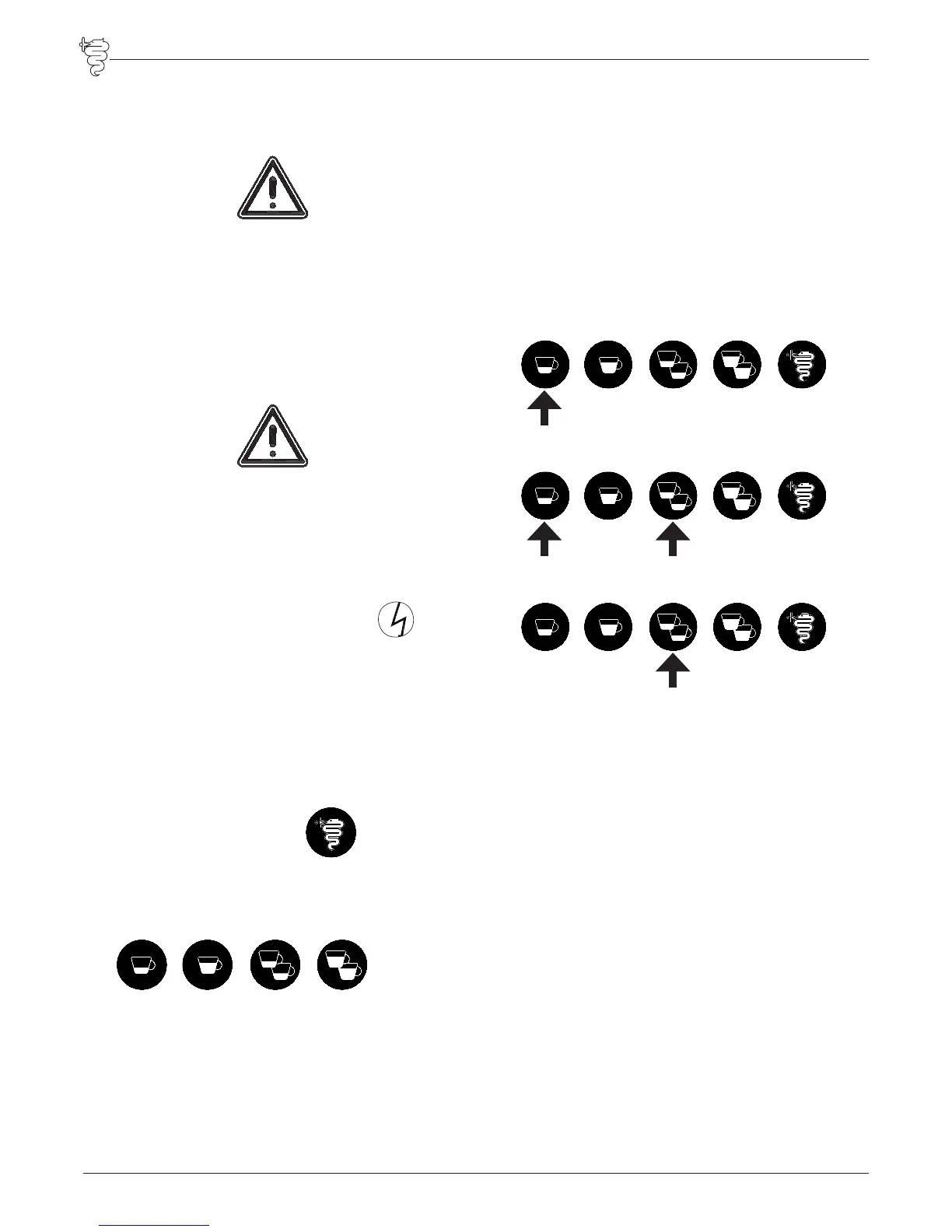
It is possible to select the “PRE-BREWING” func-
tion. Machine off. Turn on the machine by press-
ing:
to ENABLE PRE-BREWING only in the four volu-
metric doses.
to ENABLE PRE-BREWING also in the continuous
key.
to DISABLE PRE-BREWING.
The system confirms the operation by keeping
the relative lights on. Turn off the machine and
turn it on again. Check the wanted setting. The
pre-brewing times used are the pre-programmed
ones.
5.8 Pressure gauge
The machine is equipped with dual pressure
gauge by which you can check the following pres-
sures:
Boiler manometer (Fig. 01, pos. 14)
range 0~3 bar (0~0,3 MPa)
The boiler manometer indicates the boiler pres-
sure.
Pressure gauge (Fig. 01; pos. 15)
range 0~16 bar (0~1,6 MPa)
The pressure gauge indicates the pump maximum
pressure during operation. When the motor pump
is stopped the manometer indicates the water sup-
ply pressure (R version) or any residual pressure in


 To Next Page