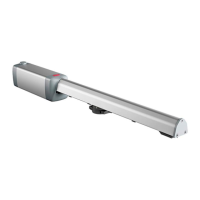
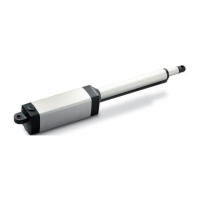
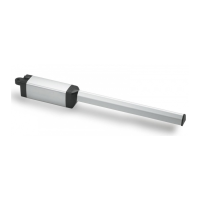
INSTALLATION MANUAL
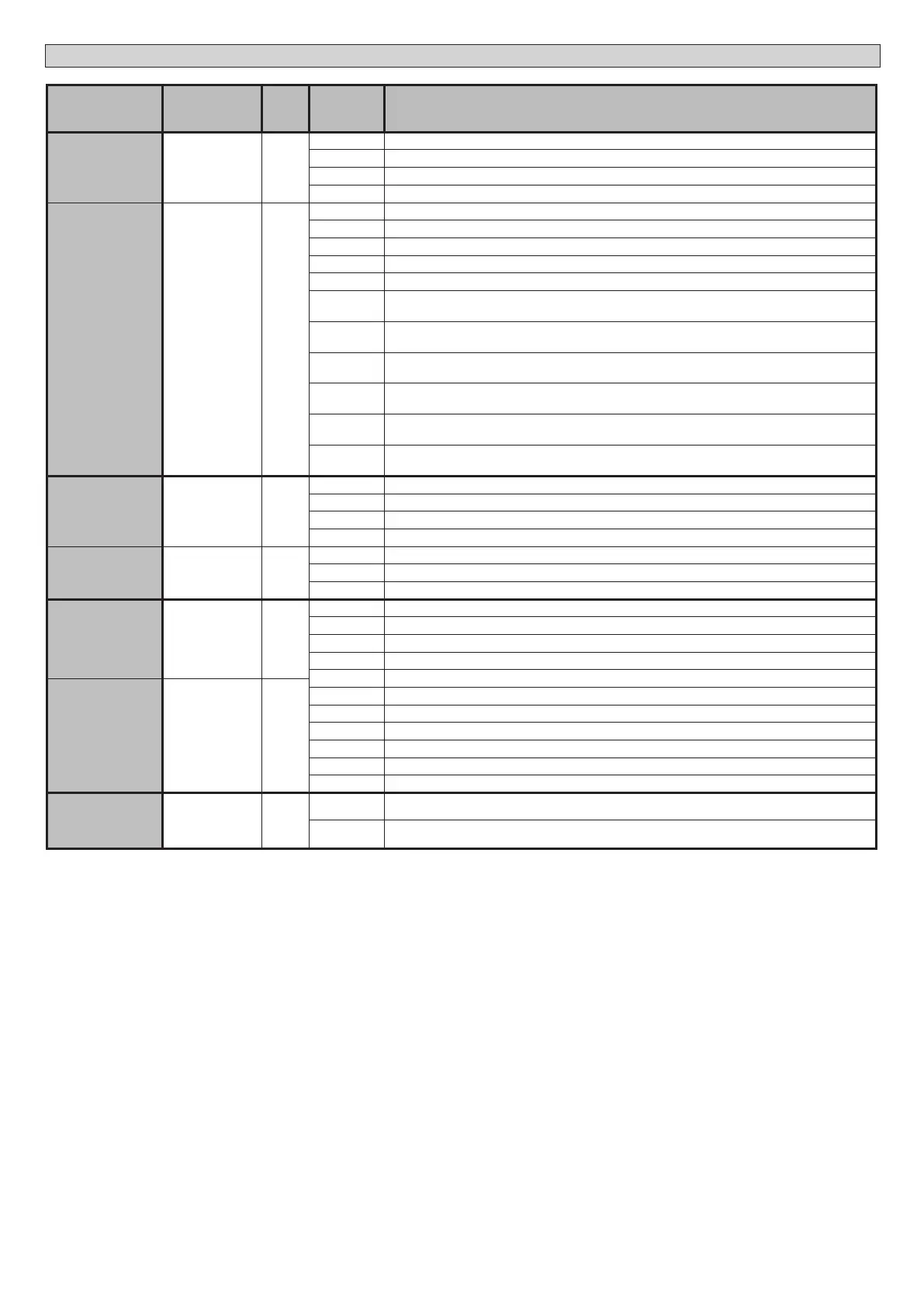
Logic Denition
De-
fault
Cross out
setting
used
Optional extras
SAFE 1
Conguration
of safety input
SAFE 1.
72
0
0 Input congured as Phot (photocell).
1 Input congured as Phot test (tested photocell).
2 Input congured as Phot op (photocell active during opening only).
3 Input congured as Phot op test (tested photocell active during opening only).
SAFE 2
Conguration
of safety input
SAFE 2.
74
6
4 Input congured as Phot cl (photocell active during closing only).
5 Input congured as Phot cl test (tested photocell active during closing only).
6 Input congured as Bar, safety edge.
7 Input congured as Bar, tested safety edge.
8 Input congured as Bar 8k2.
9*
Input congured as Bar OP, safety edge with inversion active only while opening. If while closing, the mo-
vement stops.
10*
Input congured as Bar OP TEST, safety edge tested with inversion active only while opening. If while closing,
the movement stops.
11*
Input congured as Bar OP 8k2, safety edge with inversion active only while opening. If while closing, the
movement stops.
12*
Input congured as Bar CL, safety edge with inversion active only while closing. If while opening, the mo-
vement stops.
13*
Input congured as Bar CL TEST, safety edge tested with inversion active only while closing. If while opening,
the movement stops.
14*
Input congured as Bar CL 8k2, safety edge with inversion active only while closing. If while opening, the
movement stops.
IC 1
Conguration of
command input
IC 1.
61
0
0 Input congured as Start E.
1 Input congured as Start I.
2 Input congured as Open.
3 Input congured as Close.
IC 2
Conguration of
command input
IC 2.
62
4
4 Input congured as Ped.
5 Input congured as Timer.
6 Input congured as Timer Pedestrian.
AUX 0
Conguration of
AUX 0 output.
20-21
6
0 Output congured as 2nd Radio Channel.
1 Output congured as SCA (gate open light).
2 Output congured as Courtesy Light command.
3 Output congured as Zone Light command.
4 Output congured as Stair Light
AUX 3
Conguration of
AUX 3 output.
26-37
0
5 Output congured as Alarm
6 Output congured as Flashing light
7 Output congured as Latch
8 Output congured as Magnetic lock
9 Output congured as Maintenance
10 Output congured as Flashing Light and Maintenance.
FIXED CODE
Fixed code 0
0
Receiver is congured for operation in rolling-code mode.
Fixed-Code Clones are not accepted.
1
Receiver is congured for operation in xed-code mode.
Fixed-Code Clones are accepted.
30 - ARES ULTRA BT A 1000 - ARES ULTRA BT A 1500
D812201 00100_09


 To Next Page