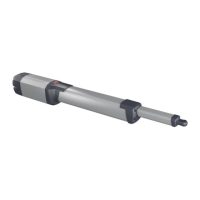
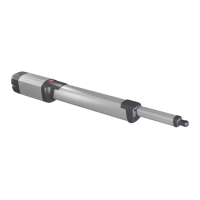
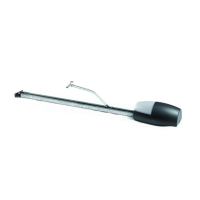
INSTALLATION MANUAL
Logic Denition
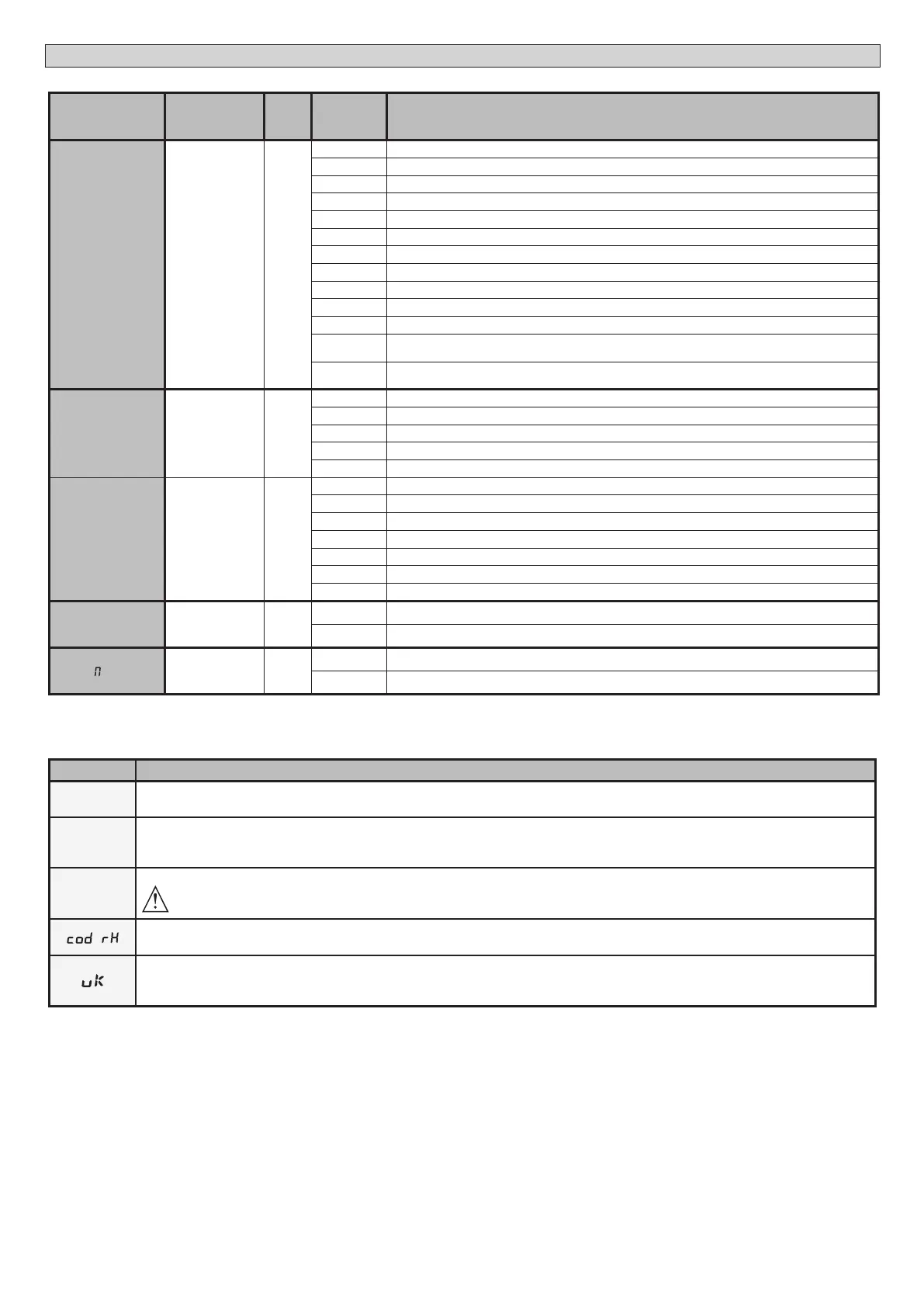
De-
fault
Cross out
setting
used
Optional extras
EXPI2
Conguration of
EXPI2 input
on input-output
expansion board.
1-3
0
0 Input congured as Start E command.
1 Input congured as Start I command.
2 Input congured as Open command.
3 Input congured as Close command.
4 Input congured as Ped command.
5 Input congured as Timer command.
6 Input congured as Timer Pedestrian command.
7 Input congured as Phot (photocell) safety.
8 Input congured as Phot op safety (photocell active during opening only).
9 Input congured as Phot cl safety (photocell active during closing only).
10 Input congured as Bar safety (safety edge).
11*
Input congured as safety Bar OP, safety edge with inversion active only while opening, if while closing the
movement stops.
12*
Input congured as safety Bar CL, safety edge with inversion active only while closing, if while opening the
movement stops.
EXPO1
Conguration of
EXPO2 output
on input-output
expansion board
4-5
11
0 Output congured as 2
nd
Radio Channel.
1 Output congured as SCA (gate open light).
2 Output congured as Courtesy Light command.
3 Output congured as Zone Light command.
4 Output congured as Stair Light.
EXPO2
Conguration of
EXPO2 output
on input-output
expansion board
6-7
11
5 Output congured as Alarm.
6 Output congured as Flashing light.
7 Output congured as Latch.
8 Output congured as Magnetic lock.
9
Output congured as Maintenance.
10
Output congured as Flashing Light and Maintenance.
11
Output congured as Trac Light control with TLB board.
TRAFFIC LIGHT
PREFLASHING.
Trac light pre-
ashing
0
0
Pre-ashing switched o.
1
Red lights ash, for 3 seconds, at start of operation.
TRAFFIC LIGHT
RED LA P ALWAYS
ON
Steadily lit red
light
0
0
Red lights o when gate closed.
1
Red lights on when gate closed.
* Only active on FW ≥ 2.10
TABLE “C” RADIO MENU RADIO
Logic Description
Add start
Add Start Key
associates the desired key with the Start command
add 2ch
Add 2ch Key
Associates the desired key with the 2nd radio channel command. If no output is congured as 2nd Radio Channel Output, the 2nd radio chan-
nel controls the pedestrian opening.
erase 64
Erase List
WARNING! Erases all memorized transmitters from the receiver’s memory.
Read receiver code
Displays receiver code required for cloning transmitters.
ON = Enables remote programming of cards via a previously memorized W LINK transmitter.
It remains enabled for 3 minutes from the time the W LINK transmitter is last pressed.
OFF= W LINK programming disabled.
32 - ARES ULTRA BT A 1000 - ARES ULTRA BT A 1500
D812201 00100_09


 To Next Page
 Loading...