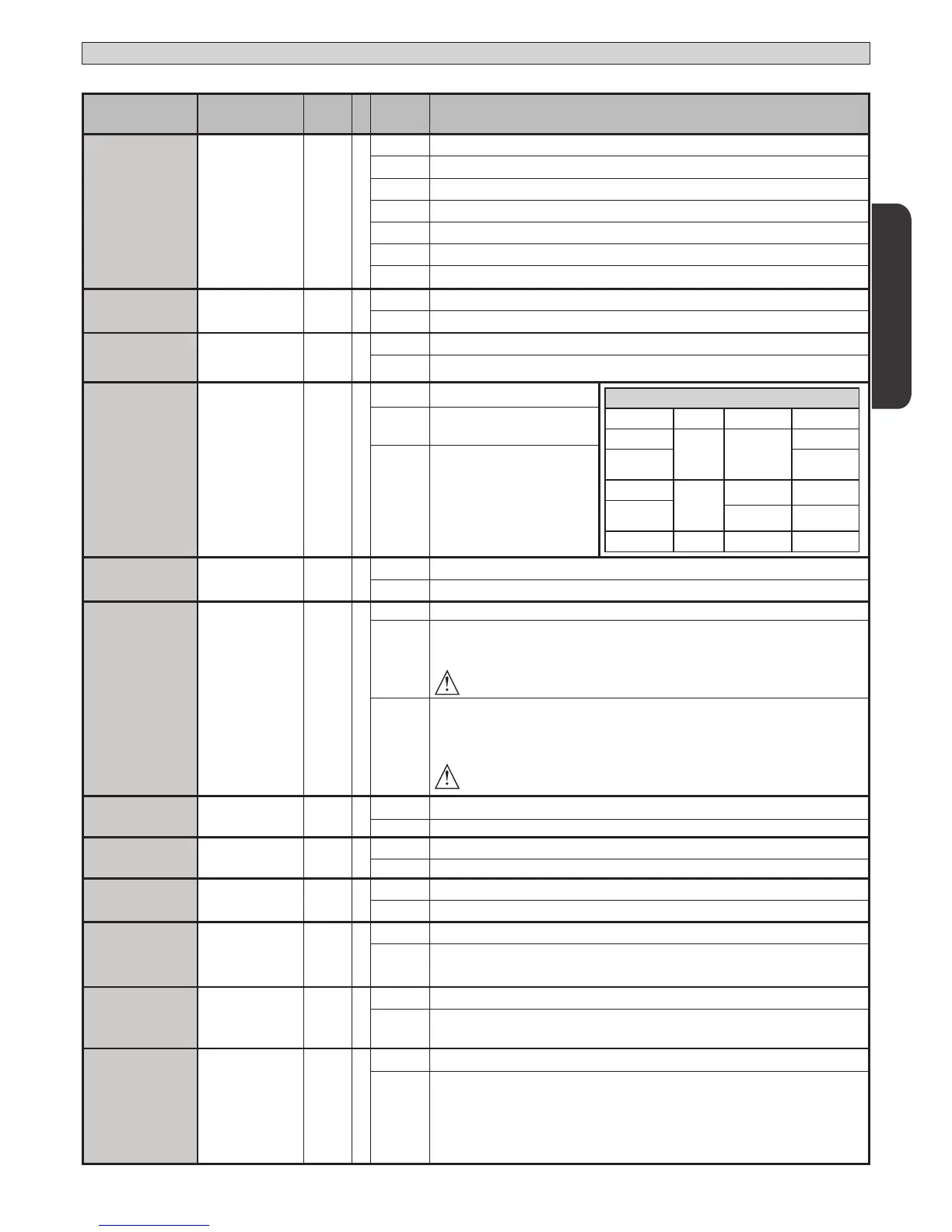
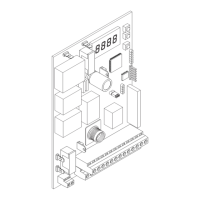
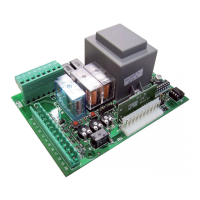
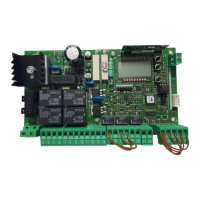
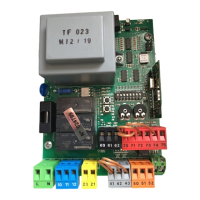
TABLE “B” LOGIC MENU - logic
INSTALLATION MANUAL
Logic Denition
Default
Cross out
setting
used
Optional extras
MOTOR TYPE
Motor type
(Set the type of motor
connected to the
board).
0
0 Motors not active
1 ELI 250 BT
2 PHOBOS BT
3 IGEA BT
4 LUX BT
5 LUX G BT
6 SUB BT
TCA
Automatic Closing
Time
0
0 Logic not enabled
1 Switches automatic closing on
FAST CLS.
Fast closing 0
0 Logic not enabled
1 Closes 3 seconds after the photocells are cleared before waiting for the set TCA to elapse.
STEP-BY-STEP
MOVEMNT
Step-by-step
movement
0
0
Inputs congured as Start E, Start I,
Ped operate with 4-step logic.
step-by-step mov.
2 STEP 3 STEP 4 STEP
CLOSED
OPENS OPENS
OPENS
DURING
CLOSING
STOPS
OPEN
CLOSES
CLOSES CLOSES
DURING
OPENING
STOP + TCA
STOP + TCA
AFTER STOP
OPENS OPENS OPENS
1
Inputs congured as Start E, Start I,
Ped operate with 3-step logic. Pulse
during closing reverses movement.
2
Inputs congured as Start E, Start I,
Ped operate with 2-step logic. Move-
ment reverses with each pulse.
PRE-ALARM
Pre-alarm 0
0 The ashing light comes on at the same time as the motor(s) start.
1 The ashing light comes on approx. 3 seconds before the motor(s) start.
HOLD-TO-RUN
Deadman 0
0 Pulse operation.
1
Deadman mode.
Input 61 is congured as OPEN UP.
Input 62 is congured as CLOSE UP.
Operation continues as long as the OPEN UP or CLOSE UP keys are held down.
WARNING: safety devices are not enabled.
2
Emergency Deadman mode. Usually pulse operation.
If the board fails the safety device tests (photocell or safety edge, Er0x) 3 times in a row, the device is
switched to Deadman mode, which will stay active until the OPEN UP or CLOSE UP keys are released.
Input 61 is congured as OPEN UP.
Input 62 is congured as CLOSE UP.
WARNING: with the device set to Emergency Deadman mode, safety devices are not enabled.
IBL OPEN
Block pulses during
opening
0
0 Pulse from inputs congured as Start E, Start I, Ped has eect during opening.
1 Pulse from inputs congured as Start E, Start I, Ped has no eect during opening.
|IBL TCA
Block pulses during
TCA
0
0 Pulse from inputs congured as Start E, Start I, Ped has eect during TCA pause.
1 Pulse from inputs congured as Start E, Start I, Ped has no eect during TCA pause.
IBL CLOSE
Block pulses during
closing
0
0 Pulse from inputs congured as Start E, Start I, Ped has eect during closing.
1 Pulse from inputs congured as Start E, Start I, Ped has no eect during closing.
RAM BLOW C.OP
Hammer during
opening
0
0 Logic not enabled
1
Before opening completely, the gate pushes for approx. 2 seconds as it closes. This allows the sole-
noid lock to be released more easily.
IMPORTANT - Do not use this function if suitable mechanical stops are not in place.
RAM BLOW C.CL
Hammer during
closing
0
0 Logic not enabled
1
Before closing completely, the gate pushes for approx. 2 seconds as it opens. This allows the solenoid
lock to be released more easily.
IMPORTANT - Do not use this function if suitable mechanical stops are not in place.
BLOC PERSIST
Stop maintenance 0
0 Logic not enabled
1
If motors stay idle in fully open or fully closed position for more than one hour, they are switched on
in the direction of the stop for approx. 3 seconds. This operation is performed every hour.
NB: In hydraulic motors, this function serves to compensate a possible reduction in the volume of oil
due to a drop in temperature during extended pauses, such as during the night, or due to internal
leakage.
IMPORTANT - Do not use this function if suitable mechanical stops are not in place.
ENGLISH
THALIA P 35



 To Next Page