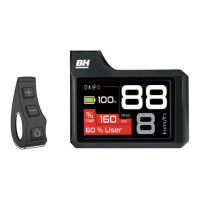
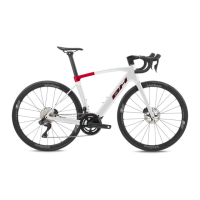
ATOM 2022
BH
18
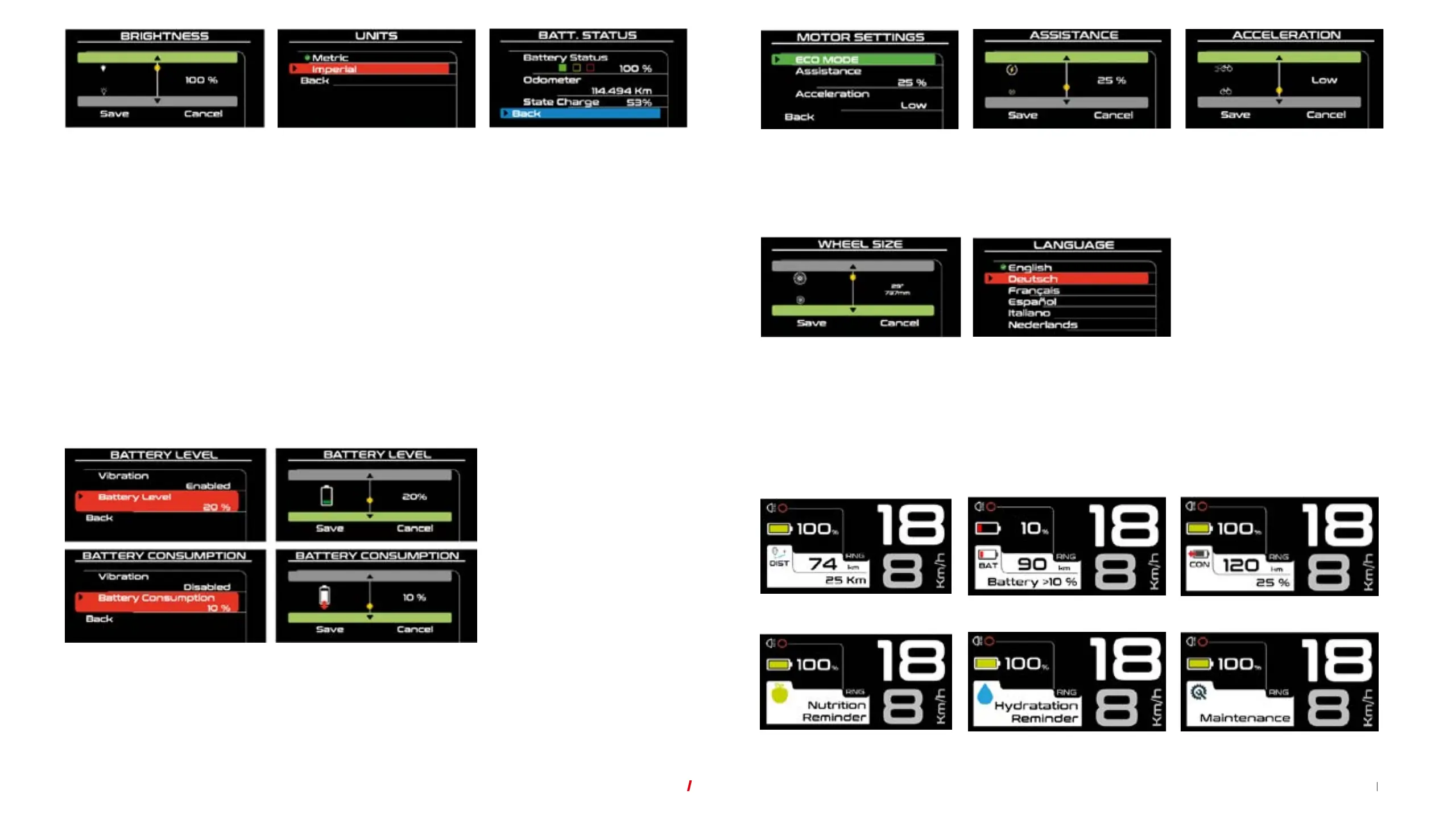
Metric and Imperial systems.
The user can switch between the
metric system (kilometres) and
imperial system (miles).
Condition of the battery.
Via this menu, the user can view the
battery's state of deterioration.
Screen brightness selection.
The user can alter the brightness of
the screen so that they can view it
correctly.
The battery is a consumable that degrades over time and with use, gradually losing its energy storage capacity.
Thestate of deterioration of the battery (State of Health) offers information about the speed of the battery deterioration
based on the following colour criteria:
The battery is a consumable that degrades over time and with use, gradually losing its energy storage capacity.
Thestate of deterioration of the battery (State of Health) offers information about the speed of the battery deterioration
based on the following colour criteria:
•
Green: Low deterioration level.
•
Orange: Moderate deterioration level.
•
Red: High deterioration level.
Assistance level by mode.
This is the minimum (1%) and
maximum (100%) percentage level
of assistance offered by the motor.
Battery level.
Hydration reminder.
Acceleration.
There are 3 levels (Low, Medium,
High) that represent the level
ofacceleration when starting
upthemotor.
Battery consumption.
Maintenance reminder.
Motor settings.
Via this menu, the user can manage
the motor's performance for each
assistance mode.
Distance.
Nutrition reminder.
Wheel Size Selection.
The user can change the wheel size
at any time.
Language selection.
The user can change the screen
language.
NOTIFICATIONS
The notifications can also be managed in the setup menu. This model has the following notifications:
06 PEDAL ASSISTANCE SYSTEM OPERATION



 To Next Page