EN
35
6. Coffee making
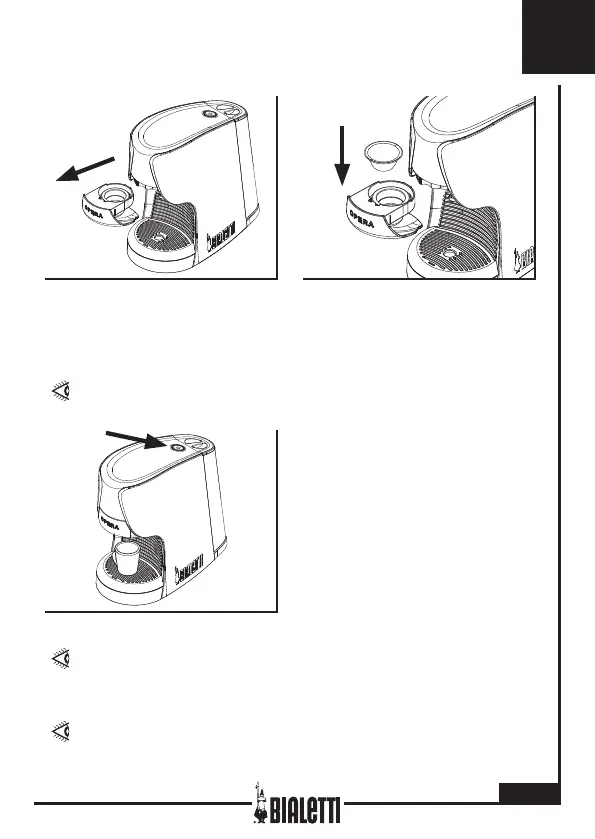
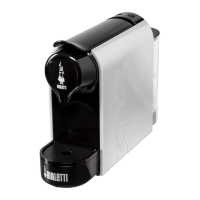
Before dispensing, check water
level in the tank (6), make sure
the button (1) is green and pull
out the capsule holder drawer (2).
Position the capsule into the
housing of the capsule holder
drawer (3) and insert into the
machine body (7).
IF THE CAPSULE IS MISSHAPEN, BEND THE EDGES BACK
INTO SHAPE.
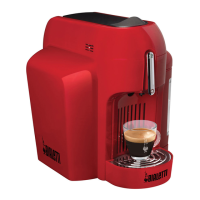
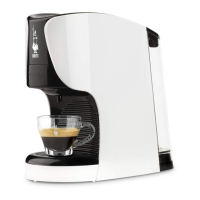
Place a cup onto the rack (3). Start
dispensing coffee by pressing the
apposite button (1). When coffee
reaches the required level in the
cup, stop dispensing by pressing
the button (1) again. For each fol-
lowing coffee, take out the capsule
holder drawer (3), remove the
used capsule and insert a new one.
DURING DISPENSING, THE BUTTON (1) BLINKS IN
GREEN. WAIT UNTIL THE GREEN LIGHT IS STEADY
AGAIN, BEFORE REMOVING THE CAPSULE HOLDER
DRAWER (2).
PRESS THE BUTTON (1) FOR MORE THAN 3 SECONDS TO
SWITCH THE MACHINE OFF.



 To Next Page