page 4 Installation and Operation Guide Devio SCX
Devio SCX Back Panel
2
1
3
4
5
Connections
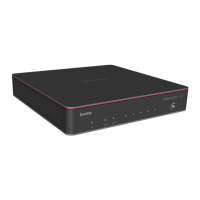
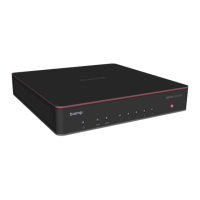
The Devio SCX enclosure is a combination of steel and molded plastic
components. It is designed to be installed on a wall behind a typical conference
room display or placed on a flat surface like a table or credenza with the
included mounting bracket.
1. Ethernet
(1) RJ-45 network port
2. Ethernet (PoE+)
(4) RJ-45 ports which provide PoE+ to power attached peripheral devices.
3. USB
The Devio SCX includes a single USB type-B connector with provides
connection to the UC room system.
4. Reset
Recessed push-button to reset back to factory defaults.
RJ45 AVB Ports (PoE+/non-PoE+) Status
Status LED Indicator
Ethernet link is down Both LEDs Off
Ethernet link is active Right LED Green Solid
PoE is delivering power Right LED Orange Solid
Data activity Left LED Green Flashing
When no data activity (with link up) Left LED Green Solid
5. Power
The power connector uses a 2.5 mm barrel-type. The threaded lock prevents
the power cable from getting pulled out and prevents the power supply from
being plugged into other, lower-voltage devices which also use a 2.5 mm
barrel.


 To Next Page