Devio SCX Installation and Operation Guide page 5
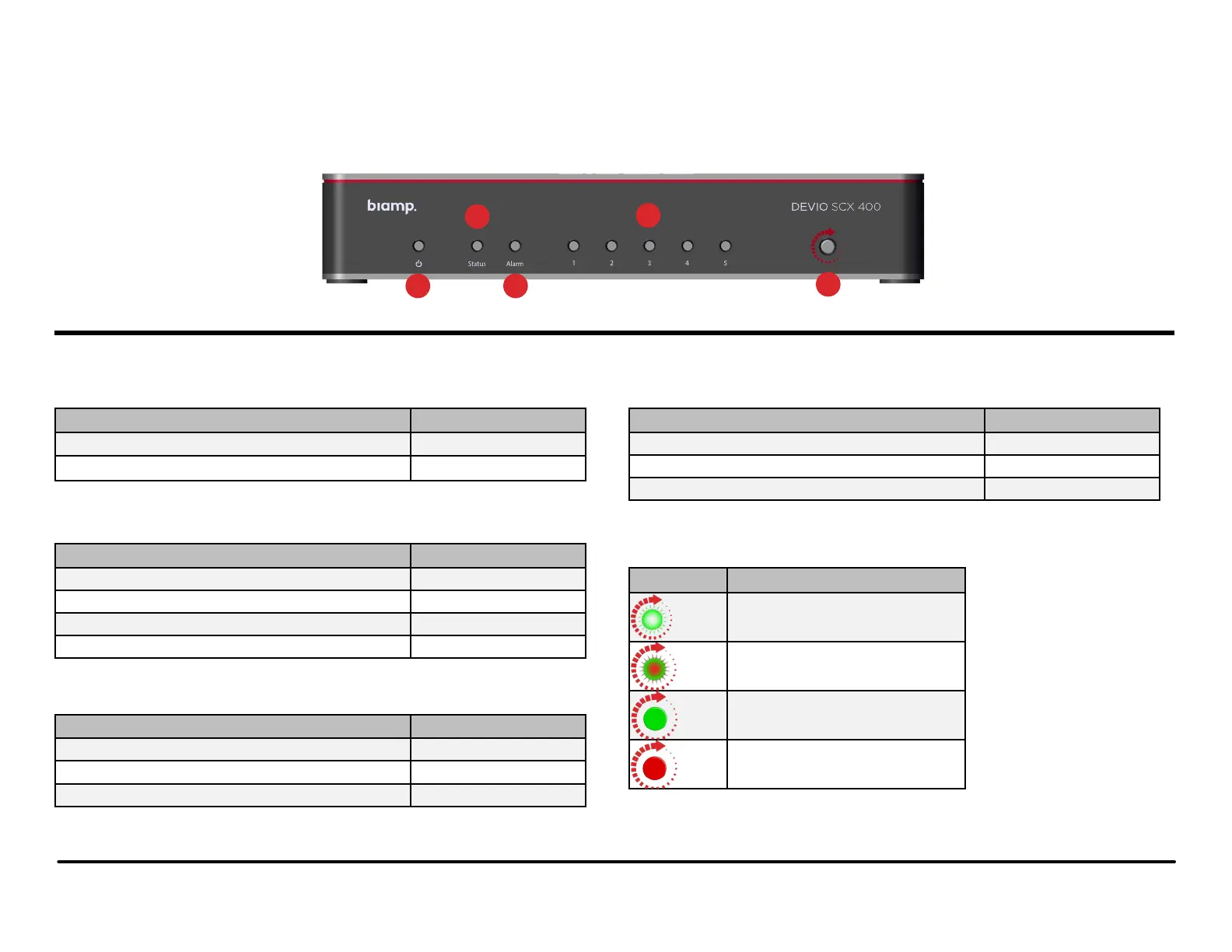
1. Power Indicator
Status LED Indicator
No power Off
Device is powered Green Solid
2. Device Status
Status LED Indicator
No power Off
Device is booting Yellow Solid
Device is fully booted/ready Green Solid
Device is in Locate mode (triggered from the software) Green Flashing
3. Alarm Status
Status LED Indicator
No alarm condition Present Off
Unit has one or more major alarms present Red Solid
Unit has one or more minor alarm conditions present* Yellow Solid
*Only if no major alarms present. Major alarms override minor.
4. RJ45 Port Status
Status LED Indicator
Ethernet link is down Off
Ethernet link is active Green Solid
Device is in Locate mode (triggered from the software) Green Flashing
5. Launch
LED Indicator Status
Launch Required (Green Pulsing)
Launch in Progress (Red/Green Pulsing)
Launch Succeeded (Green Solid)
Launch Failed (Red Solid)
Front Panel LEDs
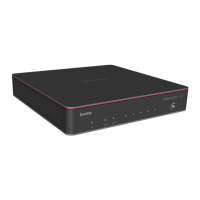
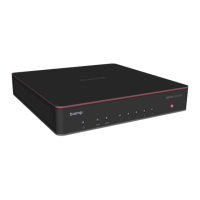
There are nine multi-color LEDs on the front panel of the Devio SCX which give various information to a user:
Devio SCX Front Panel
2
1
4
5
3


 To Next Page