prevent possible damage connecting PoE source to PoE source.
TesiraFORTÉ X or Devio SCX?
TesiraFORTÉ X offers the best of both worlds, allowing either auto-configuration or manual configuration, depending on
the requirements of the job. This flexibility allows one device to fill many roles. Users who are unsure of whether they will
need to sometimes manually configure devices as part of larger or bespoke systems can simply order TesiraFORTÉ X
and have both options available in one device. Devio SCX only allows auto-configuration of the device.
• Both device types have a web UI for users to manage the VoIP configuration and network settings, to run Launch,
and more.
• The Launch-configured Devio SCX and Launch-configured TesiraFORTÉ X offer the same user options and user
experience.
• TesiraFORTÉ X supports manual configuration through Tesira SW v4.0 and higher. It then behaves like any other
Tesira device and can be included in files with older Tesira devices.
• TesiraFORTÉ X has analog input and output connections, GPIO connections, and support for Dante audio when
manually configured.
• Launch-configured TesiraFORTÉ X devices do not use the analog I/O, Dante, or GPIO. These features become
available when manually programmed.
• Neither TesiraFORTÉ X nor Devio SCX can have a Launch file extracted from the device. It is a closed system.
Launch tuning results are shown in the device's Report Card.
Network Connectivity
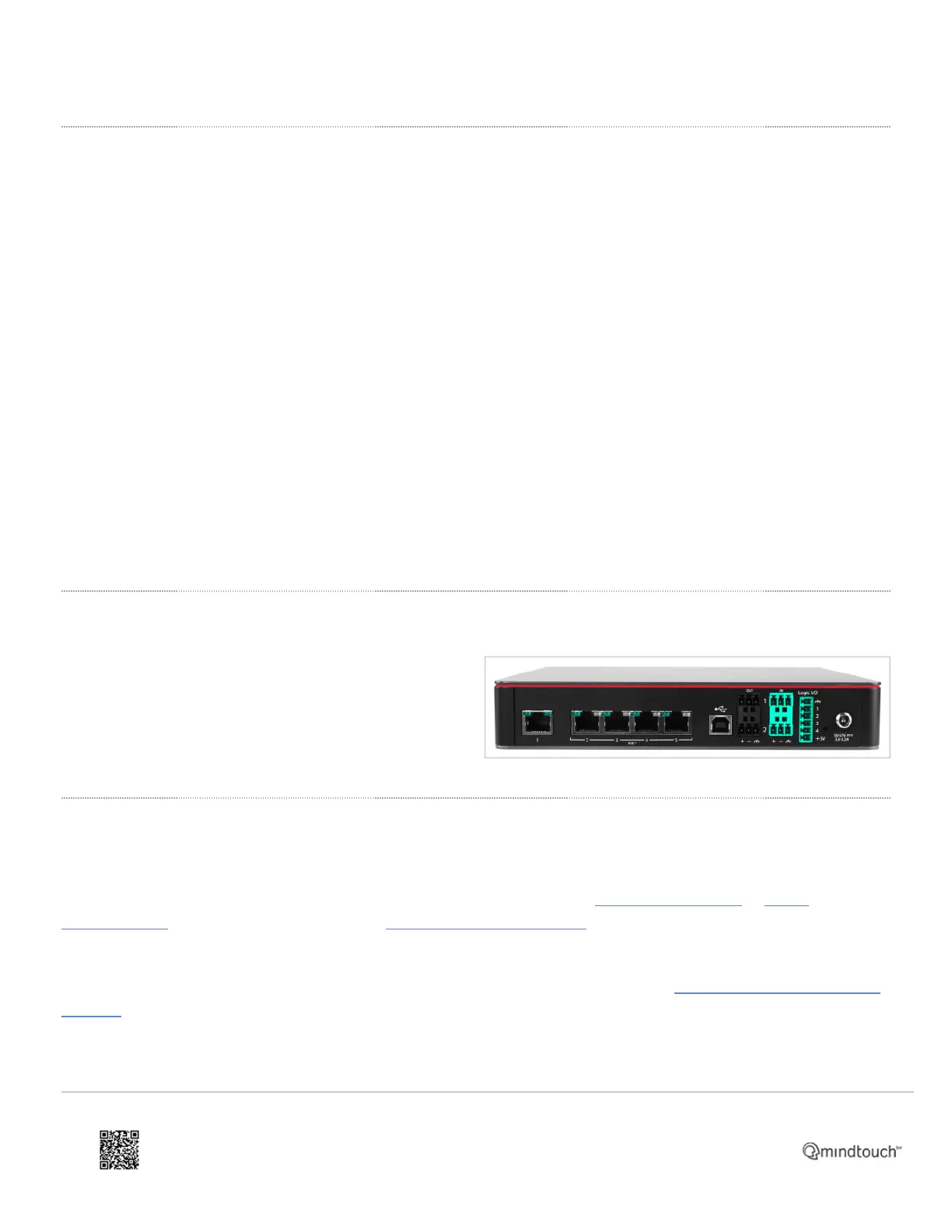
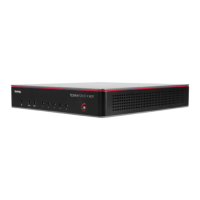
TesiraFORTÉ X is a 5-port media network appliance. All
(5) Ethernet ports are 1G connections, ports 2-5 support
PoE+.
Port 1 supports Tesira discovery and control in all device
modes.
Network discovery
TesiraFORTÉ X does not have a front panel text display.
Device IP discovery is done via a network connection to port 1 (P1) using the Biamp Discovery app or Biamp
Tesira software in all device modes. The latest Tesira software and firmware should always be used
with TesiraFORTÉ X.
Connections between PC and TesiraFORTÉ X are via ethernet connection on port 1, the USB port is a dedicated audio
endpoint.
In separated networks mode the TesiraFORTÉ X may be discoverable with Tesira software via the P2-P5 media
interfaces but the software may not be able to connect, send a configuration, or perform control network functions with
https://support.biamp.com/Tesira/Miscellaneous/TesiraFORTE_X
Updated: Thu, 01 Dec 2022 17:48:44 GMT
Powered by
4


 To Next Page