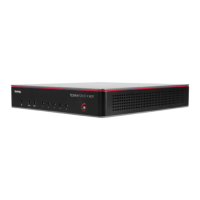
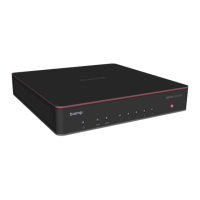
Remove the front panel
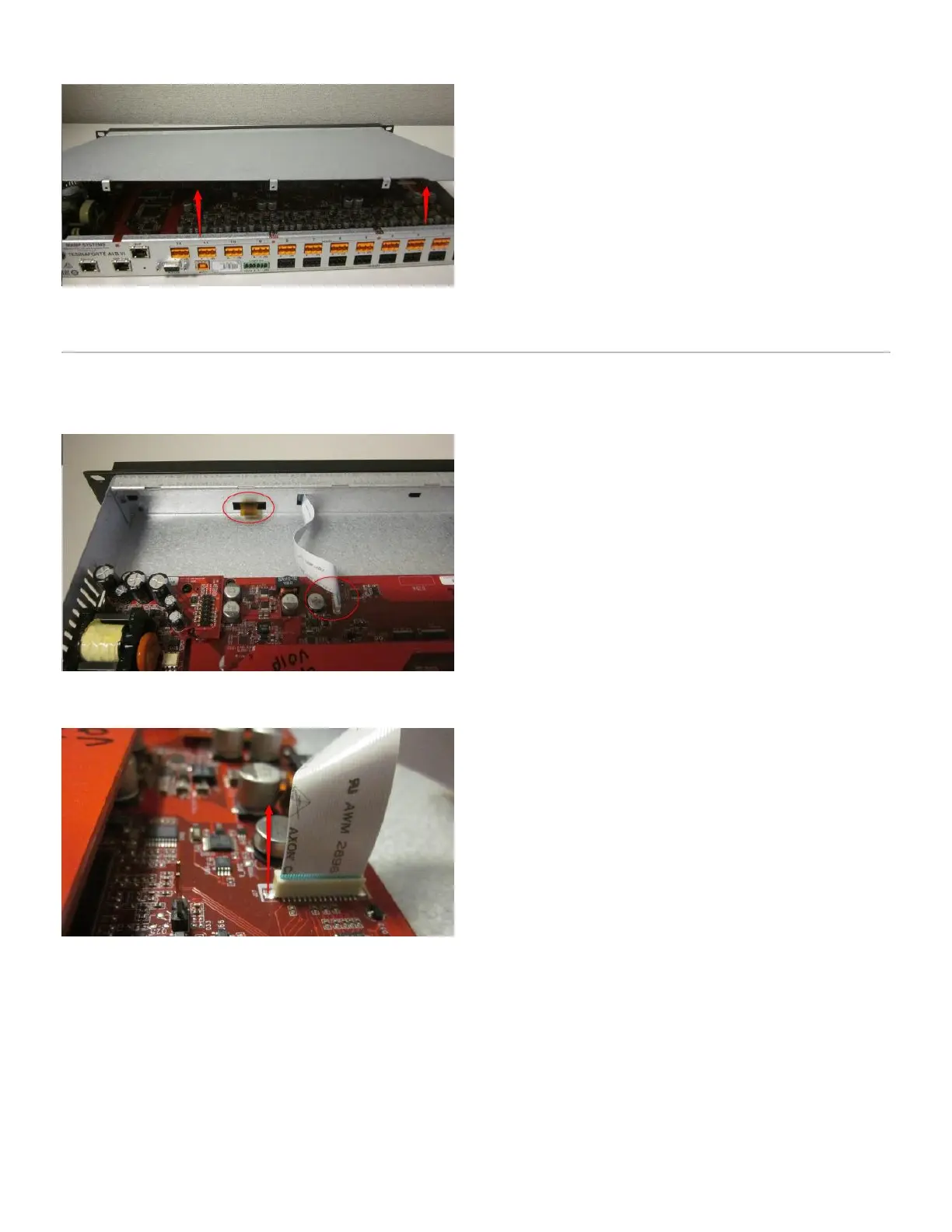
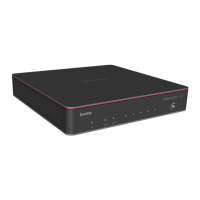
Before you remove the front panel, make note of the 2 ribbon cables on the TesiraFORTÉ. Take extra care to avoid
damaging these two cables. If they are damaged, the front panel LED screen may no longer function.
Unplug the white ribbing cable, grip gently and pull straight out of the connector.
Unclasp the front panel brackets and gently slide the front panel forward. Exercise caution to avoid damaging either
ribbon cable. Once the front panel is removed, rest it face side down to reduce the change of damaging the cables.
Copyright 2013-2020 Biamp Systems http://support.biamp.com/
2



 To Next Page