page 2 Installation and Operation Guide TesiraFORTÉ
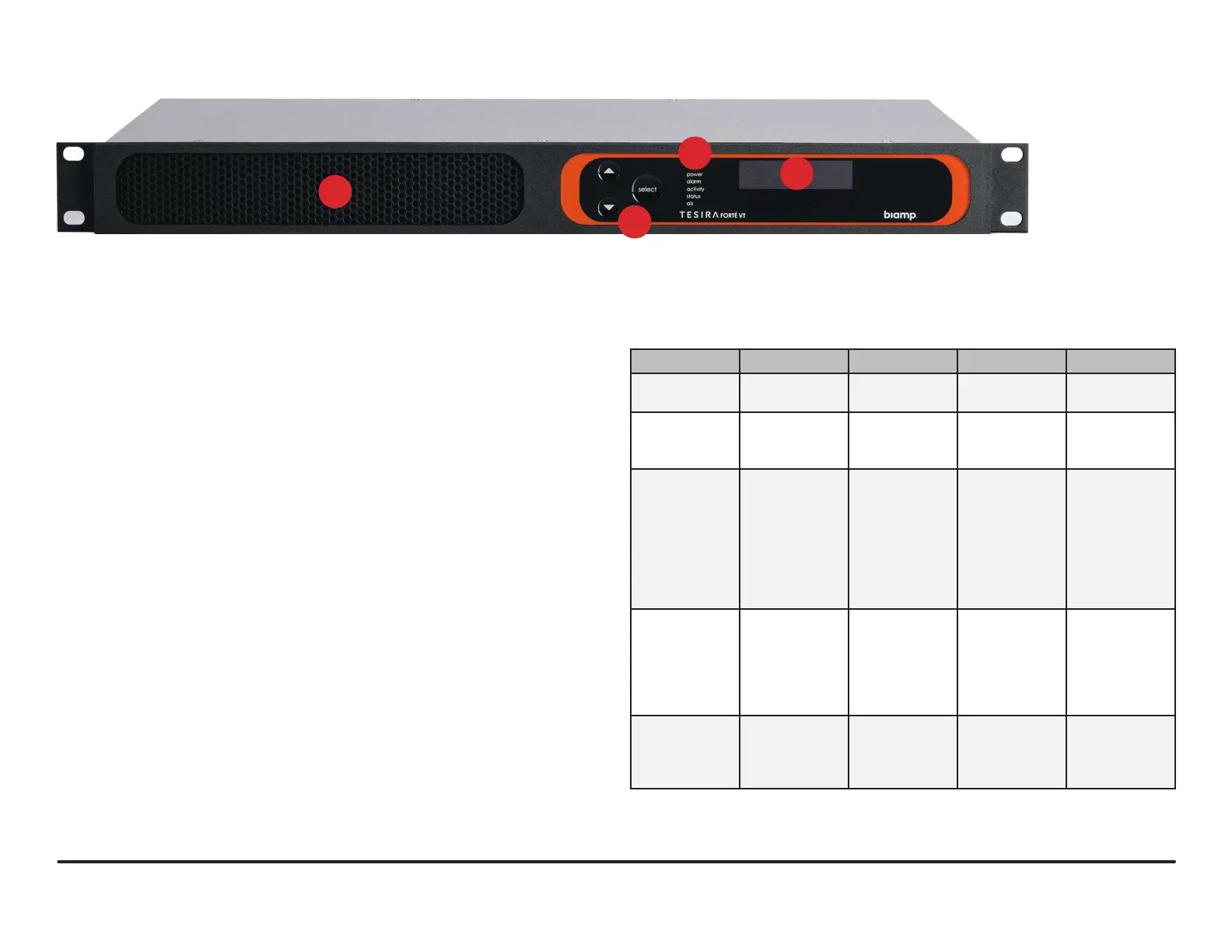
1. Ventilation fan cover
Each device has a perforated cover to allow cool air into the chassis. A variable
speed, temperature-controlled fan allows air to circulate through the unit from
front to the back left and right sides. Make sure nothing obstructs the air-
circulation perforations.
2. Display Navigation Buttons
Capacitive-touch buttons allow navigation through the OLED display menu to
view and configure device and networking information, as well as view system-
wide faults. Navigate the display using the touch-sensitive UP, DOWN and
SELECT buttons.
3. LED Status Indicators
Five multi-color LEDs on the front panel of the device provide information about
the status of the device and the Tesira system.
• Power – Reports power of the host device and Front Panel Display.
• Alarm – Reports abnormal conditions local to the host device.
• Activity – Reports the activity of host device within the greater system.
• Status – Reports the status of host device.
• AIS (Alarm In System) – Reports abnormal conditions within the greater
system.
4. OLED Display
The OLED display provides information about the server device as well as the
Tesira system that is connected to the server. The OLED display is read-only.
TesiraFORTÉ FIXED I/O SERVER DEVICES FRONT PANEL
LED Off Green Yellow Red
Power Unit is not
powered
Unit is powered Not applicable Not applicable
Alarm No fault is
active in the
device
Not applicable Minor fault is
active in the
device
Major fault is
active in the
device
Activity Not applicable The host
device is an
active part
of an active
system
Not applicable The host
device is part
of an inactive
system (Audio
is stopped) or
host device is
not part of a
system
Status Not applicable Device has
received its
conguration
and is ready to
participate in
the system
Device is ready
and waiting
to receive a
conguration
Device is
not ready to
receive its
conguration
AIS
(Alarm In
System)
No fault is
active in any
device in the
system
Not applicable Minor fault
is active in a
device in the
system
Major fault
is active in a
device in the
system
1
2
3
4
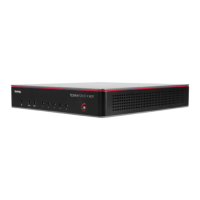
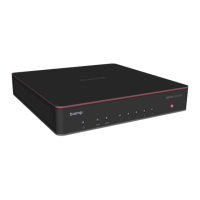
Figure 1. TesiraFORTÉ Front Display



 To Next Page