5.3 Panel Setup
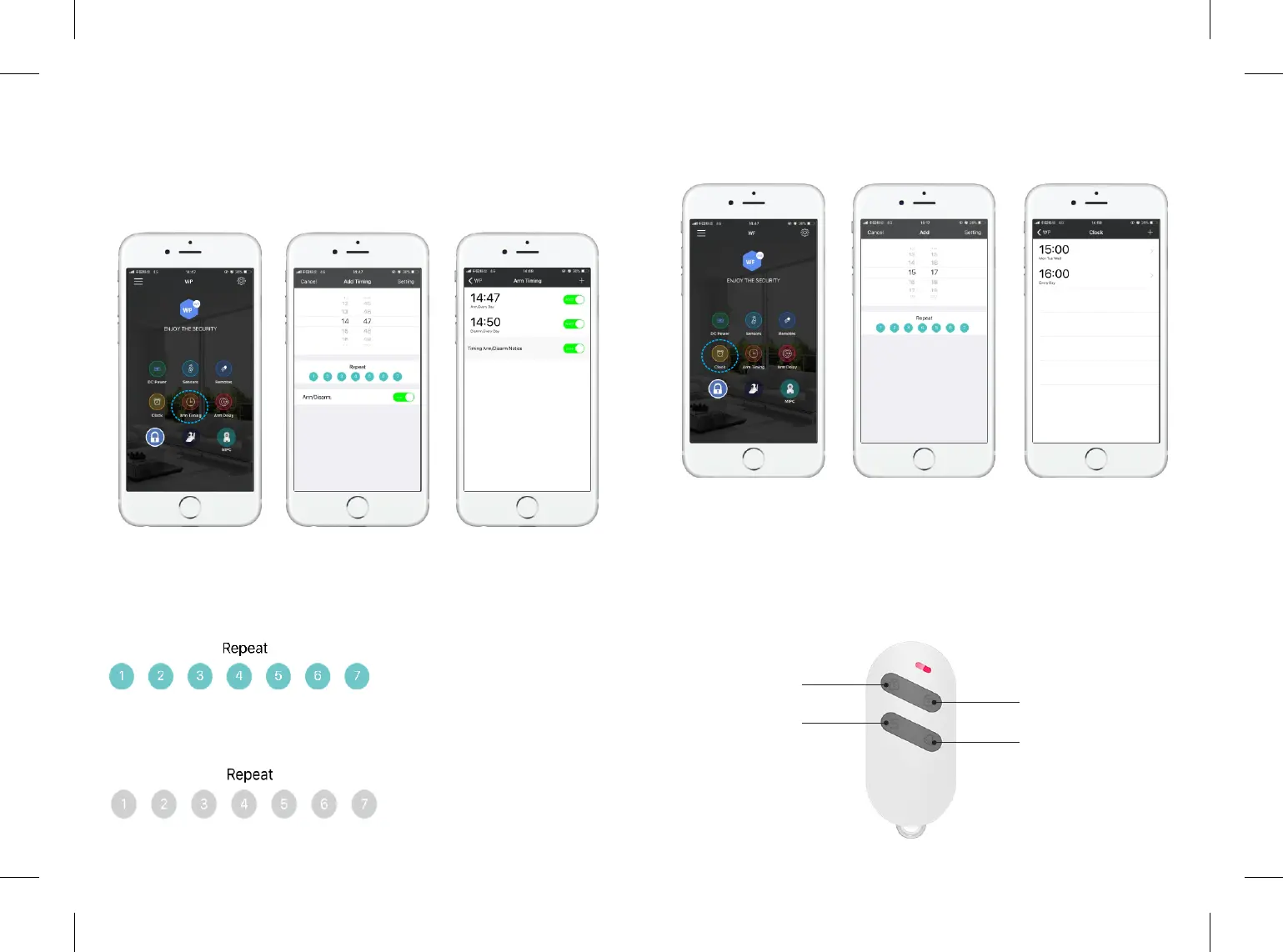
1) Arm Timing (Auto Arm/Disarm)
Tap "Arm Timing" to setup the auto arm/disarm ming funcon. Customer can
setup the repeat me from Monday to Sunday(1-7).
Please Note: Dark blue means repeat acve, light blue means repeat inacve.
If you wan to test the auto arming funcon, please set up the tesng me
aer the current me, otherwise, it will alarm the next day.
Acve:
Inacve:
2) Clock (Alarm Clock Funcon)
Tap "Clock" to setup the alarm me, also can be repeat seng from Monday to
Sunday. Only available to set up 2 alarm clocks.
5.4 Add and Delete Accessories
Important: Please keep panel under "Disarm" status when you add accessories.
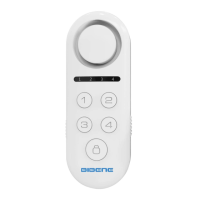
Rc352 remote control is delicate and easy to carry. It can be aached to your
key ring, or put into your pockets or purses. When you are about to exit or enter
the house, you can use the remote control to arm or disarm the system. Or
press SOS buon to acvate the alarm immediately.
Overview
Disarm
Volume Switch
Arm
SOS
9 10
7
7
7
7
7
7


 To Next Page