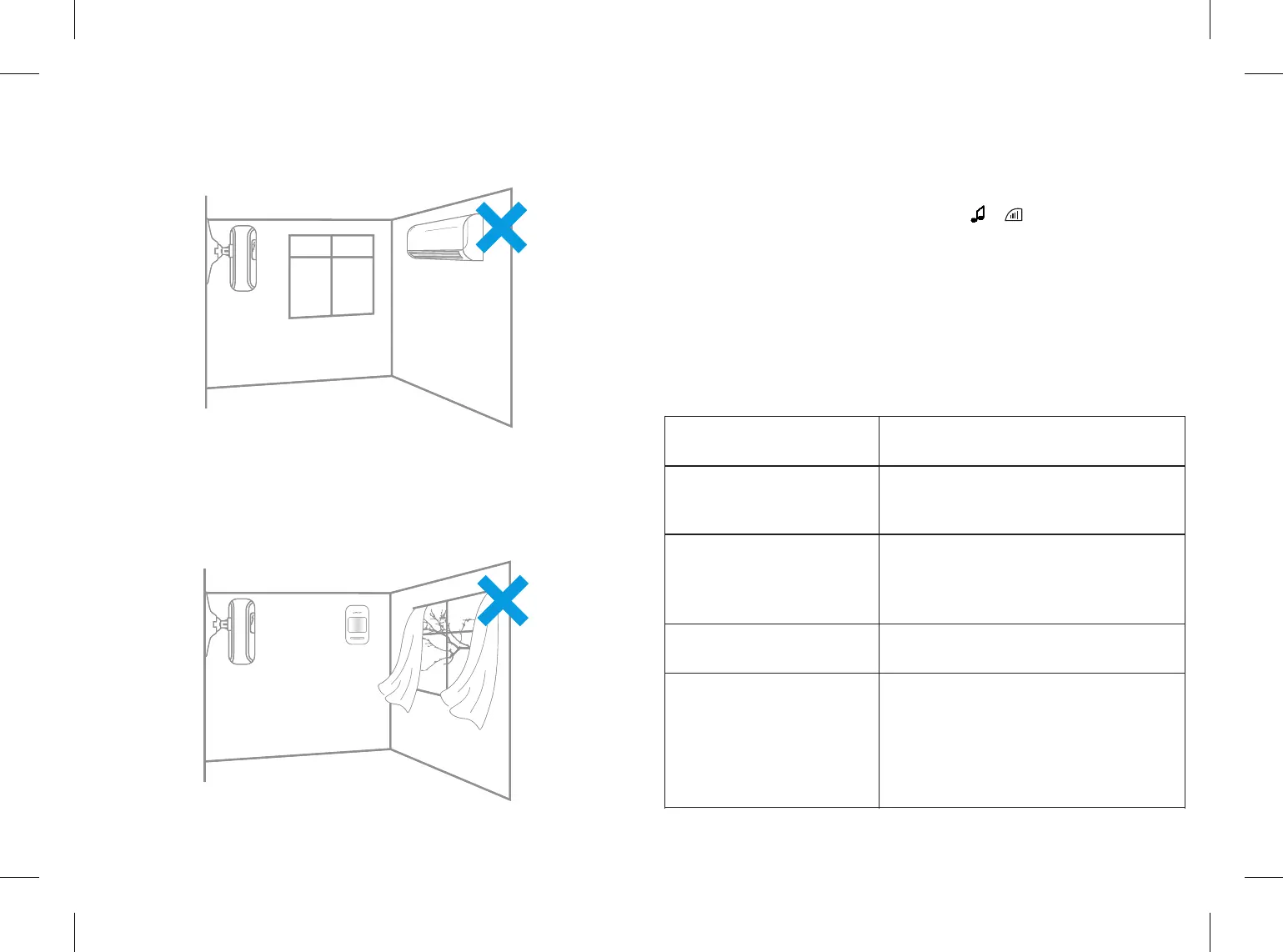
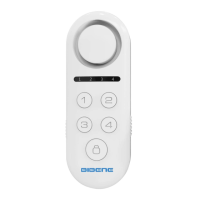
2. Avoid infrared detectors facing to or close to heat/cold sources;
Heat/Cold sources, such as heaters, air condioner, microwave oven which
may cause false triggering.
3. Avoid two PIR sensors placed in the same space.
There will be interference phenomenon caused by trigger at the same me if
several sensors installed in same place.
4.Avoid installing infrared detector at outside, and it's only for indoor use.
6.Restore to Factory Setting
Operaon steps:
1)Cut off the power of main panel: Plug out both AC adaptor and the backup
AAA baery
2)Reboot the main panel: Long press and hold & buon to open the host,
LED light on the host will flash 10 mes with 4 beep sound at the same. Then
the Red lights flash rapidly,Done!
Note: Restoring factory seng only works on host parameter, it doesn’t effect
all accessory seng or alarm recording.
7.Trouble Shooting
Queson
Why I cannot setup
the auto arm me?
Why my moon sensor
keep alarming even I
disarmed the system?
Why my remote doesn’t
work aer using a while?
Why I cannot receive
the noficaon?
Answer
Customer should set up the auto arm or
disarm me aer current me, otherwise,
it will arm or disarm the me next day.
Please check the sensor adding page,
did you out your sensor into Emergency
sensor(Sensor 8)? If so, the sensor will
keep alarming even disarmed.
Please change the baery and try.
Please open the receive noficaon
buon on your phone, and please
check the seng page, does it open all
the noficaon receiving buon. Usually
you will receive noficaon in 5s, if not,
please restore the main panel and connect
again.
19 20


 To Next Page