Evobi Automations Pvt Ltd www.firepen3d.bibox.in
A. SETTING UP YOUR Firepen 3D PRINTER
1. Attaching Power Supply and Powering On
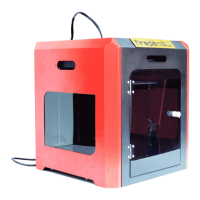
B.Firepen 3D printer AT A GLANCE
1. Installing Spool Holder and Mounting the Filament Spool
2. Preheating the Extruder
4. Leveling the Build Platform
D.MAKING AN OBJECT WITH 3D printer
1. Making a Test Object from the SD Card
Using Slicer Software Cura(一)
3. Tutorial of parameter setting
Display and Controller(二)


 To Next Page