Evobi Automations Pvt Ltd www.firepen3d.bibox.in
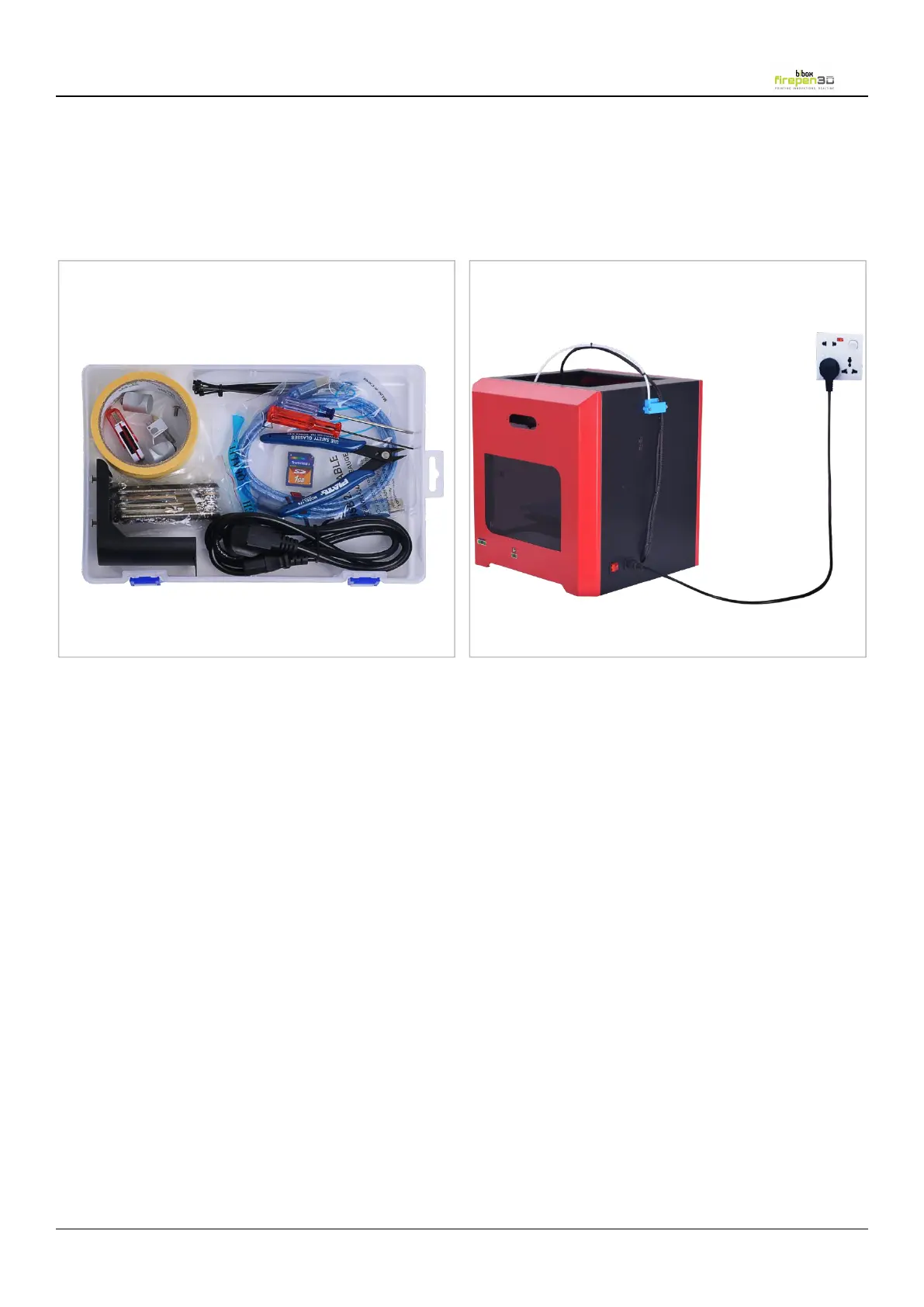
* Its very important to see to that, the Power socket that the Firepen 3D printer connects to, can source
atleast upto 15A current and 220V AC supply. Also, see to that, this power socket isn’t sharing with other
electrical appliances. Under supply of current can cause malfunction of the Firepen 3D printer unit.
A. SETTING UP YOUR Firepen 3D PRINTER.
1.Attaching Power Supply and Powering On


 To Next Page